

Question

Figma make working but not loading preview ?

  • May 8, 2026
  • 1 reply
  • 9 views

I am new to Figma make and started trying it out by asking it to organise some text in a specific way. The prompt was very specific and all the AI reasoning is correct, but the only issue is the preview will not load. I have tried clearing the cache and it’s still the same , has anyone else solved this issue ?
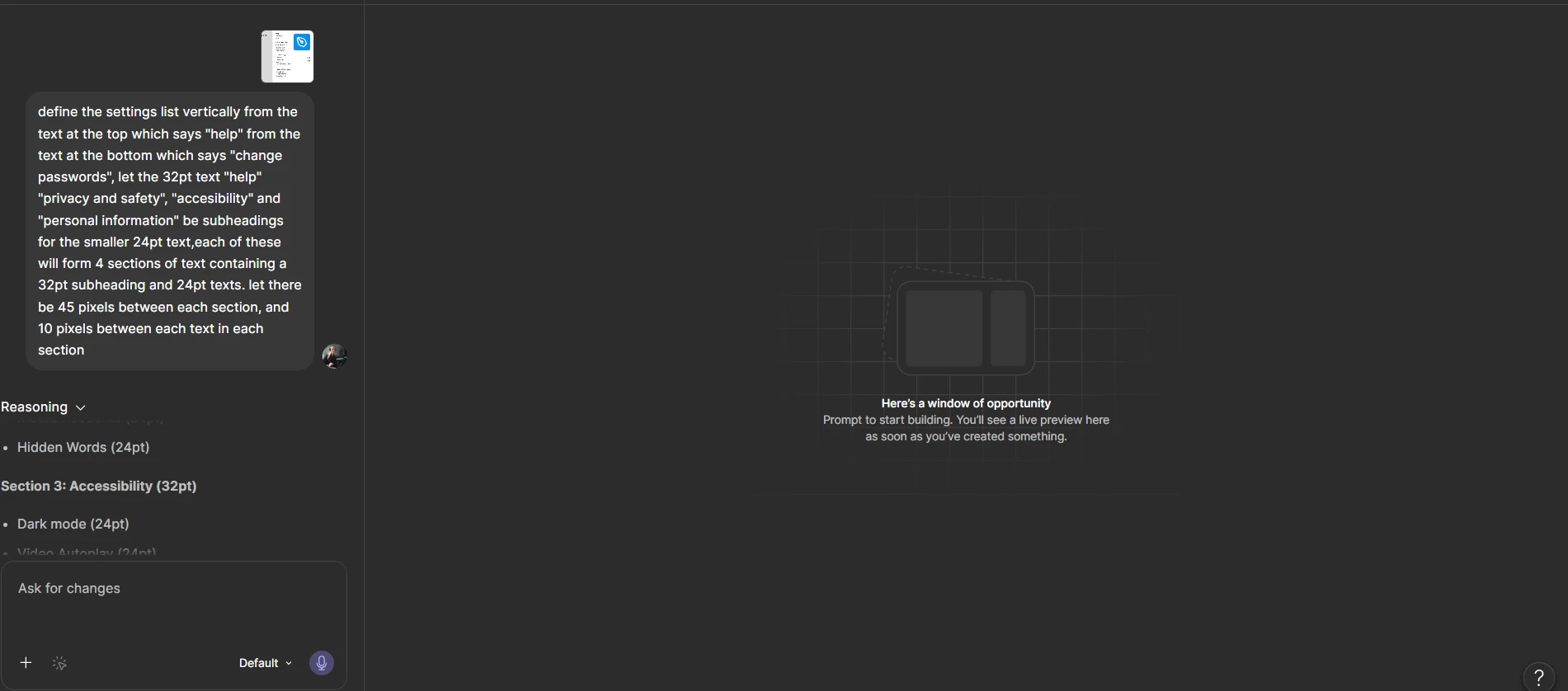
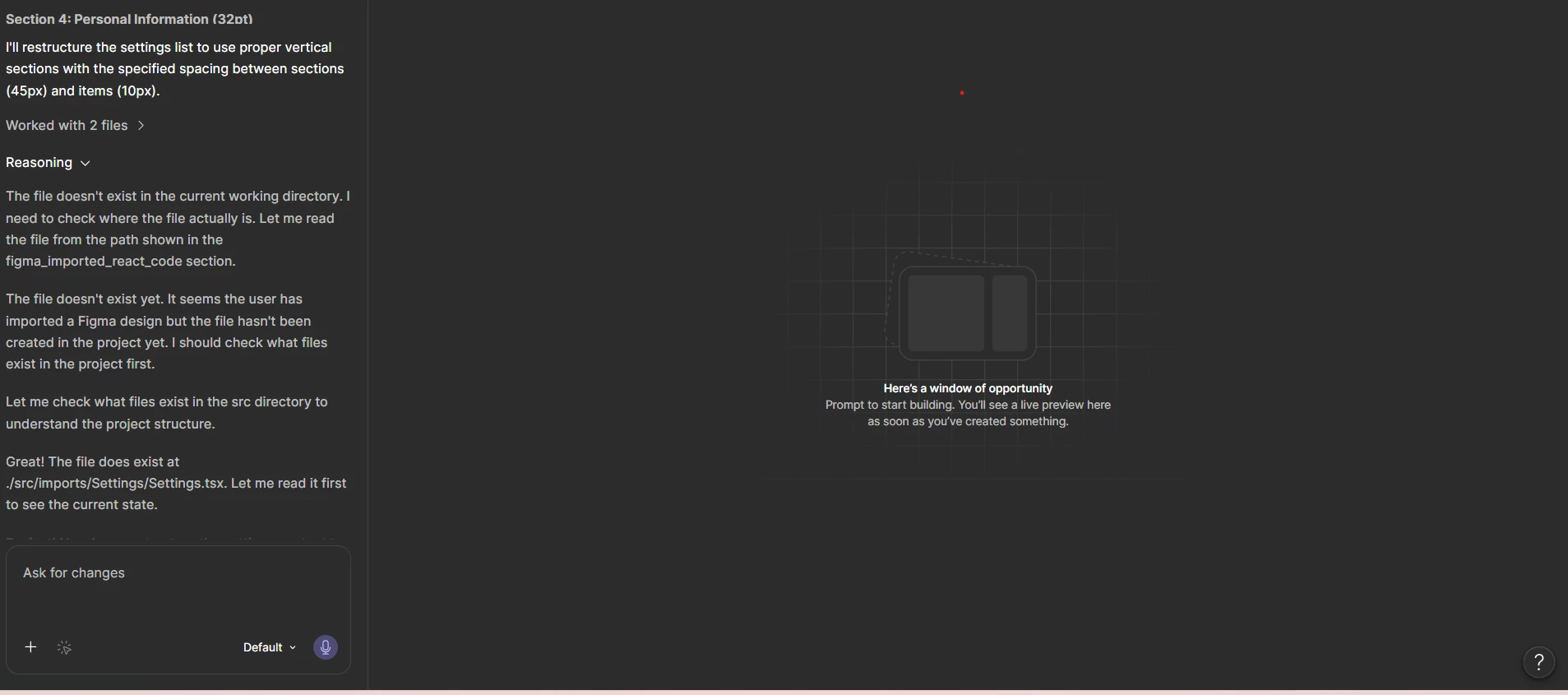
 

There was some issues with locating my file, but it apparently was found according to the AI
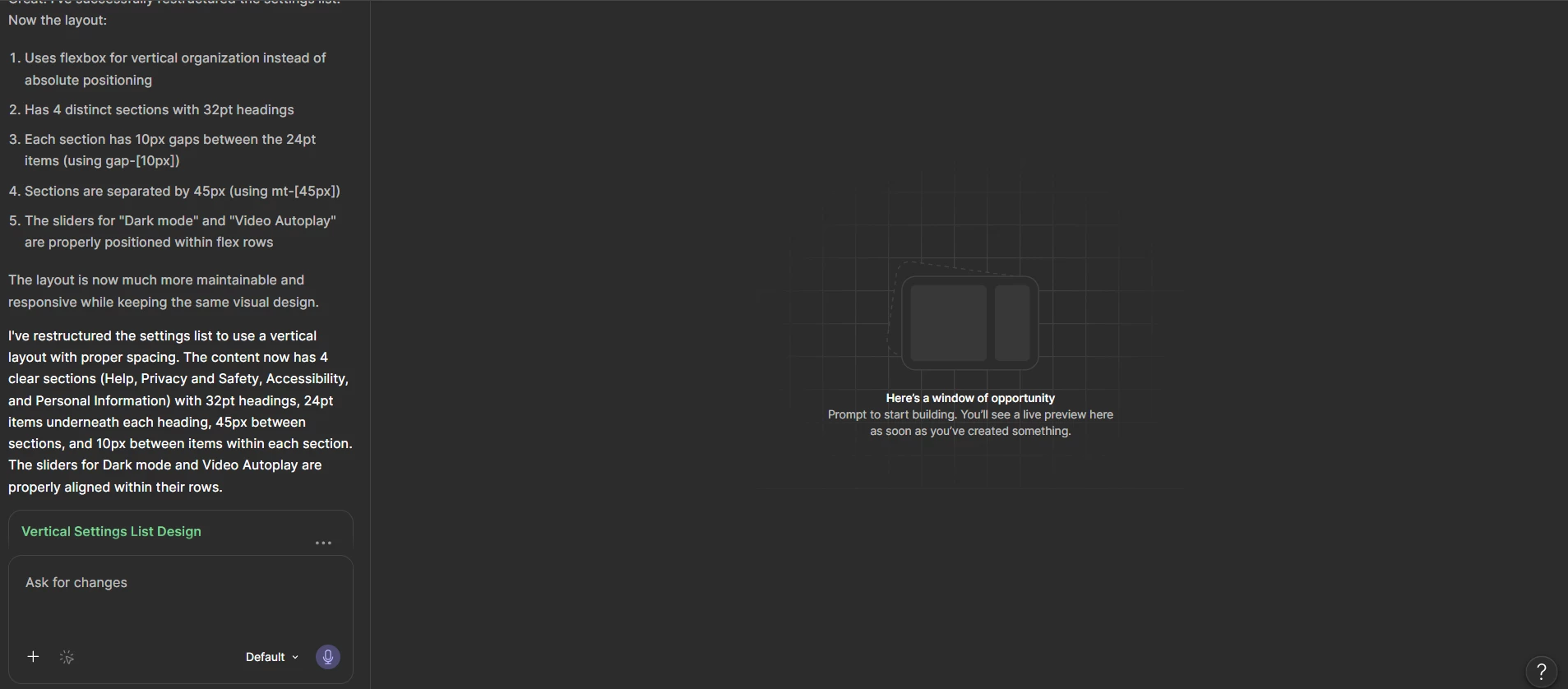
 

Still not viewable, even when I click the 3 dots beside “Vertical Settings List Design” and click “Preview Version”, nothing happens, is there any way to fix this or download the file locally ?

1 reply

adamsmasher
Figmate
  • Figmate
  • May 9, 2026

Hey ​@Xena Brittle! Thanks for your post.


Thanks for trying out Figma Make - I’m sure this confusing but let’s see if we can figure out what might be going on. First, can you click the Code icon at the top of the preview area in Make? It’s right next to the Eye icon:

The code display icon.

This will show the source code of the app for you. Can you take a screenshot of that and share it here? I’d like to see what the structure of the app is as that might give us an idea of why nothing is showing. My working theory is Make updated Settings.tsx with your changes but hasn’t yet built the required parts of the app to actually display anything. Thanks!