

Question
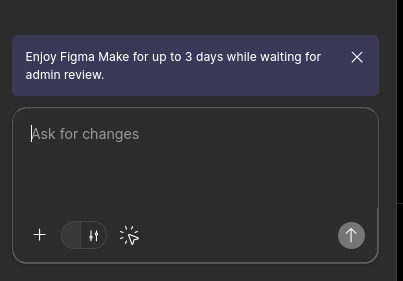
Figma Make "Select a Design Library" button is broken.
I’ve been iterating on a design in the Figma Make tool, and I’m using a design library, which I imported using the “Select a Design Library” button at the bottom of the prompt window.
However, I recently tried to get the AI to use an element in that library, and the design broke. Since then, the button has been empty, and the AI seems to think I don’t have any library selected. I can’t click anything to re-add the library, or to reset the button. I’ve had a coworker look at the design, and it’s also broken for them as well.
I can provide further info/console logs if it’s useful.