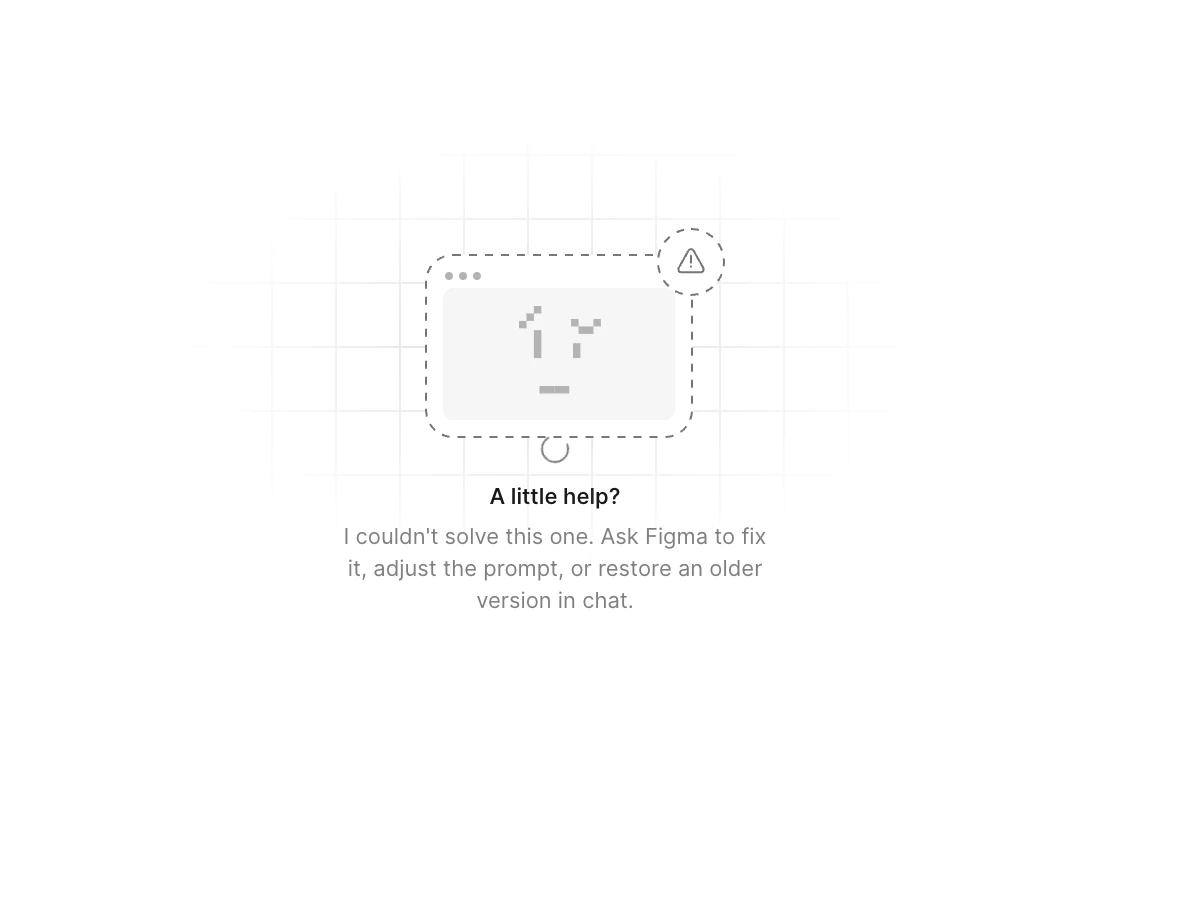
Click “Refresh preview” at the top of the preview area to see if that helps.
Try duplicating the Figma Make file to see if you’re able to continue working from the new copy.
If the issue persists, we’d love to take a closer look. Please fill out this quick form to help our team investigate further: https://figma.bot/submitreport
When submitting the form, be sure to include:
The URL of the file where the issue is occurring, and grant edit access to support-share@figma.com(No worries — granting access won’t affect your billing.)
A link to this Forum post, so our team can view the full context
This information will help us reproduce the issue and look into it more effectively.
I see that you’re already in contact with our Technical Quality team, and they've noted that our Engineering team is currently investigating the issue. Please wait for further updates through your support ticket.
I am experiencing the same problem with the preview link I shared for the make I created, which is not being displayed by the recipient. The screen that appears is identical to the one reported by the user above. I would like to know if you have solved the problem and, if so, how.
Hey @Marco Mattetti , Celine from Figma here. I am working closely with Junko and happy to help!
Thanks for checking in. While the screen you’re seeing looks the same as the one shared earlier in this thread, it’s a fairly generic screen that can be triggered by different underlying causes. So it doesn’t necessarily mean the root cause is the same in every case.
I understand what’s happening in your specific setup, our team will need to review your file directly. I can see that you’ve already reached out to the Support team, thanks for doing that! I’ve made sure your case is routed to our Technical Quality team, who are best equipped to investigate further. For reference, your case number is #1721487. (In your case, please share directly the URL of your file and grant view access to the impacted file by sharing it with support-share@figma.com if you haven’t yet. This will not impact your billing and will allow our Support and Engineering teams to reproduce the issue and investigate further.)
They’ll follow up with you directly once they’ve had a chance to look into it. Thanks for your patience!
I tried to write to support-share@gihma.com, but I am told that the group I am trying to write to does not exist or that I do not have access to write to it.
Hey @Marco Mattetti , sorry for the confusion here. I mean to invite support-share@figma.com with "can view" permissions so the Technical Quality team can take a closer look at it. Please continue directly your conversation with the Technical Quality agent, they replied to you directly via your email address mxxxco@cxxxr.it. Your case number is #1721487. Please take a look at your inbox when you can. They are best equipped to take a closer look at your case, thank you!
Thanks for flagging this, that does look odd. This may be in your junk or spam folder. Please check your Figma Community inbox here; I’ve sent you a message with some additional details. Thank you!
Update: I see your in on-going conversation with the Technical Quality team and they are currently investigating with the Engineering. Please continue directly the conversation via your support ticket, thank you!