

Question

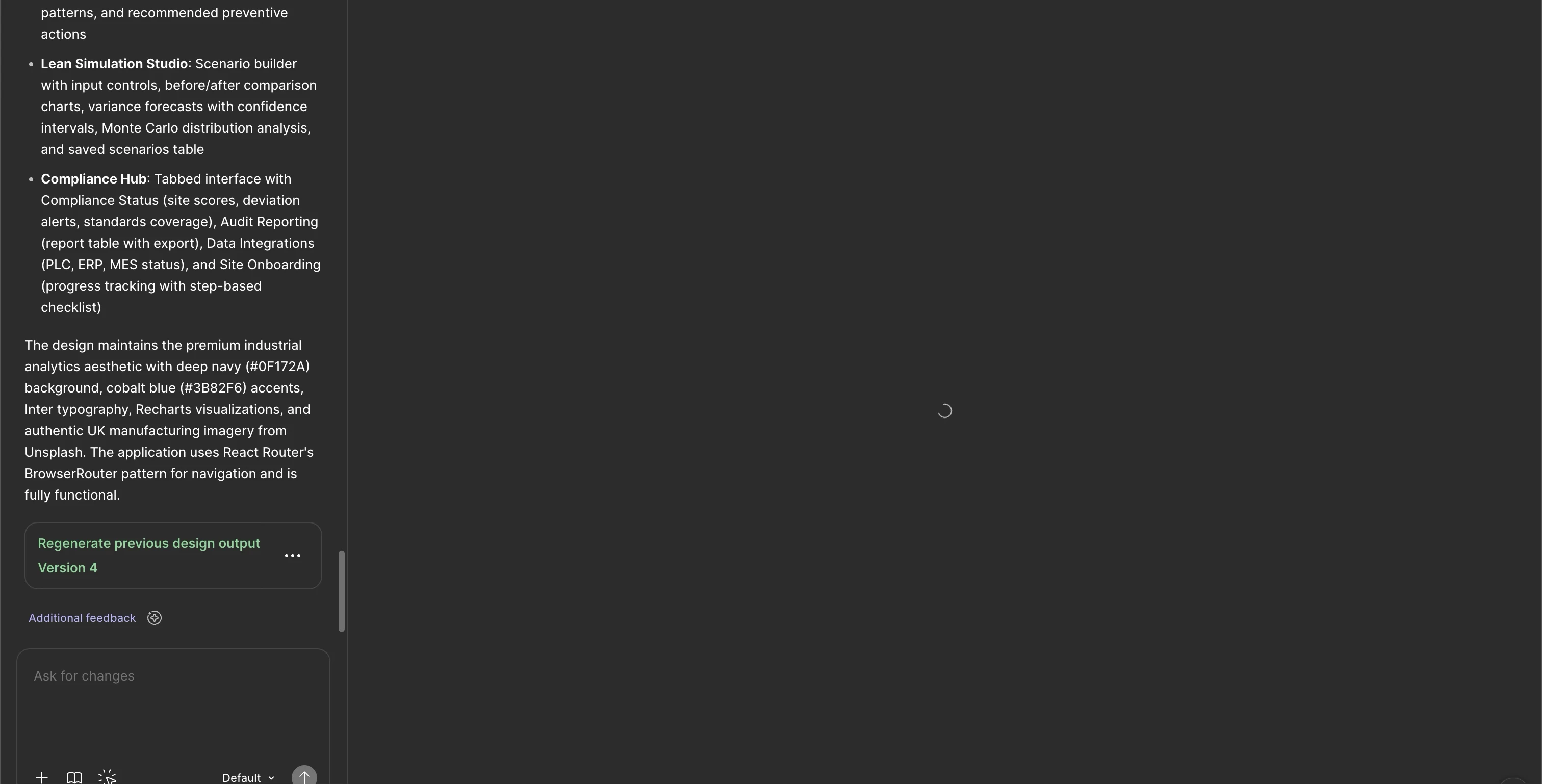
Figma Make Preview keeps on loading with no UI

  • March 25, 2026
  • 3 replies
  • 58 views

Amish Agarwal

I am not able to view my design on figma make, while in the backend the design has already been made. The loading icon is just running infinitely. 

1. This is happening on both desktop app and mobile app. I tried refreshing, restarting and flushing the cache but not helpful. 
2. This is happening for 70% of my files. 
3. When i publish the app on a domain, it shows flawlessly. But in the preview i am not able to see. 
4. I am not able to copy the frame on the artboard. 

I have premium subscription. My work is affected because of this. Please help with resolution. 
 

3 replies

Celyn_L
Figmate
  • Figmate
  • March 25, 2026

Hi ​@Amish Agarwal — Celyn from Figma Community Support here.

Thanks for sharing these details and the screenshot. I’ve gone ahead and created a support ticket (#1812985) on your behalf so the team can take a closer look.

When you have a moment, please share the impacted file with support-share@figma.com and grant “Can View” access — this will not impact your billing and will allow us to reproduce the issue and investigate further with Engineering.

The team will follow up with you via the inbox associated with your Figma account. Appreciate your patience while we look into this 🙏


Kashif_Ali
  • New Member
  • April 14, 2026

Hi @Celyn, I’m facing the same issue as well. Figma make always just keeps on preview for any file i create. 
The screenshot i attached , this file used to work fine but since like a month or two figma make’s preview is just on loading for every file 

I have already tried like everything, changing the net connection, switching between web app and browser, duplicating the file, switching between laptops…
Just now i have sent and invite to support-share@figma.com. So kindly look into this matter.


Celine_
Figmate
  • Community Support
  • April 14, 2026

Hey ​@Kashif_Ali , Celine from the Figma Community support here, working closely with ​@Celyn_L , happy to help!

Since you're seeing this error across most of your Figma Make files, this could be related to a network block on your end. It's worth checking your firewall/proxy/VPN settings to make sure Figma is allow-listed. Specifically:

  • Make sure *.figma.com and other addresses listed in this article are explicitly added to any allow-lists: Adjust your network settings
  • Confirm that Port 443 is unblocked

Also, could you try connecting to a different network to see if that makes a difference?

If the issue persists, I'd like our support team to take a closer look. To submit a bug report: go to the Support Hub / Type “Report a bug” / Click Start a chat and select Enter.
When submitting, please make sure to include:

  • The URL of the file and grant "Can View" access to support-share@figma.com if you haven’t already. This helps us to reproduce and investigate the issue.
  • A screenshot from the network check tool: click the ? icon in the right-hand bottom of your Make screen → select "Check network settings" → take a screenshot of the results and include it in the form. This is how to find the option:
  • ?name=inlineImage.png 

Thank you!