Question

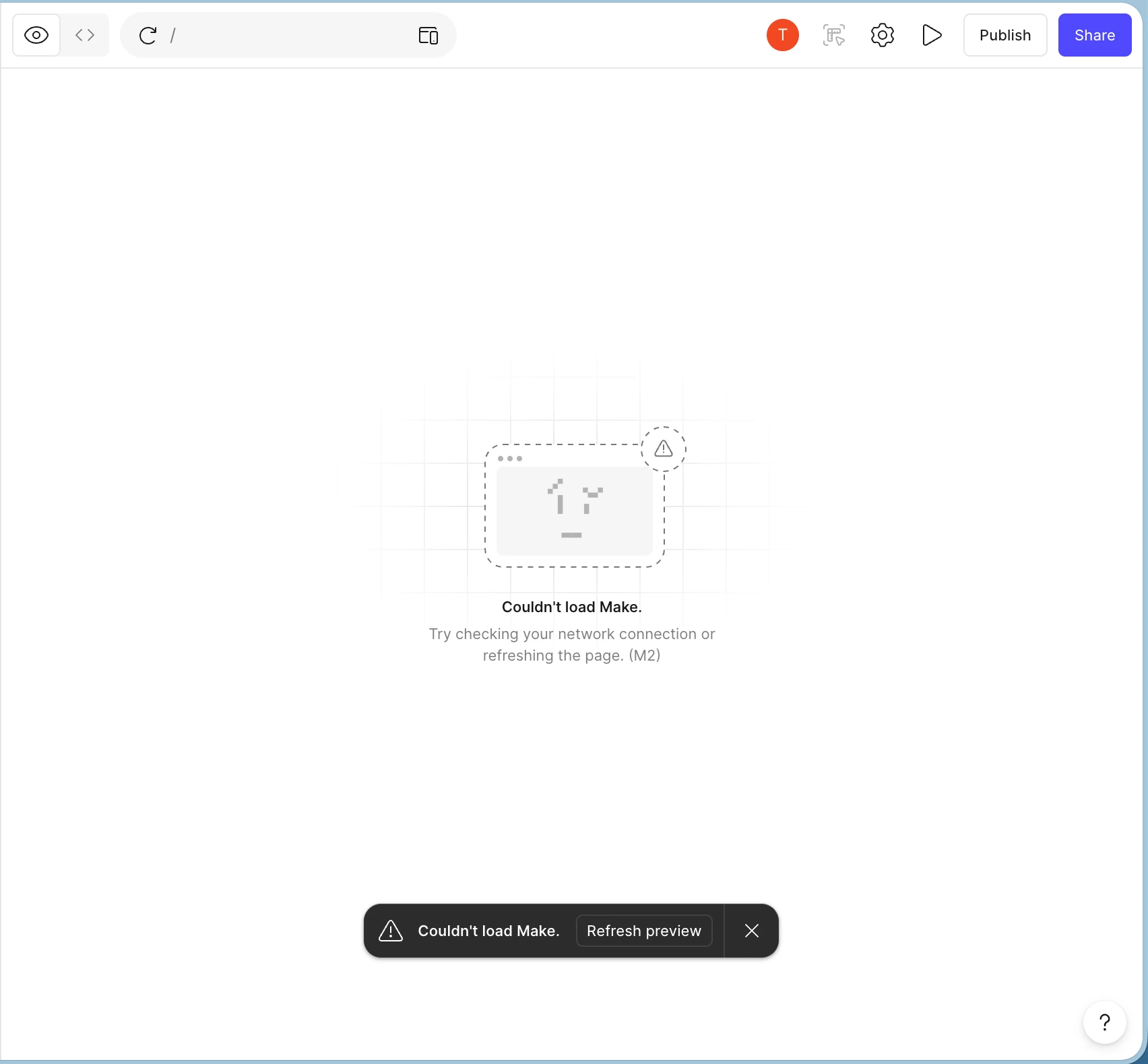
Figma Make preview error

  • February 18, 2026
  • 1 reply
  • 96 views

Tony-ing

Both the desktop app and the browser have been showing this error for the past 5 days, and I’ve tried almost everything: clearing the cache, reinstalling the browser, disabling extensions, switching to another device (iPad), and using a mobile hotspot. Is anyone else experiencing the same problem?

1 reply

  • Figmate
  • February 18, 2026

Hi ​@Tony-ing


I understand that you’ve been seeing the “Couldn’t load Make” preview error in both the desktop app and browser for the past 5 days, even after trying multiple troubleshooting steps.


To help narrow this down, could you please confirm the following:

  • Are you connecting through any VPN, proxy, or network security tools (such as Zscaler)?
  • Does disabling the VPN/proxy or switching to a different network resolve the issue?

If the issue does not occur when such tools are disabled, we recommend reporting this to your IT team for further investigation.


Additionally, could you please try opening the following links? Do they load and display “OK,” or do they load blank?:

If either link loads blank, please ask your IT team to ensure the following domains are explicitly allowlisted, as described in Adjust your network settings:

  • *.figma.com

  • *.figma.site

  • *.makeproxy-c.figma.site

  • *.makeproxy-m.figma.site

  • *.awswaf.com

  • esm.sh

  • jsdelivr.net

If you’ve tried all of the above and are still seeing the issue, please check the DM I’ll be sending you shortly. That way, we can collect the necessary information and connect you with our team if needed.


Thanks,