Answer

Figma make just deleted 90% of my project - 2 weeks of work gone, cannot be reverted

  • December 8, 2025
  • 3 replies
  • 38 views

Hi,

I need urgent assistance. I created a full interactive dashboard prototype in Figma Make, then added a homepage and login structure. When I tried to edit a single section on the homepage using Point to edit, the platform deleted the entire project except for the edited div.

My website, dashboard, and two weeks of work are completely gone.

I cannot revert the changes because the entire file structure and codebase were deleted — there is nothing to restore on my end.

I urgently need to know if you have any versioning or backup system that can recover the project immediately. I was scheduled to present this to investors today, and this loss is critical.

I contacted support three days ago but still haven't received a response.
Support ticket: 1629841

Please escalate this and help me retrieve the project as soon as possible.

Thank you.

 

Best answer by Celine_

Hey ​@K8e , thanks for reaching out to the Figma Forum, and sorry to hear about what happened with your Figma Make prototype.

I checked on my side, and I was able to see your ticket in the backend. I’ve escalated internally and added a note to your ticket so our team is aware of your follow-up. They’ll review your case as soon as possible.

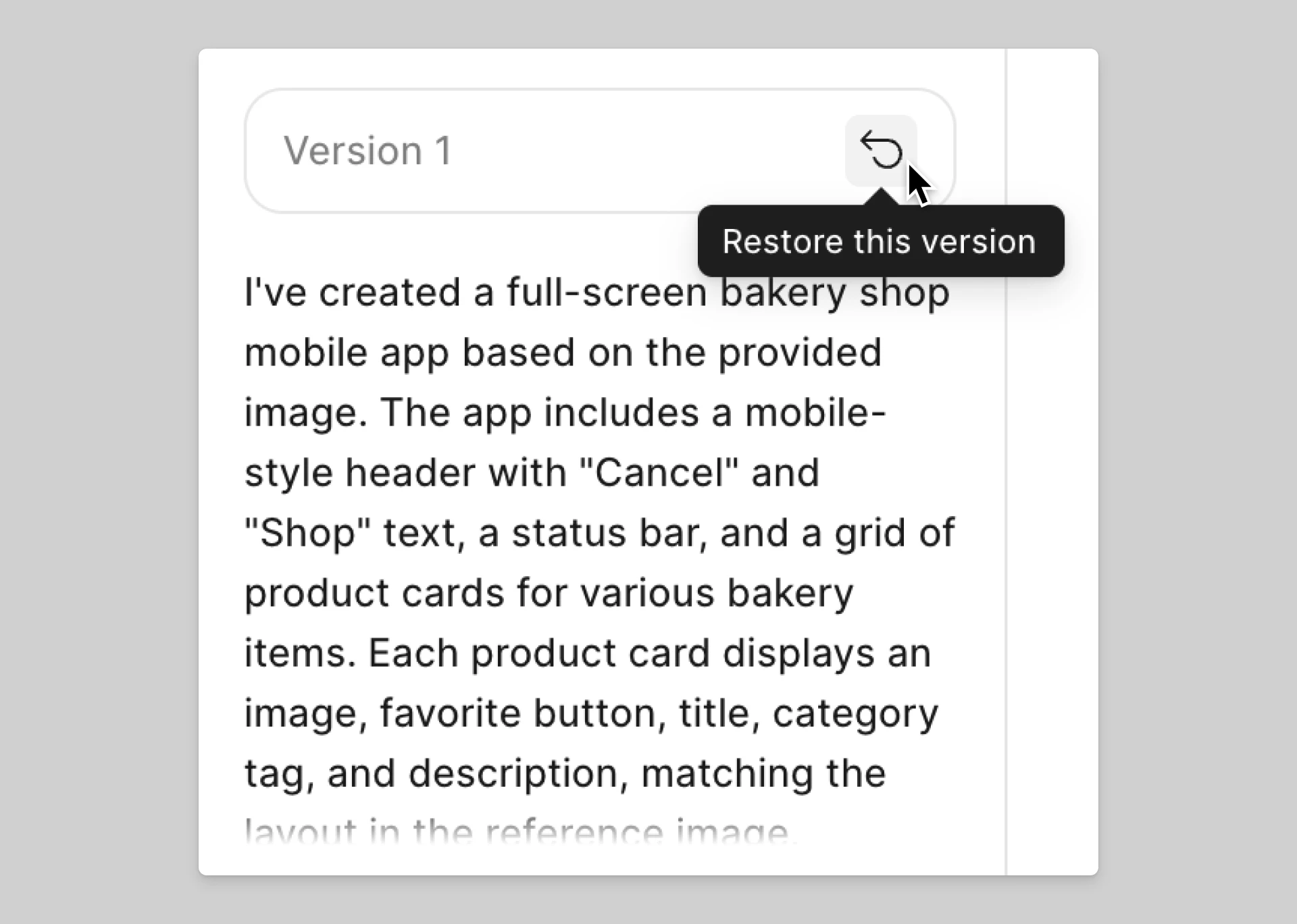
In the meantime, there is one thing you can try while waiting for the support team’s investigation. Figma Make automatically creates version checkpoints throughout your AI chat, so you may be able to revert your project to a state before the unwanted changes occurred.

Here’s how you can restore a previous version:
- In the AI chat, look for the ‘Restore this version’ button next to earlier versions
- Select the version you want to return to
- Click Restore this version

For more details, you can check our guide here.

A few important notes:

  • Restoring a version doesn’t delete later versions or steps of your conversation. You can switch back to them anytime.
  • Version history is the best immediate way to recover earlier working states while the support team investigates.

I know this situation is critical, and I’m really sorry for the disruption. Thank you for your patience while the team looks into your case, they’ll follow up with you directly through your support ticket.

3 replies

Celine_
Figmate
  • Community Support
  • Answer
  • December 8, 2025

Hey ​@K8e , thanks for reaching out to the Figma Forum, and sorry to hear about what happened with your Figma Make prototype.

I checked on my side, and I was able to see your ticket in the backend. I’ve escalated internally and added a note to your ticket so our team is aware of your follow-up. They’ll review your case as soon as possible.

In the meantime, there is one thing you can try while waiting for the support team’s investigation. Figma Make automatically creates version checkpoints throughout your AI chat, so you may be able to revert your project to a state before the unwanted changes occurred.

Here’s how you can restore a previous version:
- In the AI chat, look for the ‘Restore this version’ button next to earlier versions
- Select the version you want to return to
- Click Restore this version

For more details, you can check our guide here.

A few important notes:

  • Restoring a version doesn’t delete later versions or steps of your conversation. You can switch back to them anytime.
  • Version history is the best immediate way to recover earlier working states while the support team investigates.

I know this situation is critical, and I’m really sorry for the disruption. Thank you for your patience while the team looks into your case, they’ll follow up with you directly through your support ticket.


  • Author
  • New Member
  • December 8, 2025

Thanks, Celine.

I’ve now managed to revert to an earlier version of the project.

However, when I tried to do this on Friday, it did not work. I kept getting a message along the lines of: “Cannot revert, the files are missing. There’s nothing to do here.”

I’m still very concerned about what caused this issue and how I can avoid it in the future. At this point, the system feels unreliable for production work, and I need to understand whether this was a bug, an edge case, or expected behaviour.

Could you please explain what happened and what steps I should take to prevent this from occurring again?


Celine_
Figmate
  • Community Support
  • December 8, 2025

Thanks for the update, I’m really glad to hear you were able to restore an earlier version!

Regarding the “Cannot revert, the files are missing” message you saw on Friday, it’s difficult to determine the exact cause from the Forum side. This is something our support team will need to investigate more closely, since understanding what happened requires looking at file-specific details.

I can see that your support ticket is still open, and it has already been escalated to our Technical Quality team. They’re currently waiting for your response, so when you have a moment, please reply directly in your ticket. They’re the best equipped to review what happened on the backend and confirm whether this was a bug, an edge case, or expected behavior.

Thank you again for your patience while they continue the investigation with you. Since you were able to restore your file, I’ve gone ahead and marked this thread as solved here.