Eight
New Member
August 1, 2026
Solved

Figma Make is not working

  • August 1, 2026
  • 14 replies
  • 208 views


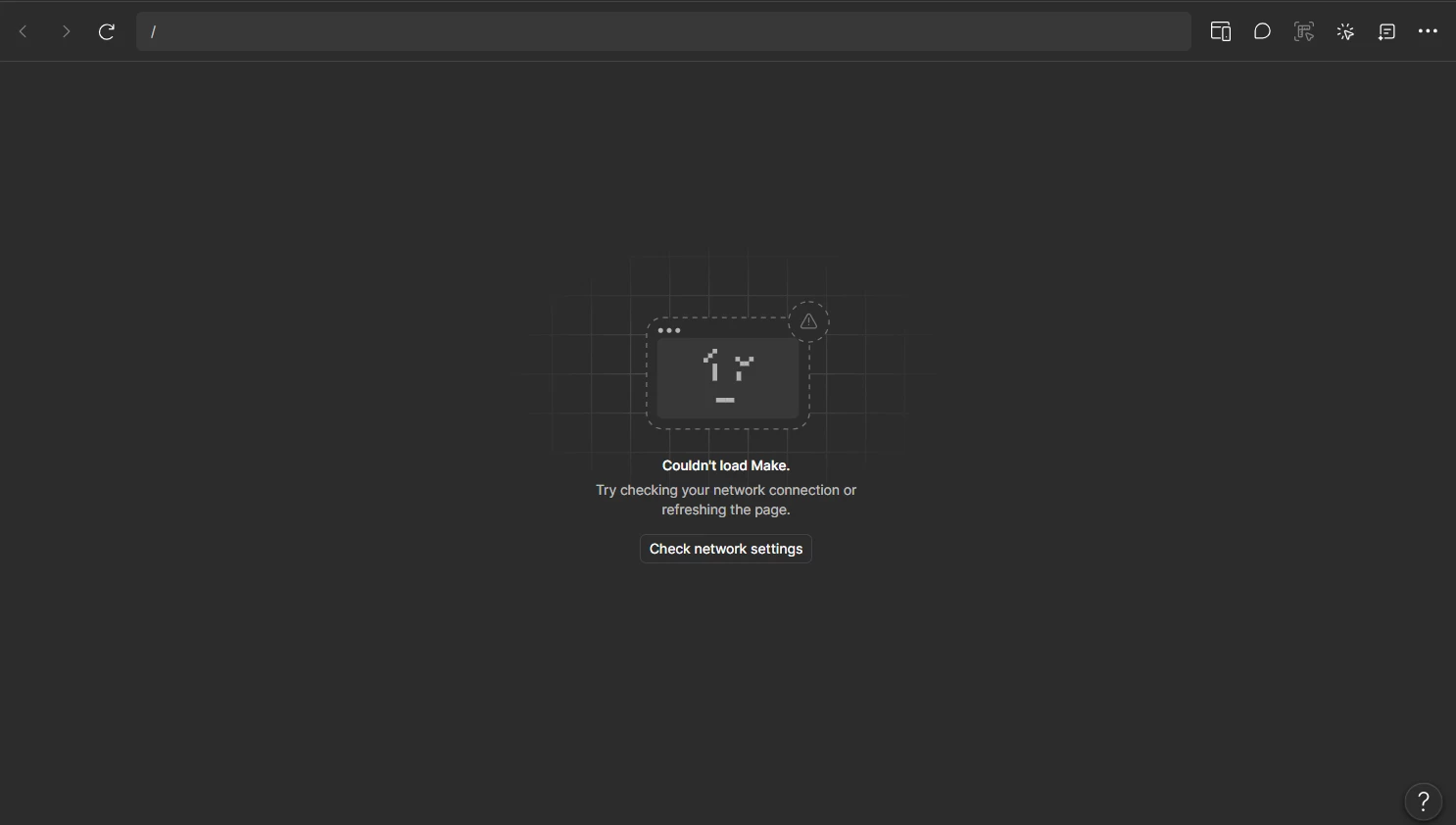
i have been trying to make something from figma make but it is not able to load and giving me this error. i tried in desktop or web browser i get the same error. How to fix it? i have full credit 

Best answer by Tom Reem

Hi ​@Eight, I’m checking back in as I've touched base with the Technical Quality team. Good to hear things are working again after switching your DNS server, and thanks for sticking with it through the back-and-forth.

Adding this update here for anyone else who lands on this thread with *.makeproxy-c.figma.site showing as blocked — it's one of the domains Figma needs reachable, listed here: Adjust your network settings.

If it's already on your allowlist and still isn't loading, it's worth checking whether your DNS server can resolve it. Switching to Cloudflare's public DNS has helped in some cases.

On Windows:

  1. Open SettingsNetwork & internet.
  2. Select your active Wi-Fi or Ethernet connection.
  3. Find DNS server assignment and click Edit.
  4. Change Automatic (DHCP) to Manual.
  5. Turn on IPv4.
  6. Set Preferred DNS to 1.1.1.1.
  7. Optionally, set Alternate DNS to 1.0.0.1.
  8. Save your changes, restart your browser, and try Figma Make again.

This may not be the answer every time, but it's a quick one to rule out — and if you do try it, let us know whether the preview loads. That helps us understand how widely this is affecting people.

We're keeping watch for related reports in the meantime. If anything unexpected comes up, don't hesitate to post — a screenshot of the error along with the steps leading up to it will help us take a deeper look.

14 replies

shaikh.dastagir
New Member
August 18, 2026

Hi Tom,

Thanks for getting back to me. I’ve already checked the network configuration and confirmed that the required domains are properly allowed. I’ve also tested this across different devices, networks, and Figma accounts, but the issue is still consistently occurring.

Since the problem persists even after ruling out a device, account, or network-specific issue, I believe this may need a closer look from the Figma side.

[Moderator note: This post was merged from Figma Make – Live Preview Fails Across All Files and Accounts (Published Prototype Works) into Figma Make is not working on 18-Aug-2026.]

Tom Reem
Figmate
Figmate
August 18, 2026

Hey ​@shaikh.dastagir, thanks for confirming all that — and sorry it's still happening. Since you've already ruled out the network, account, and device, this lines up with another report we recently solved: Even with the domain allowlisted, *.makeproxy-c.figma.site can fail to load if your DNS server can't resolve it.

I've merged your post here so it's all in one place. The fix that worked was switching to Cloudflare's public DNS (1.1.1.1) — full steps are in my best answer above. Give it a try and let us know if the preview loads.

[Moderator note: This post was merged from Figma Make – Live Preview Fails Across All Files and Accounts (Published Prototype Works) into Figma Make is not working on 18-Aug-2026.]

shaikh.dastagir
New Member
August 18, 2026

Hi Tom,

I changed my DNS configuration, and after doing so, Figma Make’s live preview started working ✅ perfectly. This confirms the issue was related to DNS/network resolution. Thanks for pointing me in the right direction. Kudos to you.


Thanks, SK

Tom Reem
Figmate
Figmate
August 18, 2026

Thanks for keeping me updated and, again, for your patience. I’m so glad to hear it worked! 🙌🏻

Happy to help if anything else pops up.

