Figma Make fails to load after Education plan downgrade
Hello, I am experiencing an issue with Figma Make that started after my Education plan expired and my account was downgraded to the Starter plan.
Issue description
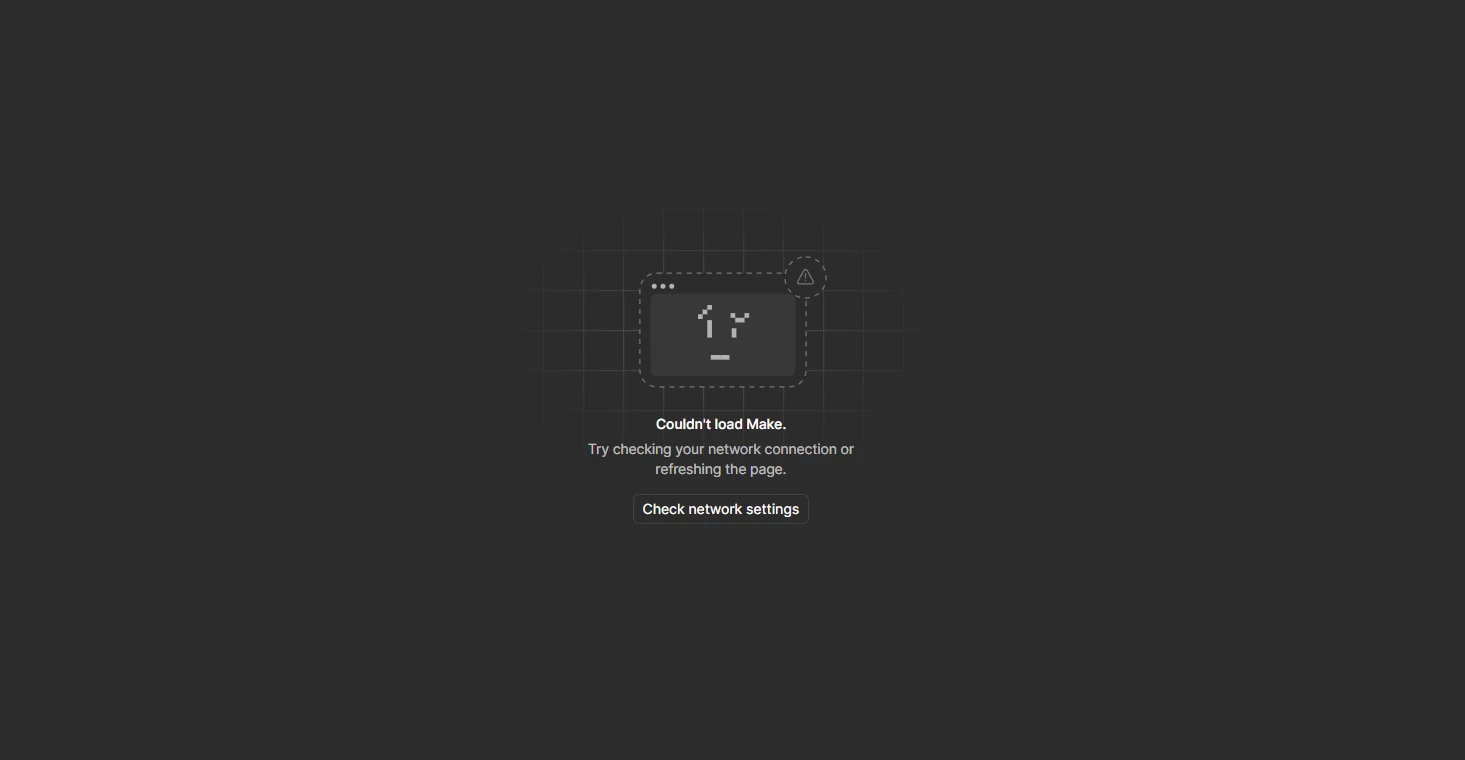
All my Figma Make files fail to load. The editor appears briefly for around 1 to 2 seconds, then displays this error:
"Couldn't load Make. Try checking your network connection or refreshing the page."
This happens with all my existing Make files, as well as newly created ones. The affected files are located in Personal Drafts.
Troubleshooting already performed
-
Tested using my regular internet connection and a mobile hotspot. The issue persists on both.
-
Checked Figma network compatibility using both checks:
https://check-network-compatibility.figma.site/
https://check-network-compatibility.makeproxy-c.figma.site/Both checks reported that the required network connections were accessible.
-
Refreshed the page and tested multiple Make files. The same issue occurs across all of them.
Additional account information
My Education plan expired recently, and my account was downgraded to Starter.
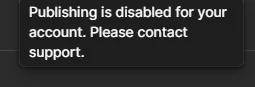
Around the same time, I also encountered this publishing error:
"Publishing is disabled for your account. Please contact support."