Question

figma make error

  • April 13, 2026
  • 1 reply
  • 11 views

Bo kyeong Kim


Situation:
I was using an education account in Figma. I used all my credits in Figma Make, so I created a professional account.

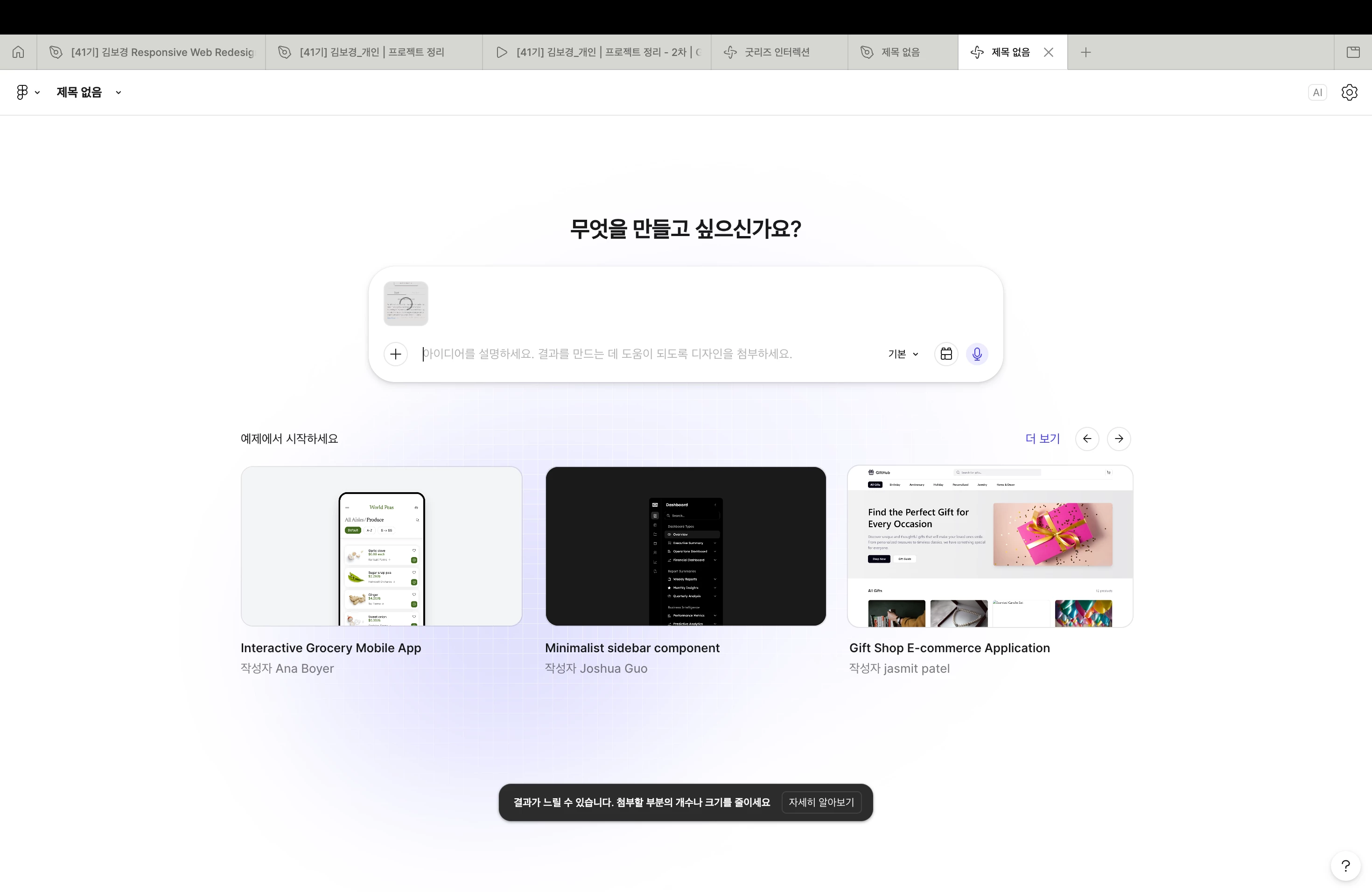
Now I’m trying to copy and paste the same frame into Figma Make, but I keep getting an error saying:
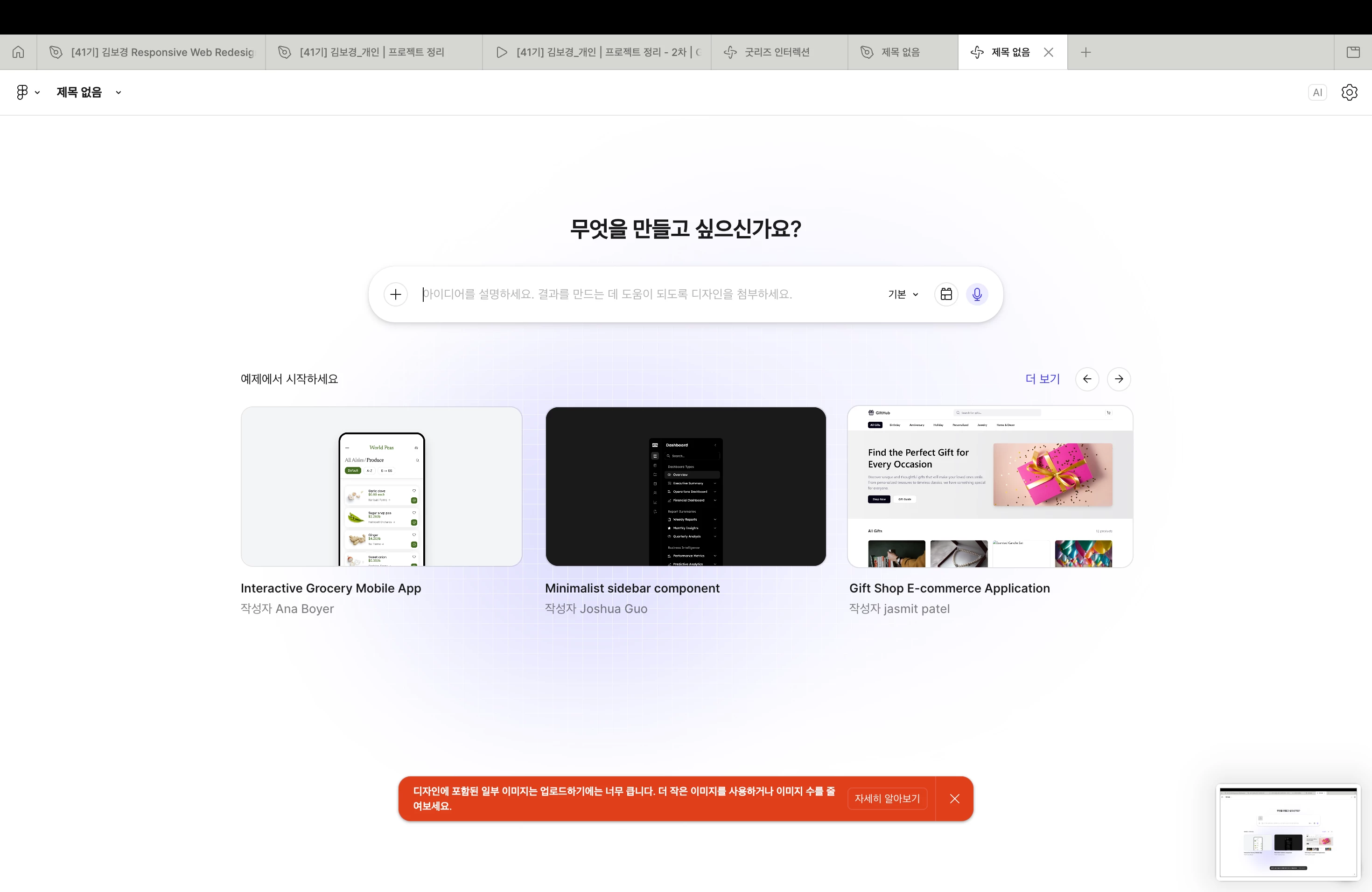
“The image is too large. Please reduce the number of images or use smaller image sizes.”

Question:
What should I do to fix this?


1 reply

Celine_
Figmate
  • Community Support
  • April 13, 2026

Hey ​@Bo kyeong Kim , happy to help! Sorry you’re running into this with Figma Make. The error  “The image is too large. Please reduce the number of images or use smaller image sizes” means the frame you’re pasting includes images that exceed the size limits.

Here are a few things to try:

  • Reduce image sizes: Lower the resolution of the images in your file before pasting them into Figma Make.
  • Split the frame: Break a large frame into smaller sections and paste them separately.
  • Use lighter placeholders: Swap out large images for lighter placeholders temporarily, paste the frame into Figma Make, and replace them afterwards to see if that helps.

If it’s still not working, please submit a support request so the team can take a closer look at your file. To do that: Go to the Support Hub / Type “Report a bug” / Click Start a chat and select Enter / In the form, include the URL of the file and grant "Can View" access with support-share@figma.com This allows us to reproduce the issue and investigate, thanks!