

Figma Make eliminó todo mi proyecto

  • May 19, 2026
  • 7 replies
  • 59 views

Pablo Nava

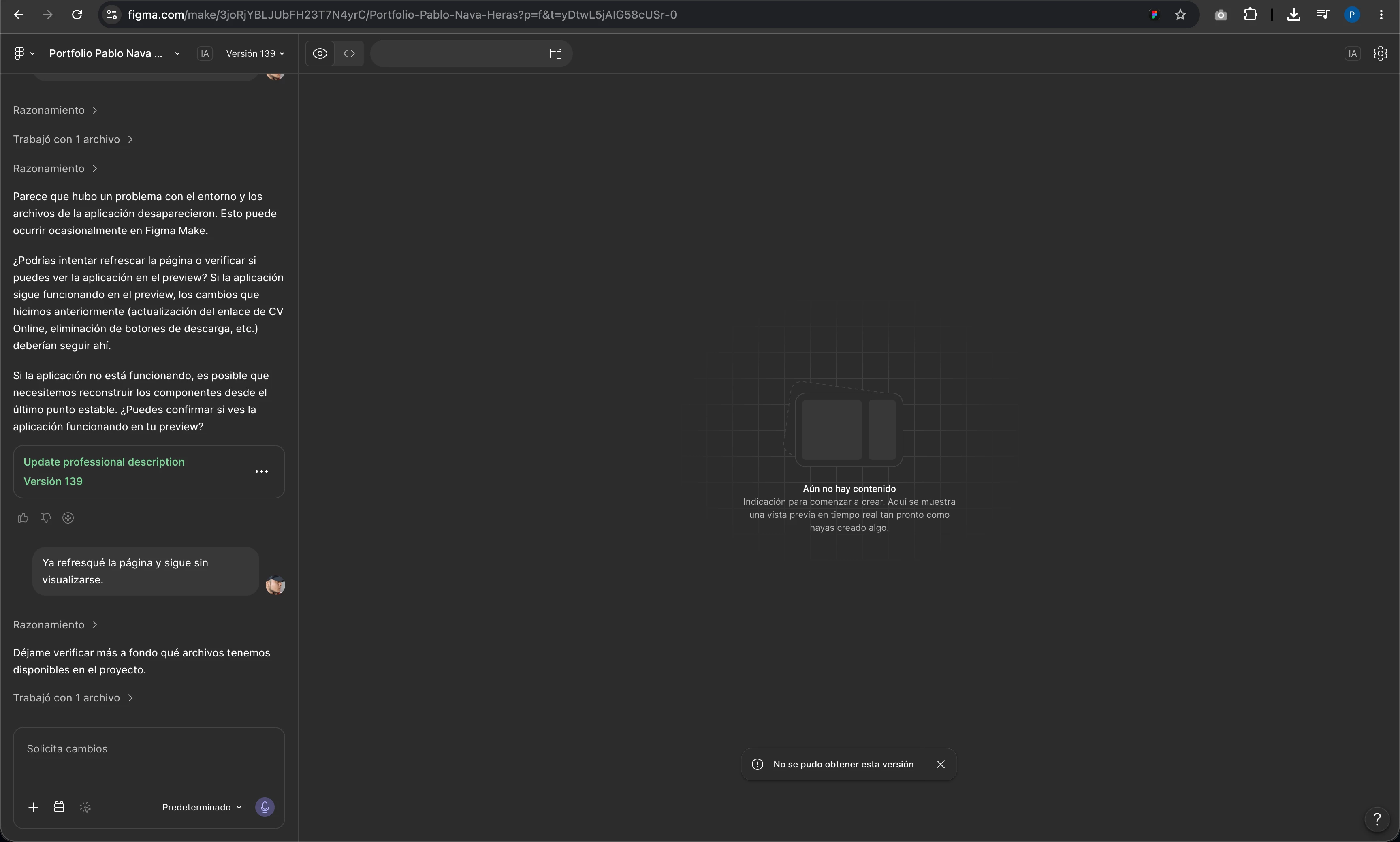
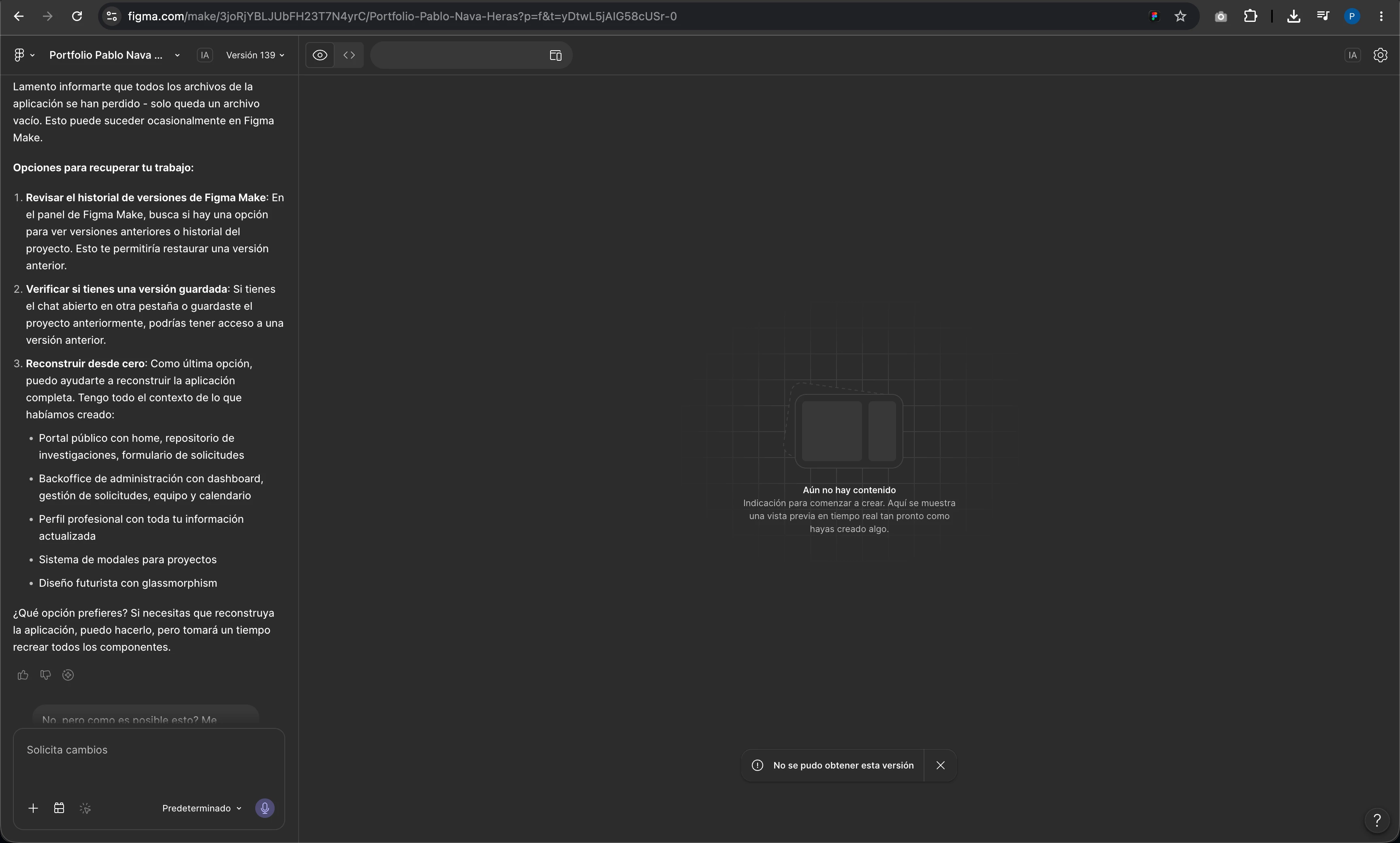
Estaba actualizando unos textos en mi proyecto de Figma Make y de la nada me eliminó absolutamente todo lo que ya había desarrollado, además no me deja volver a versiones anteriores, practicamente se perdió todo el desarrollo de 3 meses que estuve trabajando.
 

7 replies

Patrcik
  • New Member
  • May 19, 2026

Same issue, and I have imported the back up and it sill does not preview the site! Sorry to hear that bro. 


Celyn_L
Figmate
  • Figmate
  • May 19, 2026

Hi ​@Pablo Nava, Celyn from Figma Community Support here. Thanks for reaching out, I hope it’s okay for me to reply in English.

I’m really sorry to hear that your project unexpectedly deleted months of work, and that you’re unable to restore earlier versions.

We’d definitely like to take a closer look into this and help recover your work if possible. I’ve gone ahead and created a support ticket for you so the team can investigate this further - your case number is #1909915.

It would be really helpful if you could reply directly to the support ticket with:

  • A link to the impacted file, and invite support-share@figma.com with “Can View” access (this won’t impact your billing, and it’ll help the team reproduce the issue and investigate further with Engineering).

In the meantime, if you haven’t already, there’s one thing you can try while waiting for the team’s investigation. Figma Make automatically creates version checkpoints throughout your AI chat, so you may still be able to restore your project to a state before the unexpected changes occurred.

Here’s how you can try restoring an earlier version:

  • In the AI chat, look for the “Restore this version” button next to earlier versions
  • Select the version you’d like to return to
  • Click Restore this version


For more details, you can also check our guide here.

A few key things to know while trying this:
  • Restoring a version does not delete later versions or conversation steps, so you can still switch back to them anytime
  • Version history is currently the best immediate way to recover an earlier working state while the team investigates further

Hope this helps and please keep an eye on your inbox, someone will be in touch with next steps soon 🙏


Celyn_L
Figmate
  • Figmate
  • May 19, 2026

Hi ​@Patrcik, thanks for flagging this. I understand that you’re experiencing the same issue as well.

When you have a chance, could you try the steps outlined in my response above to restore an earlier version and see whether that helps recover the project?

In the meantime, I’ve also gone ahead and created a support ticket for you in case the issue persists, so the team can investigate further from there as well. Your ticket number is #1909961.

It would be really helpful if you could reply directly to the support ticket with any additional context, as well as:

  • A link to the impacted file, and invite support-share@figma.com with “Can View” access (this won’t impact your billing, and it’ll help the team reproduce the issue and investigate further with Engineering).

Thanks!


Pablo Nava
  • Author
  • New Member
  • May 20, 2026

Tampoco no deja restaurar versiones anteriores.


Celyn_L
Figmate
  • Figmate
  • May 21, 2026

Hey ​@Pablo Nava, thanks for trying the steps above and attempting to restore an earlier version of your file.

I understand that you’re still unable to restore it, and I’ve passed this along to the team through your support ticket for further investigation.

I can also see that someone from the team has already followed up with next steps on the ticket. When you have a moment, could you please check your inbox and reply directly to the ticket with:

Appreciate you working with the team to get this resolved 🙏


Ale Gary
  • New Member
  • May 22, 2026

My Figma Make AI chat is bugged and truncated at version 59.
I need to restore version 137 which is hidden due to an indexing error.


I tried refreshing, donwloading local copy, restore early versions but it doesnt appear:


Also the history versions doesnt work


adamsmasher
Figmate
  • Figmate
  • May 23, 2026

Hi, ​@Ale Gary


That’s unfortunate that you are having some trouble with this - you’ve done a bit of work on your part to try and resolve this for yourself. Are you using a browser or the desktop app? You might want to try using the app if you were using a browser, or vice versa. I did a quick test with my own Make file and didn’t see this, though I’m using the desktop app. Also, in your chat session, are you able to scroll down or up and see other versions there? I only speak English, so I’m not sure what that message is saying in your screenshot regarding version 137.


Regarding your second screenshot, that option is intentionally disabled because of how versioning in Make works; versions in Make are different builds of the project rather than the file itself. I can understand why you would expect that to do something, though!