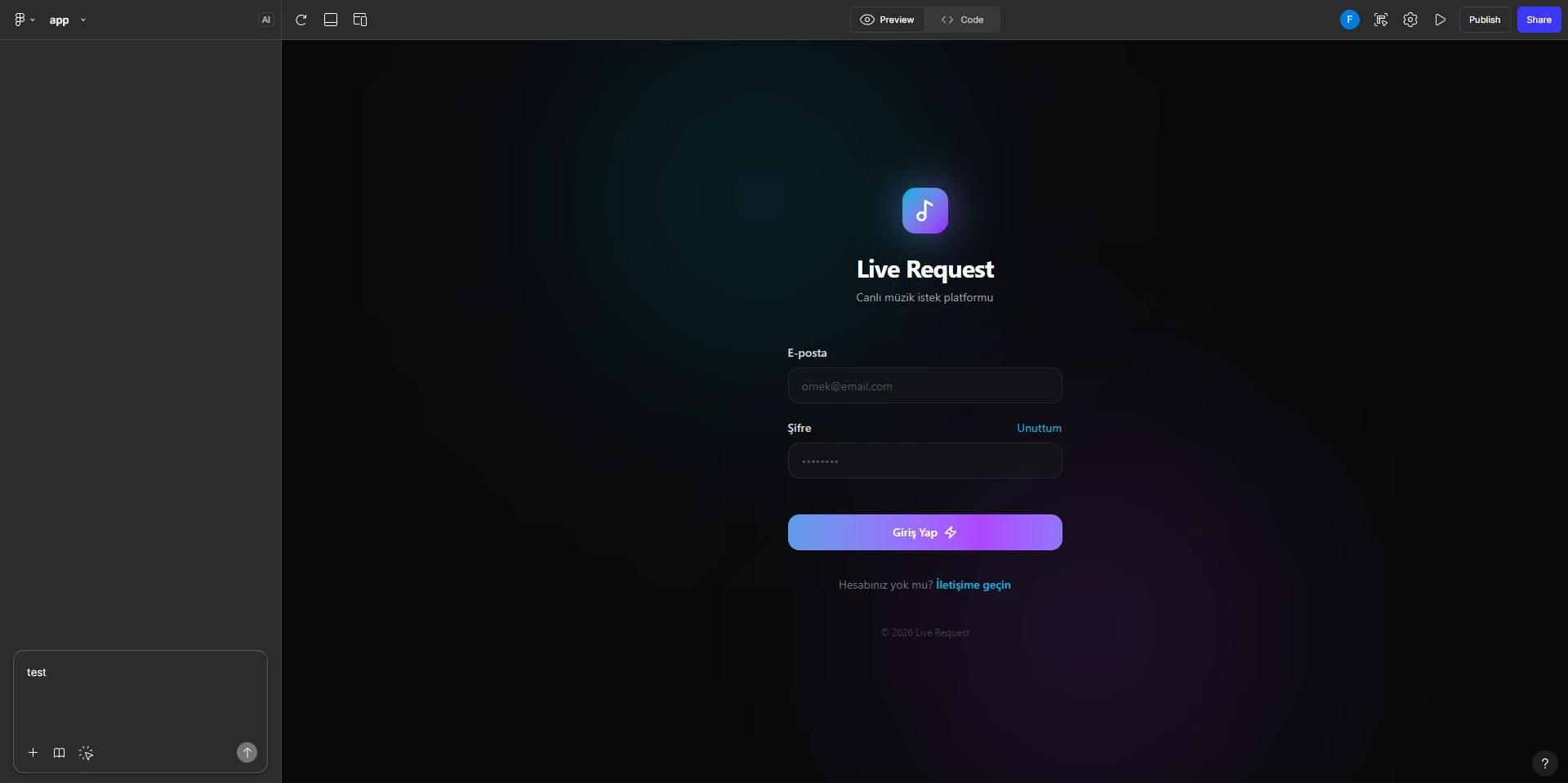
Figma Make chat panel not loading + Send button disabled (Full seat) — no UI error shown
Hi Figma Support,
I’m on a paid plan with a Full seat, but Figma Make chat is not usable. The Make editor loads, however the AI chat panel won’t load properly and the Send button stays disabled/greyed out, with no visible in-app error message. This blocked my workflow and I couldn’t deliver my work on time, which caused significant disruption.
What I’m seeing
-
Figma Make file opens normally (editor loads, multiplayer connects).
-
Make chat panel doesn’t load (or appears stuck), and Send is disabled even when typing.
-
No actionable UI warning is shown.
Steps to reproduce
-
Open a Figma Make file:
[paste Make file URL here] -
Open the Make chat panel
-
Type any prompt
-
Observe: Send button remains disabled / chat doesn’t load
Expected result
-
Chat panel loads and I can submit prompts.
Actual result
-
Chat panel fails to load and/or Send remains disabled indefinitely.
Environment
-
OS: Windows
-
Browser/App:
[Chrome / Desktop app — fill in] -
Network:
[home / office / VPN — fill in] -
GPU (from console): AMD Radeon RX 460 (ANGLE/D3D11)
Relevant console messages (excerpt)
-
Statsig is not ready to log exposures, will retry... -
POST https://o22594.ingest.us.sentry.io/... net::ERR_CONNECTION_TIMED_OUT -
Access to image at 'https://www.gravatar.com/avatar/...' has been blocked by CORS policy -
Autosave Changes not available or already claimed by another tab
If you need anything else (HAR file, screenshots, timestamps), I can provide them. This issue is urgent because it prevented me from completing time-sensitive work.
Thanks.