

Figma is behaving weird
Issues Now a days i am facing are:
- Connecting prototype Links
- Not able to connect interaction by doing just small drag and drop. I have to go to prototye section there i have select interaction first and the again come back to button component to link with another screen.
- Not able to connect interaction by doing just small drag and drop. I have to go to prototye section there i have select interaction first and the again come back to button component to link with another screen.
- Copy Paste Issue:
- While Copy pasting 1 component from 1 project to another project page all assest are getting invisible.
See attached Screen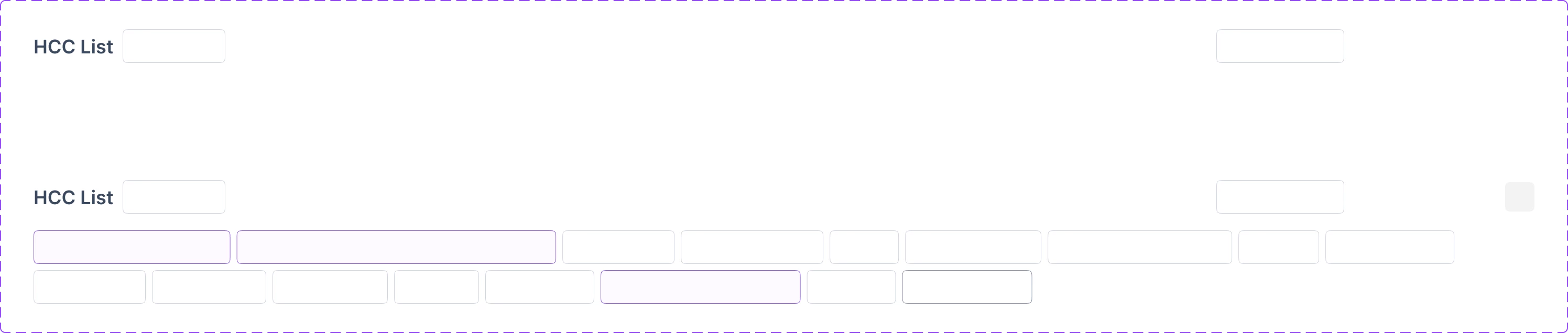
All this are happening from last 2-3 updates.
- While Copy pasting 1 component from 1 project to another project page all assest are getting invisible.