Solved
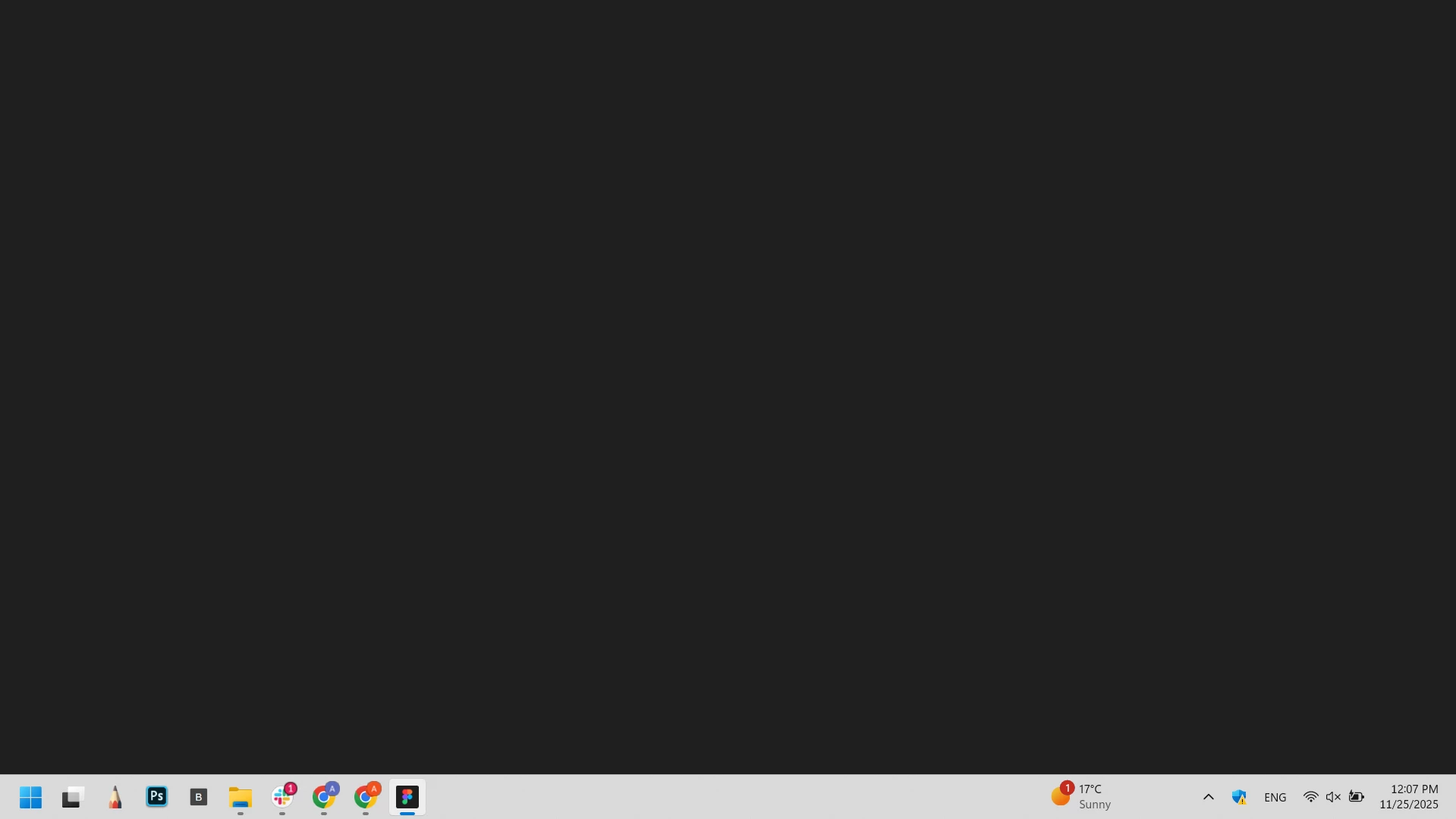
Figma desktop app is not work , it's showing black screen.
I’m experiencing an issue where the Figma Desktop App shows a black screen. I have tried uninstalling, clearing all related files in the file manager, and reinstalling, but the app still doesn’t open.
- I’m running the latest version of Figma Desktop App.
- My device’s operating system and graphics drivers are fully up to date.
- The issue does not occur in the web version of Figma, which works fine.
- The desktop app fails to open any files, even when trying to access them directly via a file URL.
Steps I have already tried:
- Clearing Figma cache
- Running Figma with GPU acceleration disabled
- Updating graphics drivers
- Resetting and reinstalling with full cleanup
Please help me resolve this issue!