
Елена Ск
New Member
September 3, 2025
Question

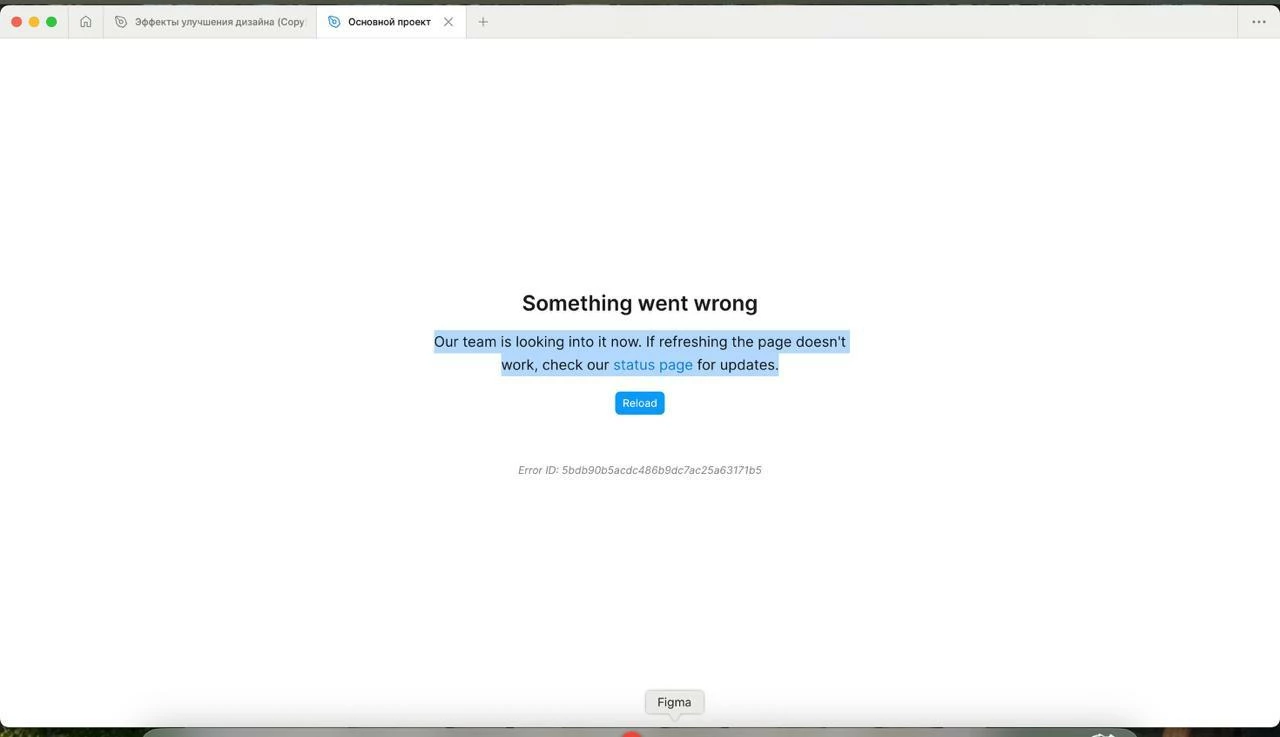
Figma crashes. Help urgently.

  • September 3, 2025
  • 1 reply
  • 186 views

when working with desktop version and VPN on and off, figma sometimes gives an error and says something went wrong. reinstallation and reboot did not help. help please. I also cleared the cache

 

    This topic has been closed for replies.

    1 reply

    Figmate
    September 4, 2025

    Hi ​@Елена Ск,


    I understand you’re receiving a “Something went wrong” error when opening a file in the Figma desktop app.

    To help us troubleshoot, could you please confirm a few things?

    • Are you able to open the file in a browser? Figma supports Chrome, Firefox, Safari, and Microsoft Edge.

      • If it works in the browser but not in the desktop app, the issue might be related to network restrictions. If you're using a VPN, proxy, or are behind a firewall, you can check this guide for more information:Common causes and solutions

    • Is this happening with one specific file or with all files?
      • If the issue only affects a specific file and you're unable to open it in both the browser and the desktop app, it might be a permissions issue. In that case, this article may be helpful: Error 404 when loading Figma files

    If you'd like us to take a closer look at a possible permissions issue, feel free to share the file link. You can copy it by right-clicking the file in the desktop app and selecting "Copy link."


    Thanks!