Figma browser version stuck on infinite loading screen (Desktop app works, WebSocket errors)
Figma browser version stuck on infinite loading screen (Desktop app works, WebSocket errors)
Hello,
I'm experiencing an issue where the browser version of Figma never finishes loading. I've already tried several troubleshooting steps without success, and I would appreciate any help identifying the cause.
1. Issue description
-
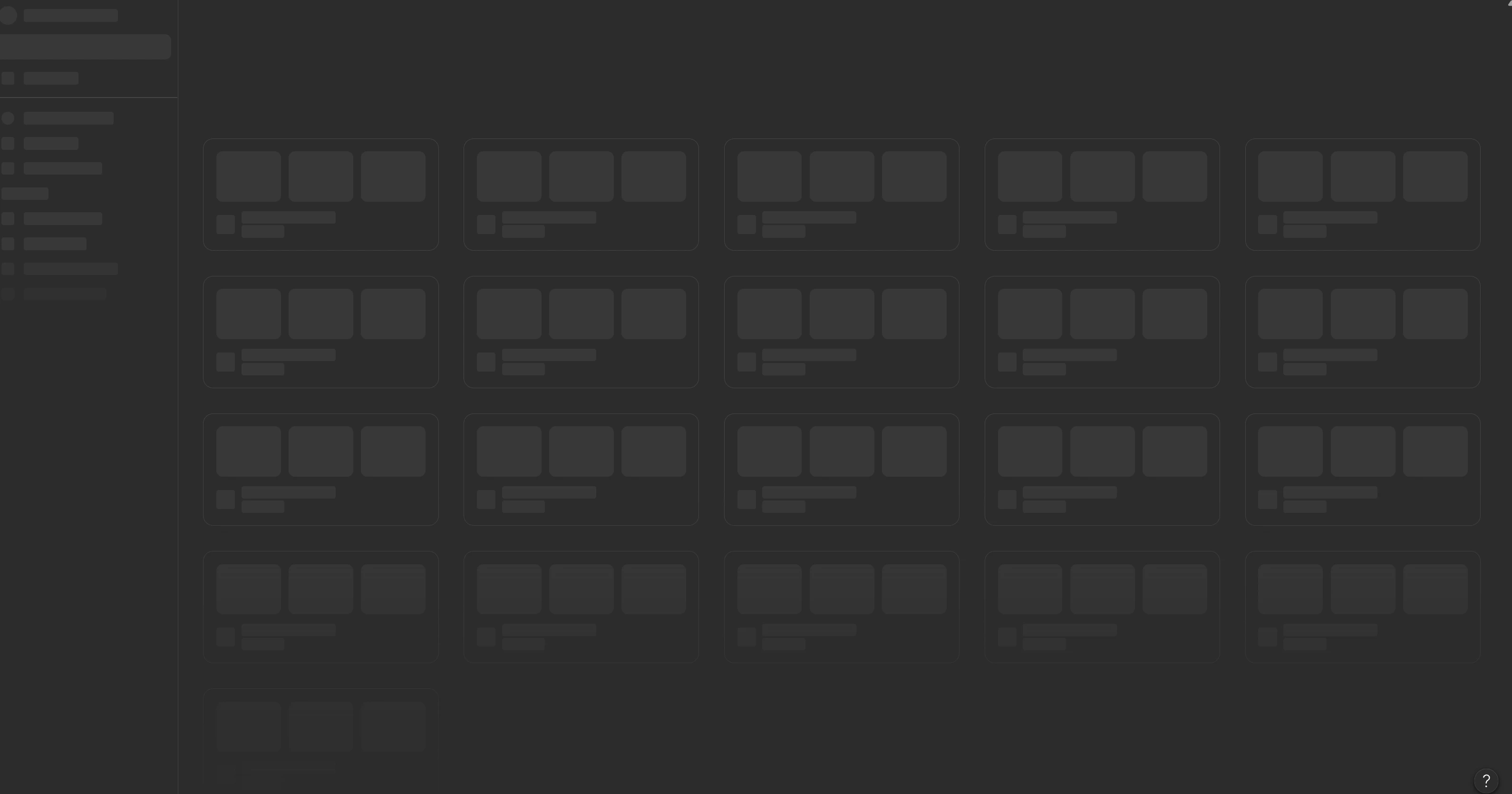
The Figma home page remains stuck on a gray loading screen with skeleton placeholders.
-
The loading never completes, even after waiting.
-
Opening a design file directly through its URL results in the same issue.
-
The problem occurs in Google Chrome and other browsers, including Chrome Incognito mode.
-
Figma Community loads normally, and I can access my account.
-
The Figma desktop application works normally.
2. System information
-
OS: Windows
-
Main browser: Google Chrome
-
GPU: NVIDIA GeForce RTX 4060
-
Figma plan: Starter (Free)
-
Security software: Sourcenext Virus Security
3. Troubleshooting already performed
I have tried the following steps without resolving the issue:
-
Cleared browser cache, cookies, and Figma site data.
-
Tested Chrome Incognito mode and other browsers.
-
Updated the NVIDIA Studio graphics driver.
-
Confirmed that WebGL 1 and WebGL 2 are supported.
-
Confirmed that WebGL hardware acceleration is working.
-
Tested different Chrome ANGLE graphics backends (D3D11 and D3D11 WARP).
-
Temporarily disabled the security software's application firewall.
-
Checked Windows proxy and VPN settings.
-
Confirmed that Windows automatic date and time settings are enabled.
None of these steps resolved the problem.
4. Errors observed in Chrome DevTools
The following errors were observed:
-
WebSocket handshake failure on
wss://www.figma.com/api/livegraph— HTTP 400 (Bad Request). -
WebSocket connection closed abnormally — code 1006.
-
Requests to
events.launchdarkly.comreturned HTTP 429 (Too Many Requests). -
A request to
browser-intake-datadoghq.comreturned HTTP 403 (Forbidden). -
The main Figma page document returned HTTP 200 (OK).
I understand that some of these errors may be unrelated to the main issue. I have not yet confirmed the root cause.
5. Questions
Could you please help me understand:
-
What might cause the browser version of Figma to remain stuck on the loading screen while the desktop application works normally?
-
Could the WebSocket handshake errors be related to this issue?
-
Are there any additional diagnostic steps or settings I should check?
-
Is there a known issue affecting Figma's browser version in similar environments?
I can provide screenshots of the loading screen and relevant DevTools errors if needed, with sensitive information removed.
Thank you for your time and assistance.