
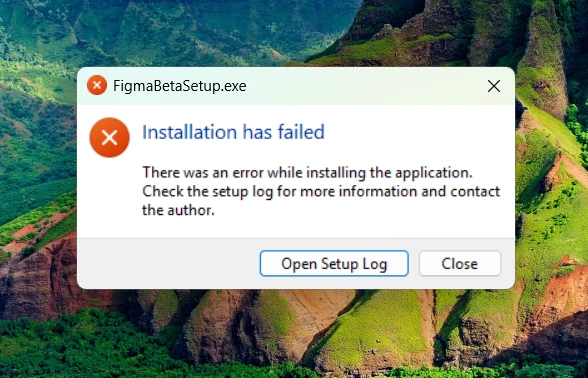
Figma Beta app is not installing in windows 11 pc.
Best answer by Junko3
Hi there, Thanks for confirming — I’ll go ahead and create a support ticket with the details you shared. Our team will reach out to you via the email address on your account to help with this.
Thanks for the follow-up and for letting us know that the issue is still occurring. From your responses, it looks like you’ve already tried two out of the four suggestions we shared earlier. Could you also try the remaining two suggestions listed below and let us know how it goes?
Temporarily disable your antivirus software or add the installer to its allowlist, then try the installation again
If you’ve previously installed the Figma desktop app, try downloading it again from our Downloads page to see if that version installs properly
As you suggested, I downloaded it again and tried installing it. Unfortunately, the beta version of the app still isn’t installing, even after I disabled Windows Defender. The stable version of the Figma app installs without any issues, but the beta version fails to install. I’ve tried several different approaches, but the problem persists.
Hi there, Thanks for confirming — I’ll go ahead and create a support ticket with the details you shared. Our team will reach out to you via the email address on your account to help with this.
