Solved

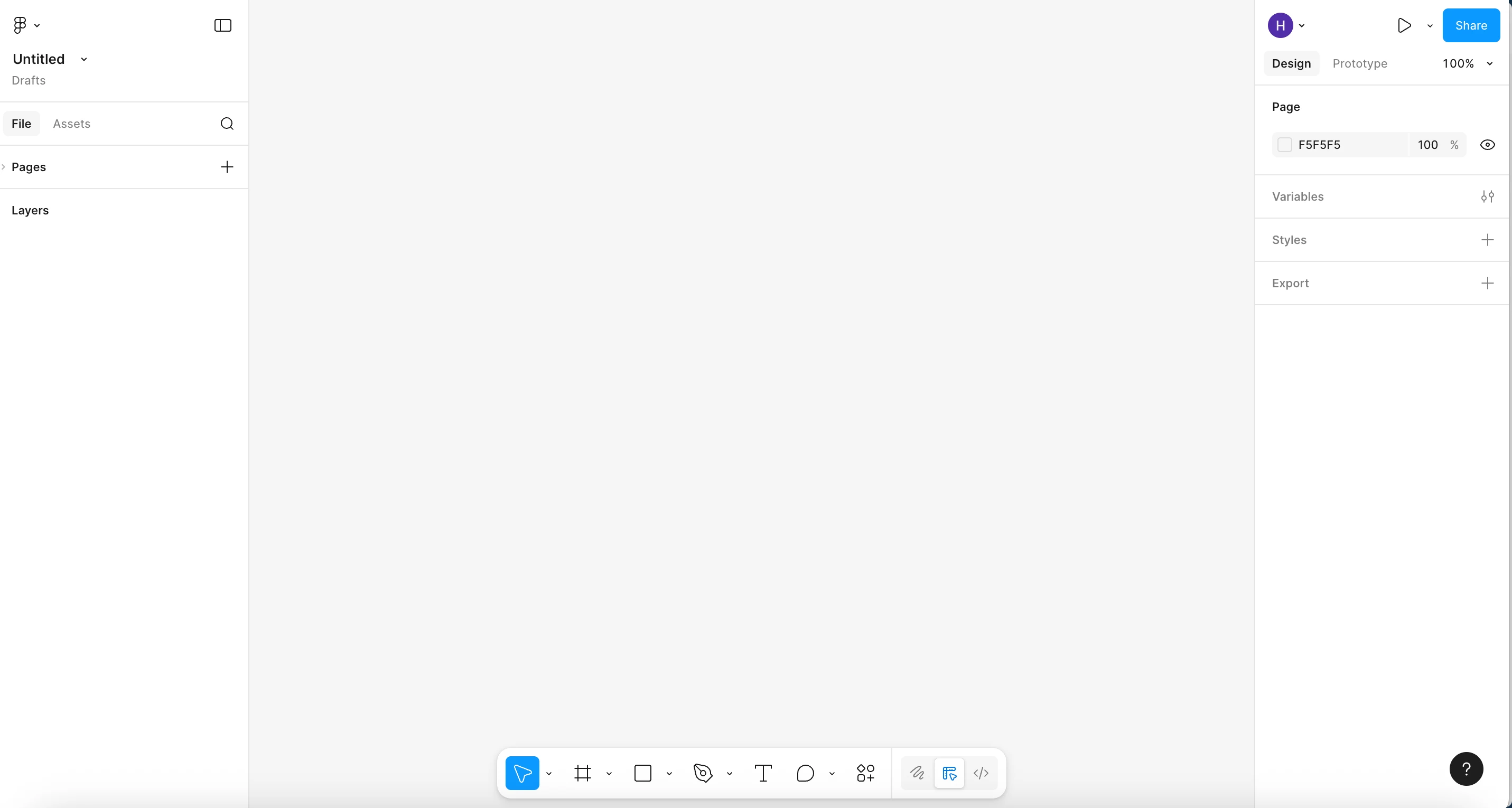
Figma AI doesn't appear on the toolbar

  • December 3, 2025
  • 4 replies
  • 160 views

Hyeongtae Kim

I’m using pro plan, and I turn AI content training features on in Settings page.


I don’t know why 😭


Best answer by Nellya

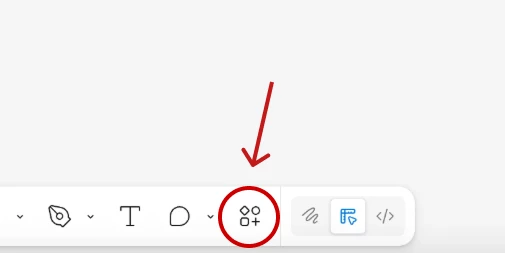
Click here and try typing First Draft or Edit image, for example. If this options is available, you have access to AI features


4 replies

Nellya
  • Power Member
  • Answer
  • December 3, 2025

Click here and try typing First Draft or Edit image, for example. If this options is available, you have access to AI features


GrevaGen
  • New Participant
  • December 9, 2025

That's so annoying when a new feature doesn't pop up!

Have you tried fully closing and restarting your Figma desktop app (or browser tab) since you changed the setting? Sometimes a feature needs a complete reboot to appear on the toolbar, even after you've toggled it on in settings.

This is a great flag, by the way—looks like other people are running into this too, so thanks for posting!


Heba Allah Mohamed

“I don’t have the AI icon in the bottom bar inside the file, even though I subscribed to the Professional plan After clicking on the action icon, I can’t find the AI icon (the one that looks like a stars


djv
Figmate
  • Community Support
  • January 20, 2026

Hi ​@Heba Allah Mohamed, thanks for chiming in here! 

The icon no longer looks like stars. The Actions icon shown above by ​@Nellya is where your AI tools will live. In the search bar, you can simply search for the exact AI tool you wish to use.

Hope this helps clarify, but please let me know if you have any further questions.