
UXD_TCBS
New Member
Oct 29, 2026 4:19 AM UTC
Solved

Figma Agent error and i can not get supporting from Figma
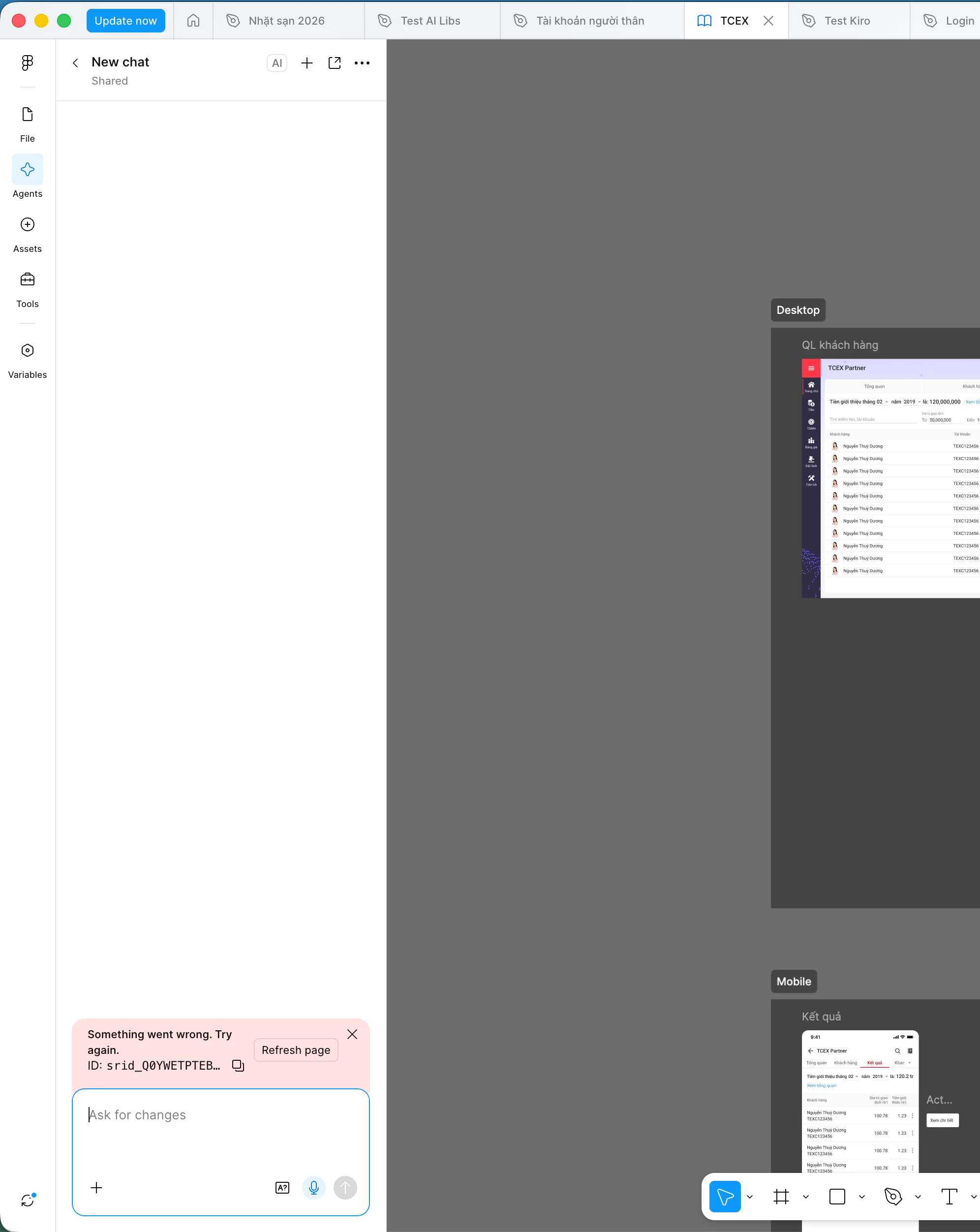
 

We're experiencing an issue with Figma Agent, but there's absolutely no useful information about what's going wrong. It's incredibly frustrating, and there's no way to troubleshoot or work around it because all we get is a meaningless error code.

We're on Figma's Enterprise plan, their most expensive tier, yet somehow it feels like we're getting the worst support experience.

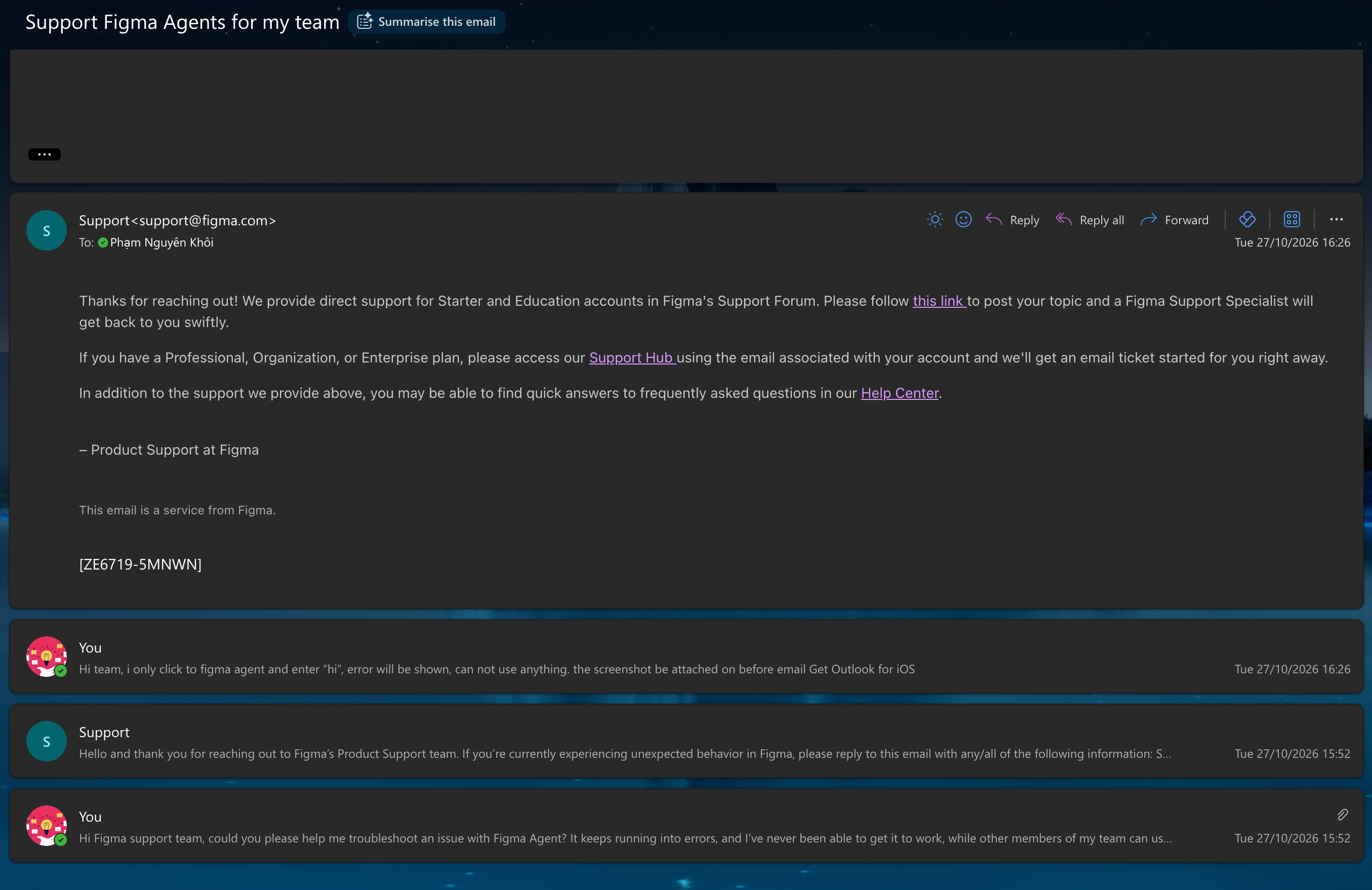
We've reached out via email, only to receive automated responses directing us to an equally useless link, which then tells us to chat with yet another AI chatbot. Seriously? How ridiculous is that?

I understand that Figma may be facing staffing challenges in the AI era, but it's genuinely disappointing to see this happening to a tool that has been such an essential part of designers' workflows for years.

I'm reaching out to the community for help with this issue. Has anyone experienced something similar or found a way to resolve it?

Any advice or help would be greatly appreciated!


Celyn_L
Celyn_LSolution
Figmate
Oct 29, 2026 5:34 AM UTC

Hi ​@UXD_TCBS, Celyn from the Figma Community Support team here. Thanks for reaching out and sharing your experience.

I’m sorry this has been such a frustrating experience and that you haven’t felt supported while trying to get help. 

I’ve taken a look at your ongoing support ticket #2180945 and can see that a member of our team is helping you with this issue. They followed up on 26 October, asking you to share a link to your file and invite support-share@figma.com with “can view” permissions so they can take a closer look.

That follow-up was sent to the email address associated with your Figma account. Could you please check your inbox, including your spam or junk folder, to see if you received it? If it hasn’t come through, please reply directly to your support ticket with the file link and grant access using the details above so the team can continue investigating.

I’ve also left an internal note on your ticket to let the team know that their earlier response may not have reached you.

If you have any trouble accessing the ticket, please let me know here so I can help you reconnect with the team.

Thank you for your patience through this. We hope to help you get back to your work at the soonest 🙏

1 reply

Celyn_L
Figmate
Celyn_LSolution
Figmate
Oct 29, 2026 5:34 AM UTC

Hi ​@UXD_TCBS, Celyn from the Figma Community Support team here. Thanks for reaching out and sharing your experience.

I’m sorry this has been such a frustrating experience and that you haven’t felt supported while trying to get help. 

I’ve taken a look at your ongoing support ticket #2180945 and can see that a member of our team is helping you with this issue. They followed up on 26 October, asking you to share a link to your file and invite support-share@figma.com with “can view” permissions so they can take a closer look.

That follow-up was sent to the email address associated with your Figma account. Could you please check your inbox, including your spam or junk folder, to see if you received it? If it hasn’t come through, please reply directly to your support ticket with the file link and grant access using the details above so the team can continue investigating.

I’ve also left an internal note on your ticket to let the team know that their earlier response may not have reached you.

If you have any trouble accessing the ticket, please let me know here so I can help you reconnect with the team.

Thank you for your patience through this. We hope to help you get back to your work at the soonest 🙏