

Answer

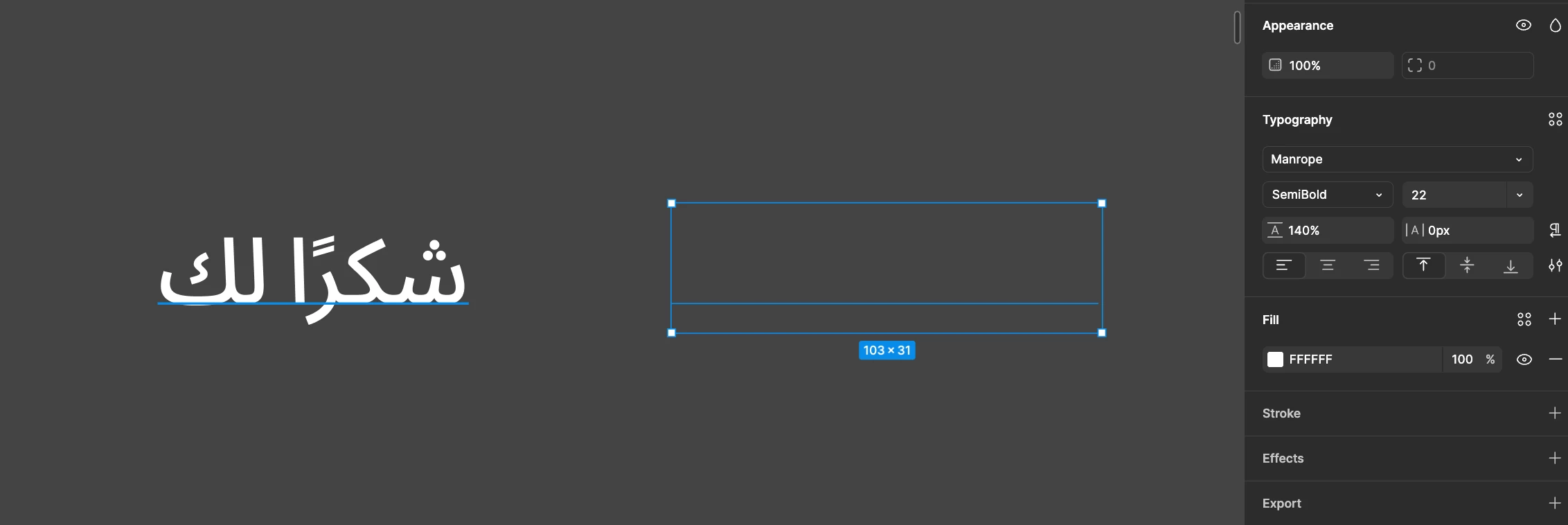
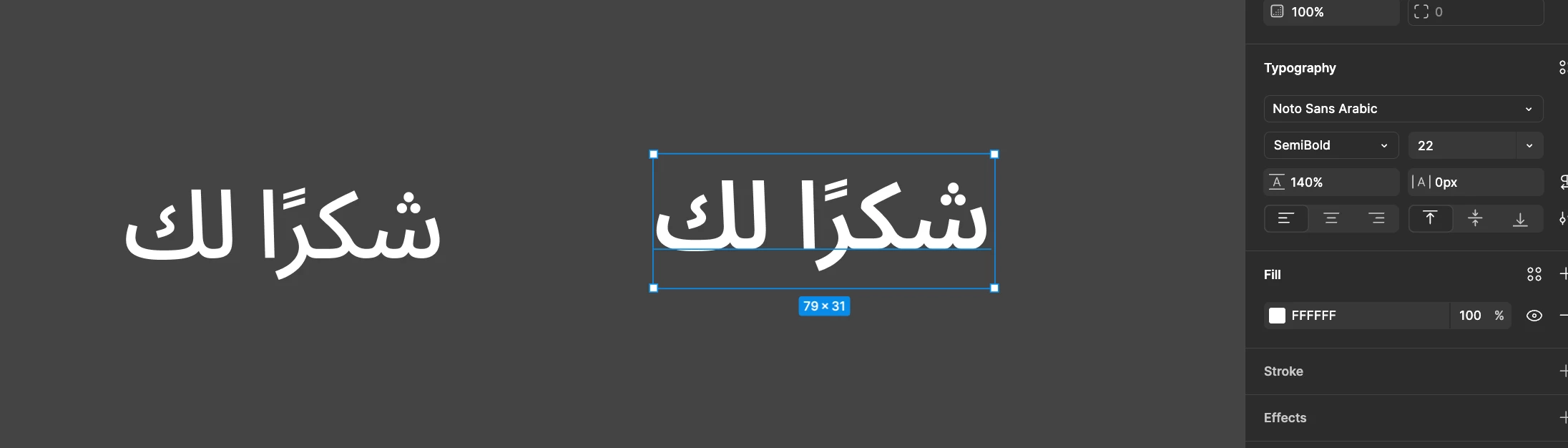
Fallback font problem. Arabic semibold is not redndering.

  • August 29, 2025
  • 3 replies
  • 101 views

Constantine123123

Hey. When using Arabic, fonts that lack Arabic support fall back to Noto Sans. Today I ran into an issue where the fallback does not render the Semibold weight for Arabic. If I select Noto Sans Arabic directly, everything renders correctly.
 

Best answer by Celine_

Hi everyone! Thank you for flagging this. I can confirm the issue should now be resolved 🎉
If you still notice anything off, try re-entering text edit mode or making a quick text change. You can also select all and use the quick action “Recompute Layout in Selection” to refresh the rendering. 🙂

3 replies

Andre Nikolaev

Hi, Constantine! Support replied to my report and solved the issue. Texts display normally now after relaunching figma, at least in my case. Hope your problem will be solved too!


Constantine123123

Hi, Constantine! Support replied to my report and solved the issue. Texts display normally now after relaunching figma, at least in my case. Hope your problem will be solved too!

Thanks a lot. Same with me!


Celine_
Figmate
  • Community Support
  • Answer
  • September 2, 2025

Hi everyone! Thank you for flagging this. I can confirm the issue should now be resolved 🎉
If you still notice anything off, try re-entering text edit mode or making a quick text change. You can also select all and use the quick action “Recompute Layout in Selection” to refresh the rendering. 🙂