Question

Failed to set color blend mode

  • September 10, 2025
  • 6 replies
  • 187 views

EclipseStar


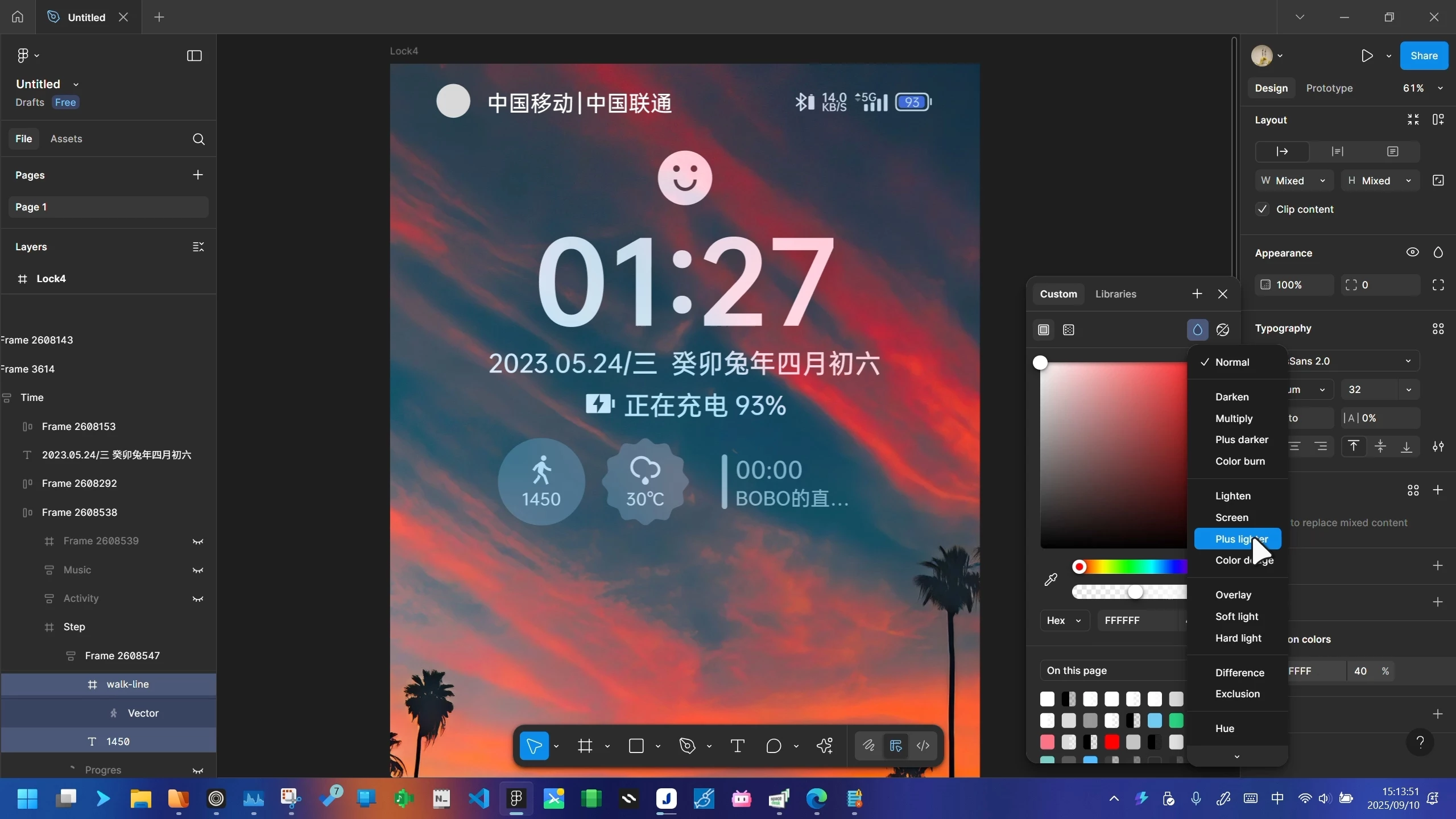
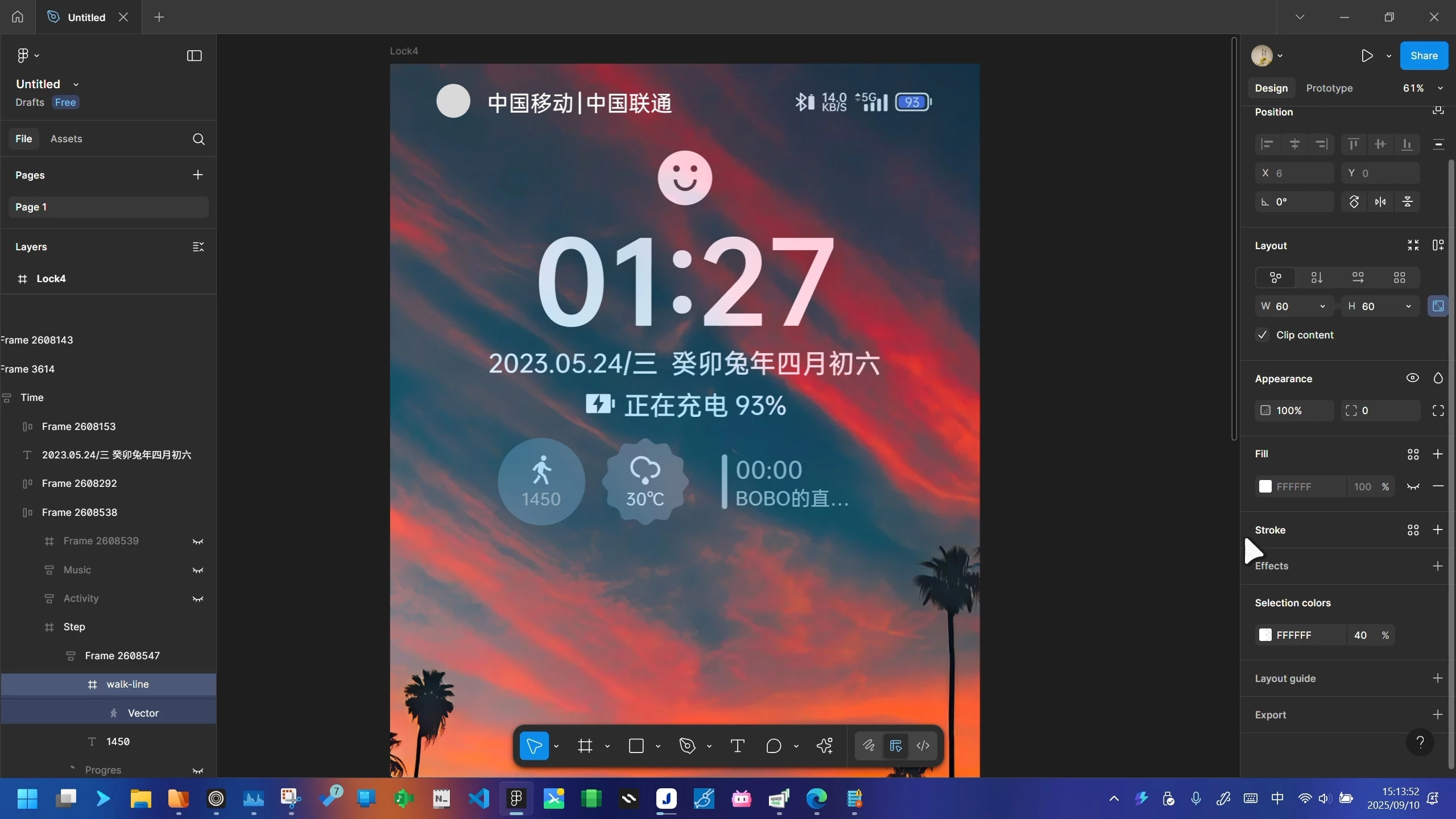
When I try to apply a blend mode to the color of an element, there is a high chance that the setting will not succeed. It may even revert my modified color values to the previous ones or select other layers.

I will give an example next: 
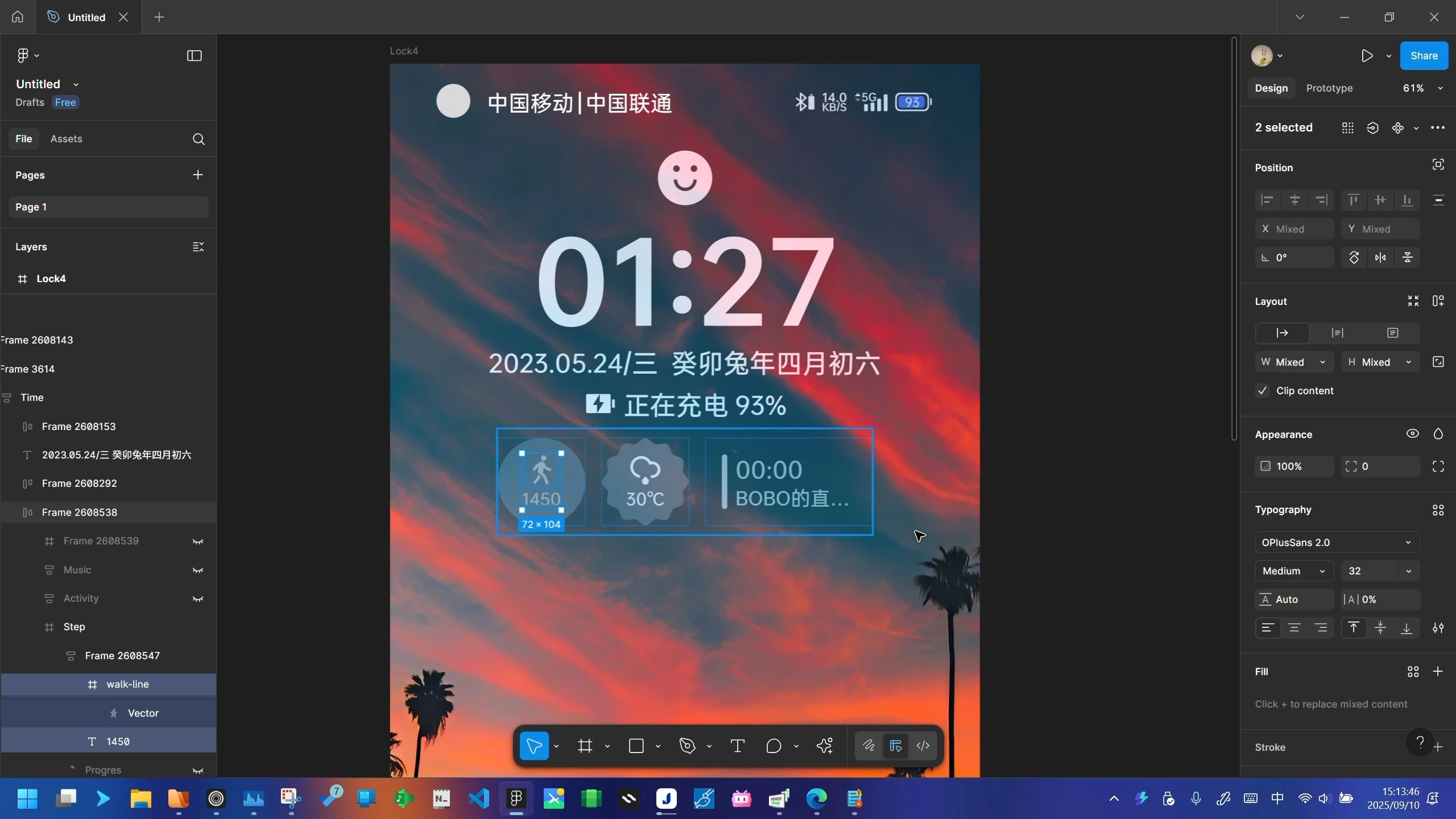
1.select some layers
2.use color blend mode effects
3.the text was not set to the Plus Lighter blend mode


6 replies

Gayani_S
Figmate
  • Community Support
  • September 12, 2025

Hey ​@EclipseStar, thank you for sharing the screenshots! Just to clarify, are you noticing the same behaviour when working in the browser as well?

Could you also share your file with us so I can take a closer look. You can invite support-share@figma.com directly as an editor, this won’t affect your billing in any way. 


Thank you, 

Gayani 


EclipseStar
  • Author
  • New Participant
  • September 12, 2025

Hey ​@EclipseStar, thank you for sharing the screenshots! Just to clarify, are you noticing the same behaviour when working in the browser as well?

Could you also share your file with us so I can take a closer look. You can invite support-share@figma.com directly as an editor, this won’t affect your billing in any way. 


Thank you, 

Gayani 

Yes, using it in a browser also performs this way.I have invited the support account and file link is: [redacted by forum moderator to remove PII]


Gayani_S
Figmate
  • Community Support
  • September 17, 2025

Hey ​@EclipseStar, thank you for sharing the file link! I’ve shared this with our team internally so they can take a closer look. As soon as I hear back with any insights or next steps, I’ll update you right away. Appreciate your patience while we investigate this! 


Gayani_S
Figmate
  • Community Support
  • April 8, 2026

Hey ​@EclipseStar, I’m really sorry for the late follow-up here, I missed this earlier. I know this was from a while back, but I still wanted to check in.

I wasn’t able to get this investigated at the time, but if you’re still running into the issue, I can go ahead and create a support ticket on your behalf so the team can take a closer look using your file.

Really appreciate you sharing all those details earlier, and sorry again that you didn’t get a response sooner.


EclipseStar
  • Author
  • New Participant
  • April 9, 2026

Hey ​@EclipseStar, I’m really sorry for the late follow-up here, I missed this earlier. I know this was from a while back, but I still wanted to check in.

I wasn’t able to get this investigated at the time, but if you’re still running into the issue, I can go ahead and create a support ticket on your behalf so the team can take a closer look using your file.

Really appreciate you sharing all those details earlier, and sorry again that you didn’t get a response sooner.


Thank you for looking into this; I’m still encountering the issue. I’ve noticed that if the selected layers contain some frames, applying a colour blend to the elements fails; however, if I press Enter to select the vector shapes in the frames, the colour blend effect is applied correctly.


However, it seems the moderator has removed my file link 😂 I’m not sure if you’ll be able to view that file.


  • Figmate
  • April 9, 2026

Hi ​@EclipseStar,


I'm working closely with @Gayani_S, and thank you for providing the extra details! (Rest assured, we still have the file link you shared earlier, so no need to worry about that. 🙂)


In your original screenshot, I noticed you had selected two layers (the "walk-line" frame and the "1450" text layer) and couldn't apply the blend mode. However, you mentioned that it works correctly when you select only a single vector layer.

This sounds like it could be expected behavior.

As described in our Help Center article, you can apply blend modes to an entire layer, individual fills, and certain types of effects. So it might not work when multiple layers are selected.

Could you please review the "Apply a blend mode" section in this article? It explains the correct ways to apply them:

To better understand layers, these articles might also be helpful:

If you review these articles and still feel the behavior is not what you'd expect, please let us know. In that case, we would be happy to create a support ticket on your behalf for our team to investigate further.


Thanks!