

Cristo
New Member
October 7, 2026
Solved

Exporting Images with Custom Metadata to AEM

  • October 7, 2026
  • 2 replies
  • 25 views

In Adobe Experience Manager(AEM), the images are tagged with custom metadata. I’m using the AEM Assets Connector plugin to retrieve the images from AEM into Figma. However, after processing the images and exporting them back to AEM, the custom metadata is getting stripped off.

Is there a way to preserve the metadata when exporting the images back to AEM?
Best answer by Celine_

Hey there, Celine from the Community Support team at Figma here. Thanks for flagging the missing metadata.

Adobe creates and maintains the AEM Assets Connector, so please reach out to their team for help with preserving your custom metadata when exporting images back to AEM.

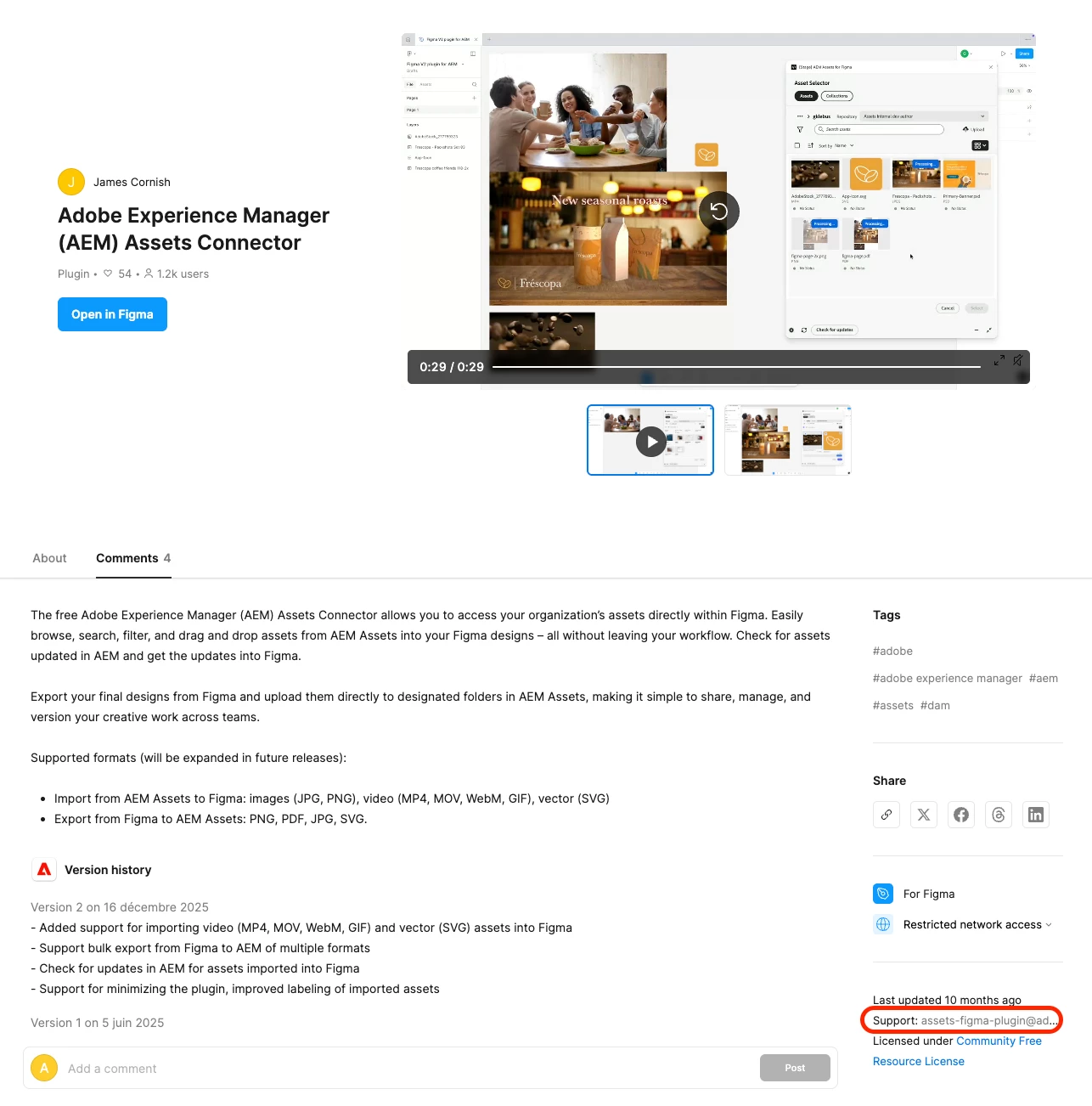
You can find their support contact details on their plugin homepage: Adobe Experience Manager (AEM) Assets Connector. (Please include your export steps and an example showing the metadata before and after export so they can investigate.)

If their investigation identifies a bug in Figma, they will then report any bugs in Figma to us. Thank you!


2 replies

Celine_
Figmate
Celine_Solution
Community Support
October 7, 2026

Hey there, Celine from the Community Support team at Figma here. Thanks for flagging the missing metadata.

Adobe creates and maintains the AEM Assets Connector, so please reach out to their team for help with preserving your custom metadata when exporting images back to AEM.

You can find their support contact details on their plugin homepage: Adobe Experience Manager (AEM) Assets Connector. (Please include your export steps and an example showing the metadata before and after export so they can investigate.)

If their investigation identifies a bug in Figma, they will then report any bugs in Figma to us. Thank you!


Cristo
CristoAuthor
New Member
October 8, 2026

Thanks for your Reply Celine. I will get in touch with the Adobe team.