newjinjang
New Member
July 3, 2025
Solved

export png image error, Text corruption and black lines

  • July 3, 2025
  • 4 replies
  • 390 views
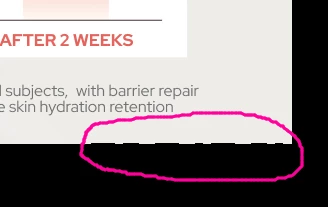
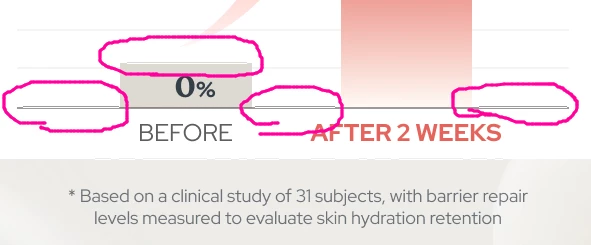
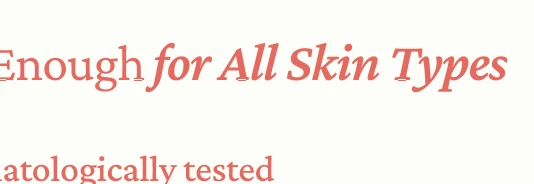
How can I fix the problem where some parts of the image are corrupted when exporting the image to png?


    This topic has been closed for replies.
    Best answer by Zoltan Egri

    @newjinjang 

    GPU driver update solved my problem! Try it!

    4 replies

    Zoltan Egri
    New Member
    July 7, 2025

    Same here! 

    When I export at 1x size or smaller, I see these kinds of errors on the exported image. However, if I export at a size larger than 1x, the error doesn't appear. The same issue occurs both from the browser and the app. Interestingly, when a coworker exports from the same file, they don't experience this problem. 

    Zoltan Egri
    New Member
    July 9, 2025

    @newjinjang 

    GPU driver update solved my problem! Try it!

    Celine_
    Figmate
    Community Support
    July 9, 2025

    Hi everyone! Yes, I can confirm that it is working by updating the graphics driver.

    @newjinjang , gIad to see in the backend that you were able to fix the issue by following this solution! I've gone ahead and marked the topic as solved. Thank you!

    newjinjang
    New Member
    July 9, 2025
    I solved the problem by uploading GPU driver!Thank yo0000000u 😍 your my hero my soda pop

     감사합니다