Jarell
New Member
October 1, 2026
Question

Education verification stuck in loop — SheerID verified me, Figma asked me to verify again, now permanently blocked

  • October 1, 2026
  • 6 replies
  • 30 views

Hi everyone,

I'm hoping someone from Figma or someone who has experienced this can help me resolve a long-running Education verification issue with my BCIT email (xxxxxxxxxxxxxxxxx@bcit.ca).

This originally happened in September 2025.

I successfully completed the education verification process through SheerID. SheerID later confirmed in writing that my verification was approved on September 9, 2025.

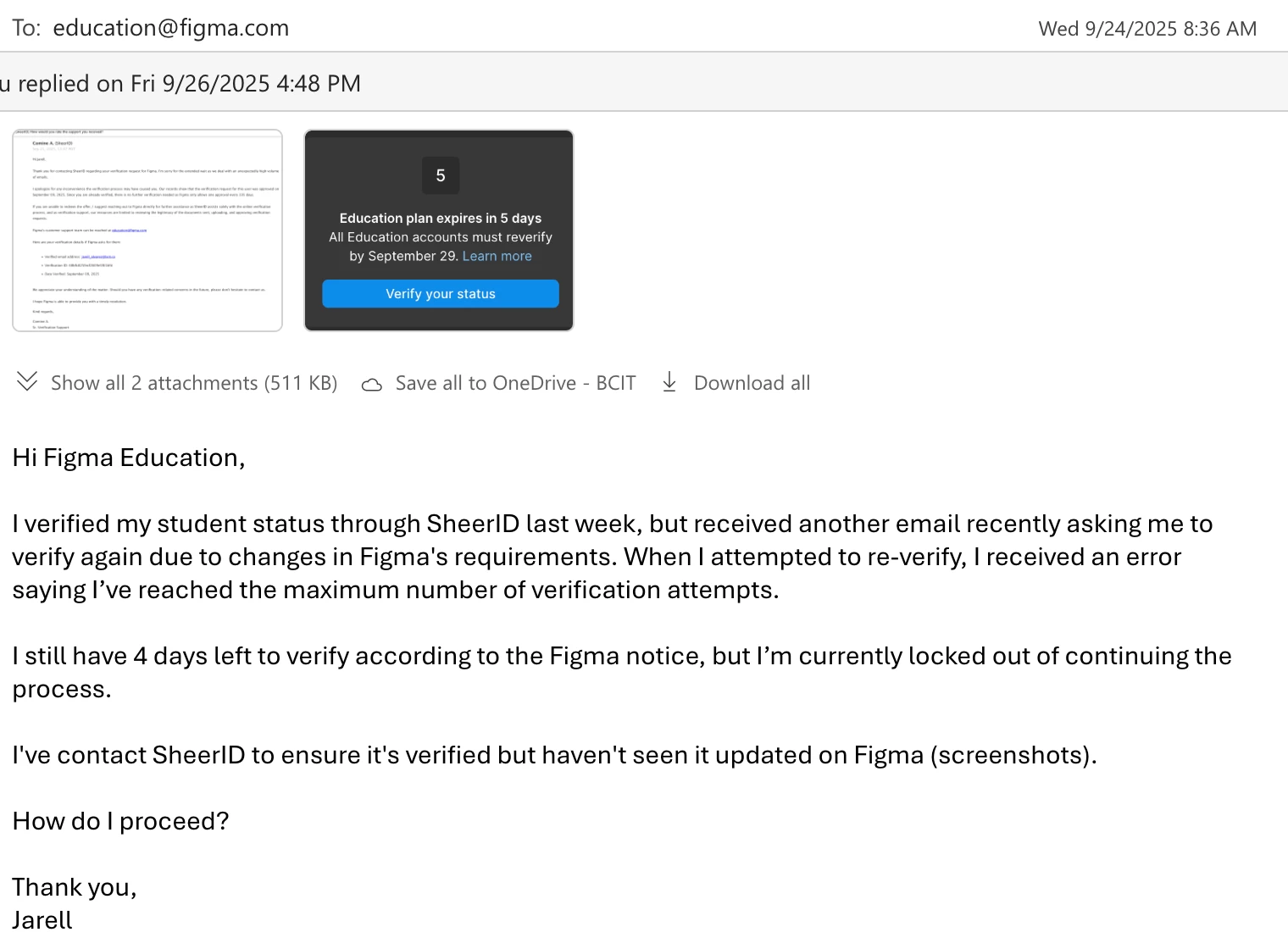
The problem is that on September 29th, 20 days after I had successfully verified, Figma asked me to verify again because of changes to its verification requirements.

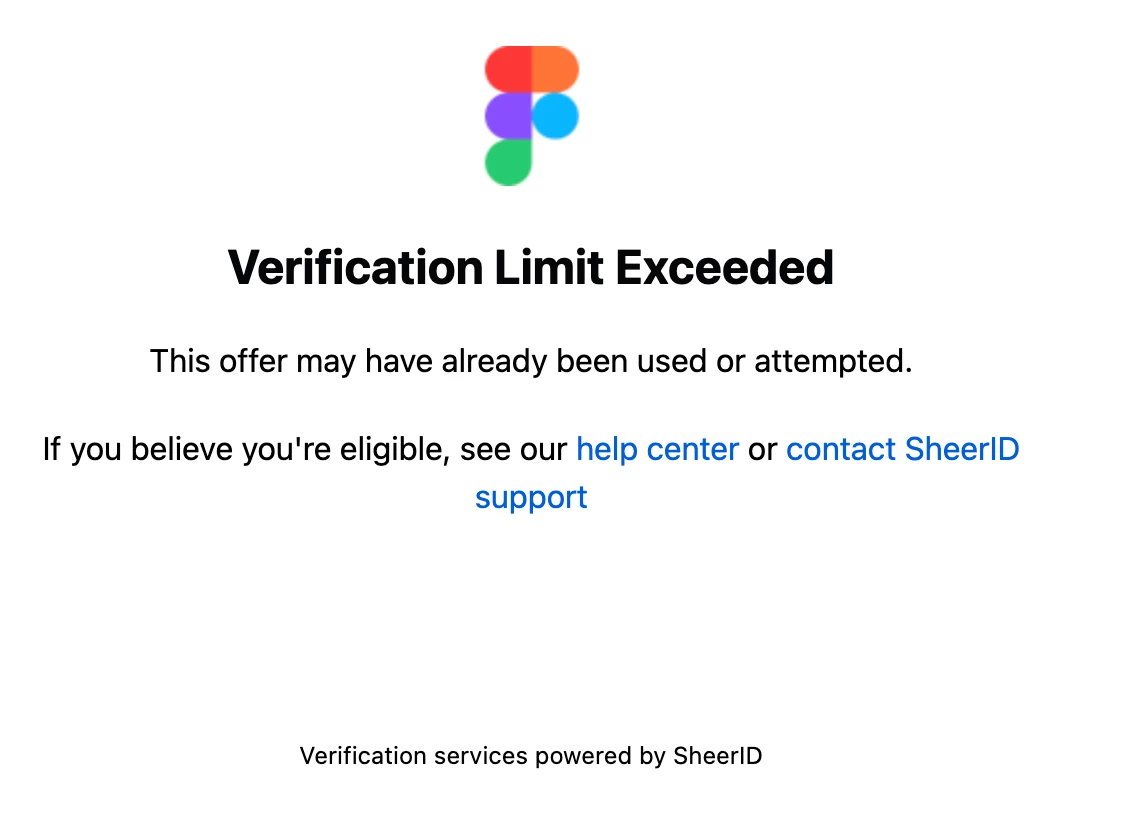
When I followed Figma's instructions and attempted to verify again, SheerID gave me a Verification Limit Exceeded error.

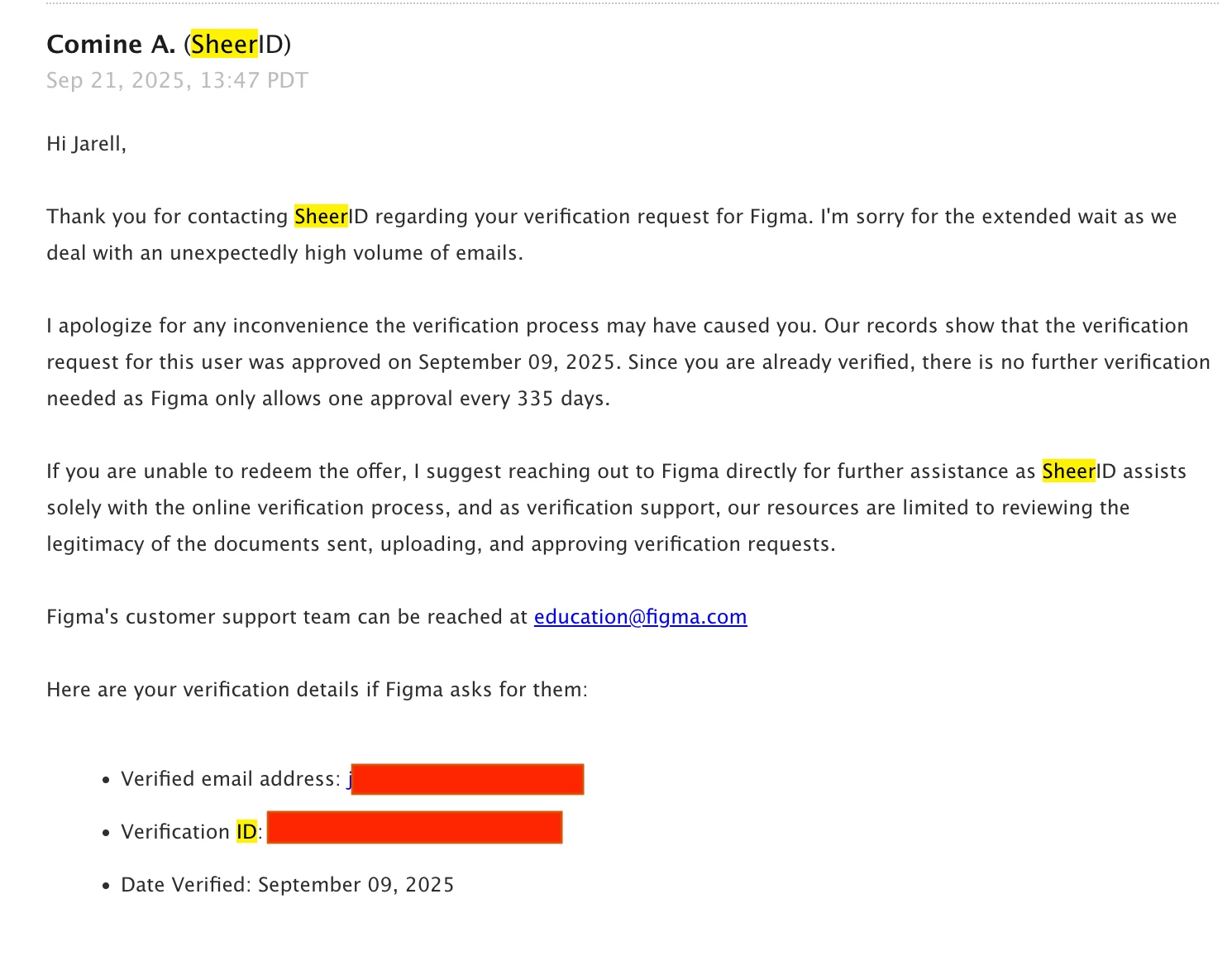
I contacted SheerID support. They investigated and told me:

  • My verification had already been successfully approved.
  • My verified email was xxxxxxxxxxxx@bcit.ca.
  • My verification date was September 9, 2025.
  • Figma only allowed one approval every 335 days.
  • There was therefore nothing further SheerID could do.
  • I needed to contact Figma because the verification itself had been successful.

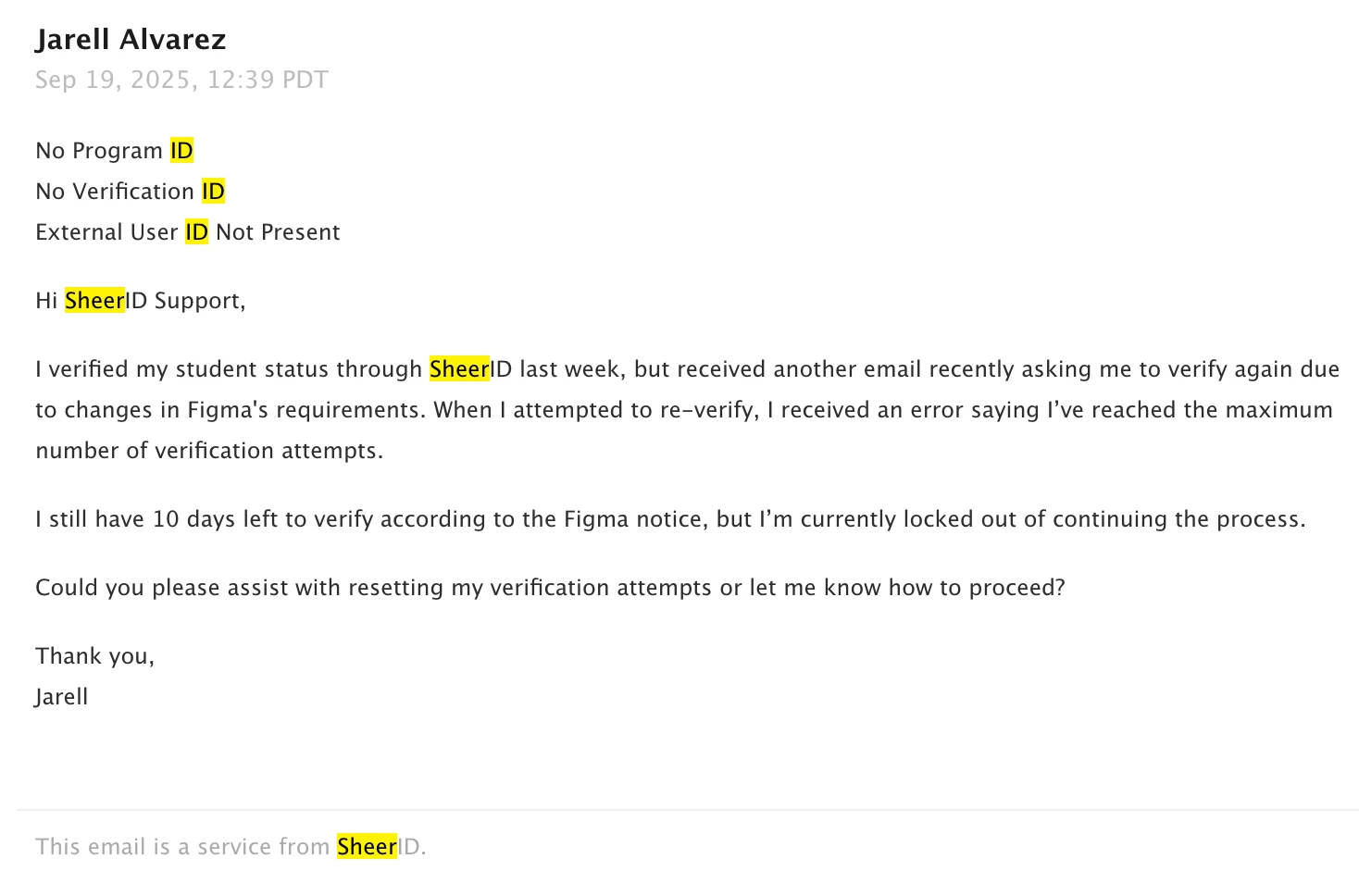
I emailed education@figma.com explaining the situation and followed up again because my Education status was about to expire and I rely on Figma for teaching. Unfortunately, I never received a response.

I have now waited well beyond the 335-day period SheerID told me about and tried the verification process again.

I'm still blocked with the same error:

Verification Limit Exceeded
This offer may have already been used or attempted.

So I seem to be stuck in a loop:

Figma requires verification → SheerID says I'm already verified → Figma doesn't recognize/restore the Education status → attempting verification again is blocked by SheerID.

I'm faculty in BCIT's Digital Design & Development department and need Figma for my classes, so at this point I'm trying to determine whether someone at Figma can manually investigate/reset the education verification associated with my BCIT account.

I still have the original SheerID correspondence, verification ID, verification date, and screenshots of the errors if those are helpful here:
Has anyone encountered this, or is there a Figma staff member who can help escalate it?

Thanks,
Jarell

6 replies

Jarell
JarellAuthor
New Member
October 1, 2026

I’ve reached out to figmasupport@sheerid.com as well for the help.

I just don’t understand why this email direct figmasupport sheerid is hidden unless you go on the forums. In my original email above SheerID told me to email education@figma.com and it’s been over a year and they never got back to me after a follow up?

Please help me restore my faith in Figma to solve this issue

Jarell
JarellAuthor
New Member
October 1, 2026

I’m hoping I don’t get a canned, robotic AI response to my issue as I’ve seen that a lot around here and that’s deterring to my situation. I also got a message from a twitter user https://x.com/JayceeFigma (and this legit) so hopefully it can get checked as well.

ksn
Figmate
Community Support
October 1, 2026

Hi ​@Jarell - thank you for reaching out to us on the forum. I will do my best to assist you.

Right now, I am speaking with Jaycee to coordinate. I can confirm the X profile you mentioned is legitimate.

I will respond again after I have gathered more information -- I want to cover all of my bases to make sure I’m well informed.

Thank you for your patience in the meantime.

ksn
Figmate
Community Support
October 1, 2026

Hi ​@Jarell — thank you for laying this out and sharing the correspondence. I’m reviewing what I have access to, and I can see the exchanges you mentioned.

First, I’m very sorry you’ve been stuck in this verification loop for so long, and that you didn’t get the help you needed when you reached out last year -- especially when you rely on Figma for teaching. Since your emails last year, we’ve been working to improve the process.

To help me investigate, do you remember which Figma team you applied the Education upgrade to last year, if you were able to reach that step? Alternatively, could you share a link to a file in that team? That may help me trace the upgrade and understand where things got stuck.

I’m also working on looping in our education team to learn more about what happened.

Jarell
JarellAuthor
New Member
October 1, 2026

Hi ​@ksn ,

I think I found the team you're looking for. It appears to be my BCIT team.

When I open it, Figma shows me a message saying “Your Education status has expired” and specifically says:

“The team you own, BCIT, is now view-only for all members.”

It then asks me to verify my status as an active student or educator. That verification link is what ultimately leads me back to the “Verification Limit Exceeded” issue I described in my original post.

I've attached a screenshot of that message as well.

Here is a file from within the BCIT team in case it helps you trace the Education upgrade:

Based on this, it looks like BCIT was the team associated with my Education status, but please let me know if there's anything else I can provide to help confirm it.

Thanks again for looking into this!

Jarell

ksn
Figmate
Community Support
October 1, 2026

Got it! Thank you - this matches up with what I’m seeing. Will update you after I’ve learned more.