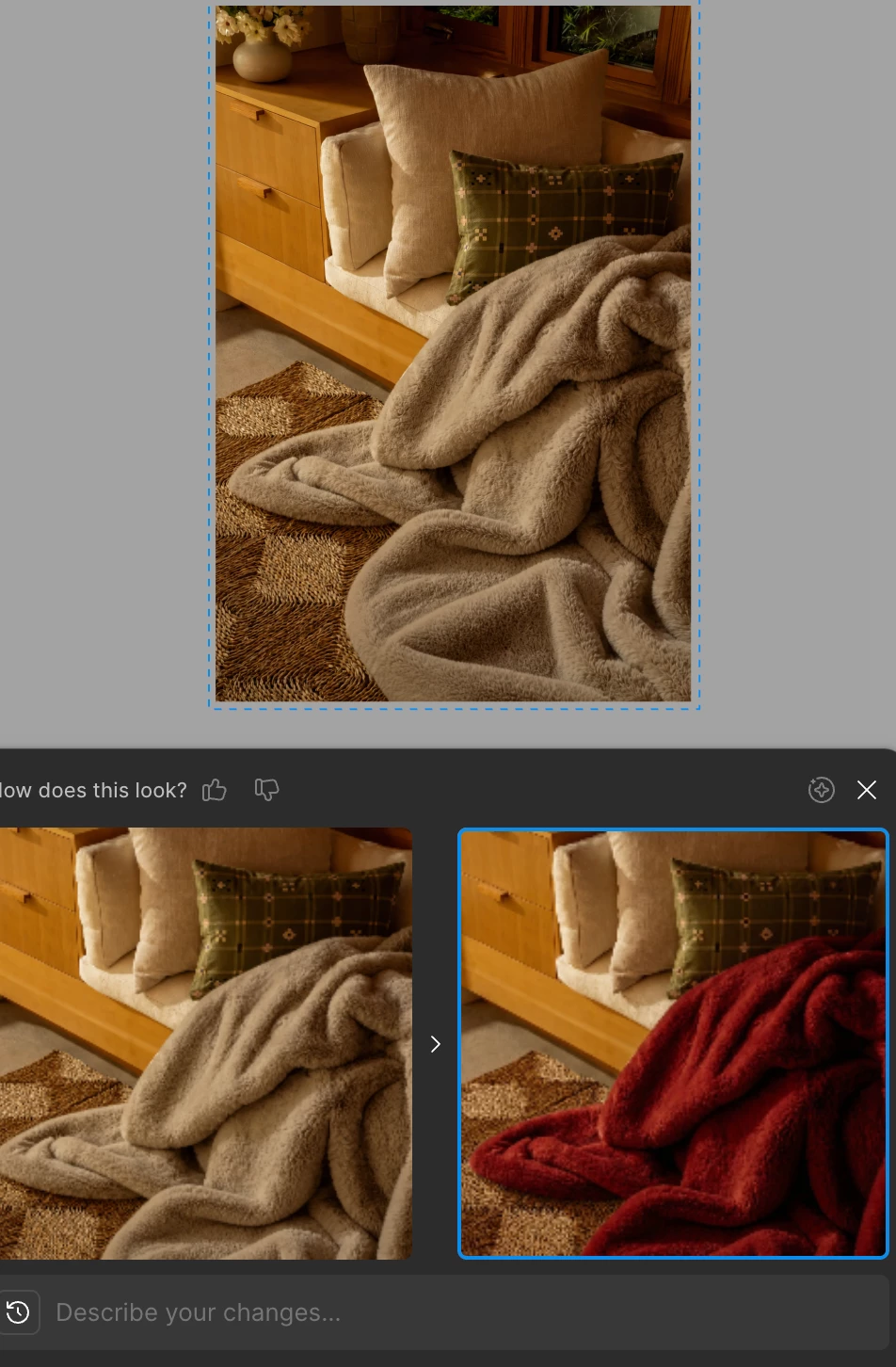
Thanks for flagging this, and for the follow-up noting that the issue is intermittent. I tested this on my end, including editing object colors within an image, and wasn't able to catch the same on-again-off-again behavior.
To help narrow things down, could you share a bit more:
Prompt types. What kinds of prompts are you entering, and do some work more consistently than others?
Platform and version. Is this happening in the browser, the Figma Desktop App, or both? If you're on the Desktop App, can you confirm you're running version 126.5.6 or later?
Error details. When the tool doesn't respond, are you seeing any error messages — or does the image simply not react to the input?
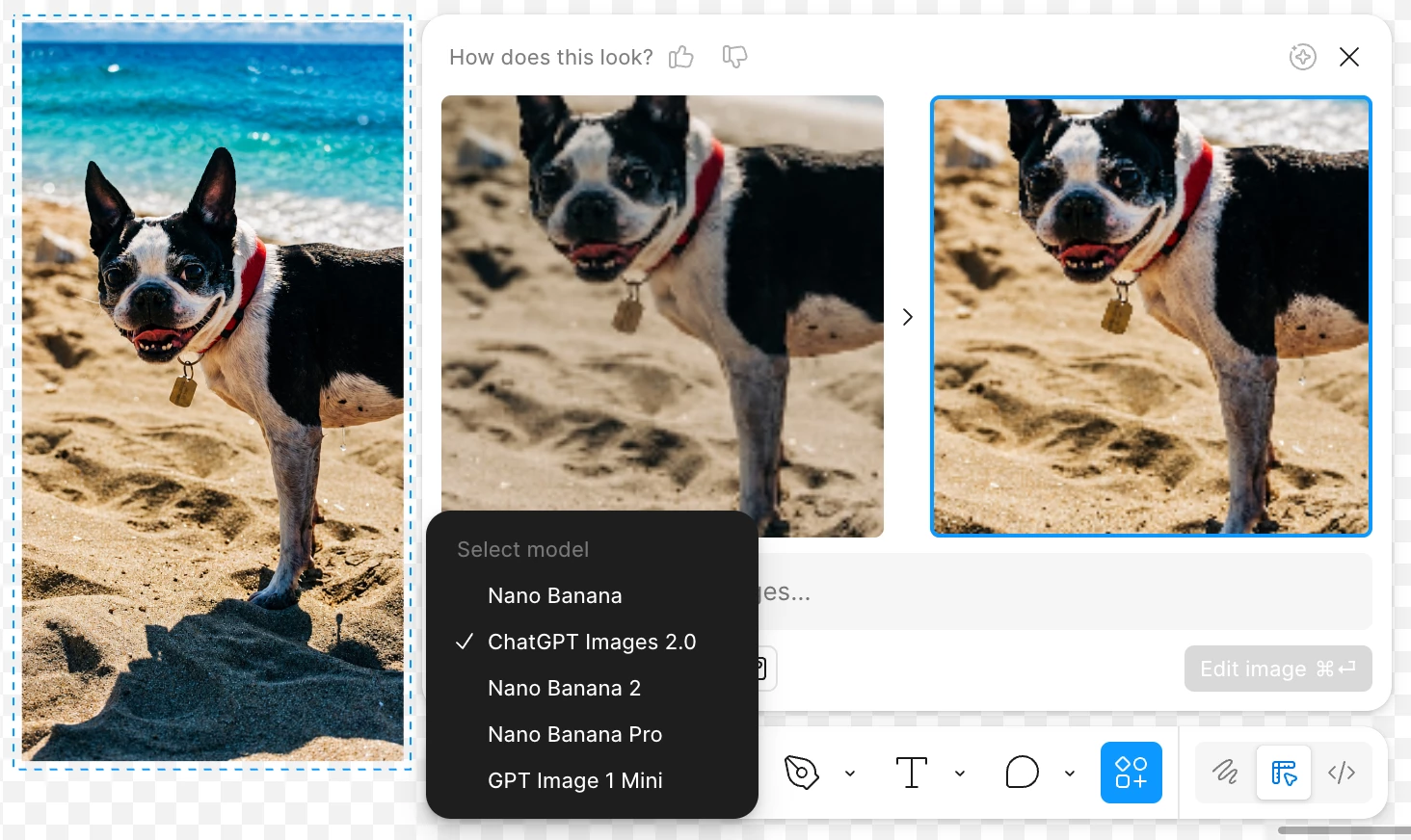
Model selection. Which model are you using (e.g. Nano Banana or ChatGPT Image)? Does switching to a different one make a difference?
“Select model” in lower left corner or prompt editor.
This will help me try to reproduce the issue and loop in the right team. If we need to go further, we can also take a look at the file directly.
Thanks for flagging this, and for the follow-up noting that the issue is intermittent. I tested this on my end, including editing object colors within an image, and wasn't able to catch the same on-again-off-again behavior.
To help narrow things down, could you share a bit more:
Prompt types. What kinds of prompts are you entering, and do some work more consistently than others?
Platform and version. Is this happening in the browser, the Figma Desktop App, or both? If you're on the Desktop App, can you confirm you're running version 126.5.6 or later?
Error details. When the tool doesn't respond, are you seeing any error messages — or does the image simply not react to the input?
Model selection. Which model are you using (e.g. Nano Banana or ChatGPT Image)? Does switching to a different one make a difference?
“Select model” in lower left corner or prompt editor.
This will help me try to reproduce the issue and loop in the right team. If we need to go further, we can also take a look at the file directly.