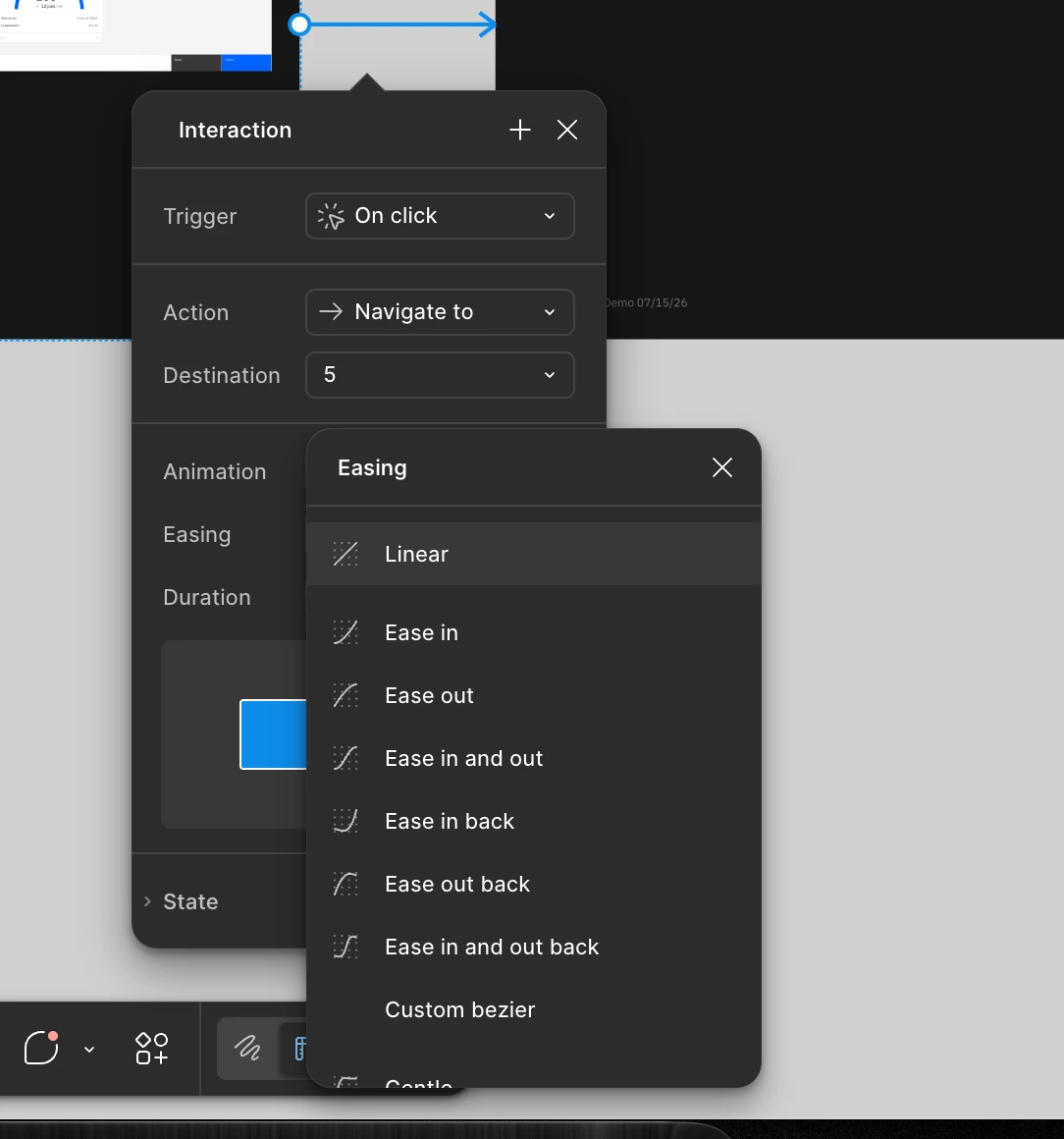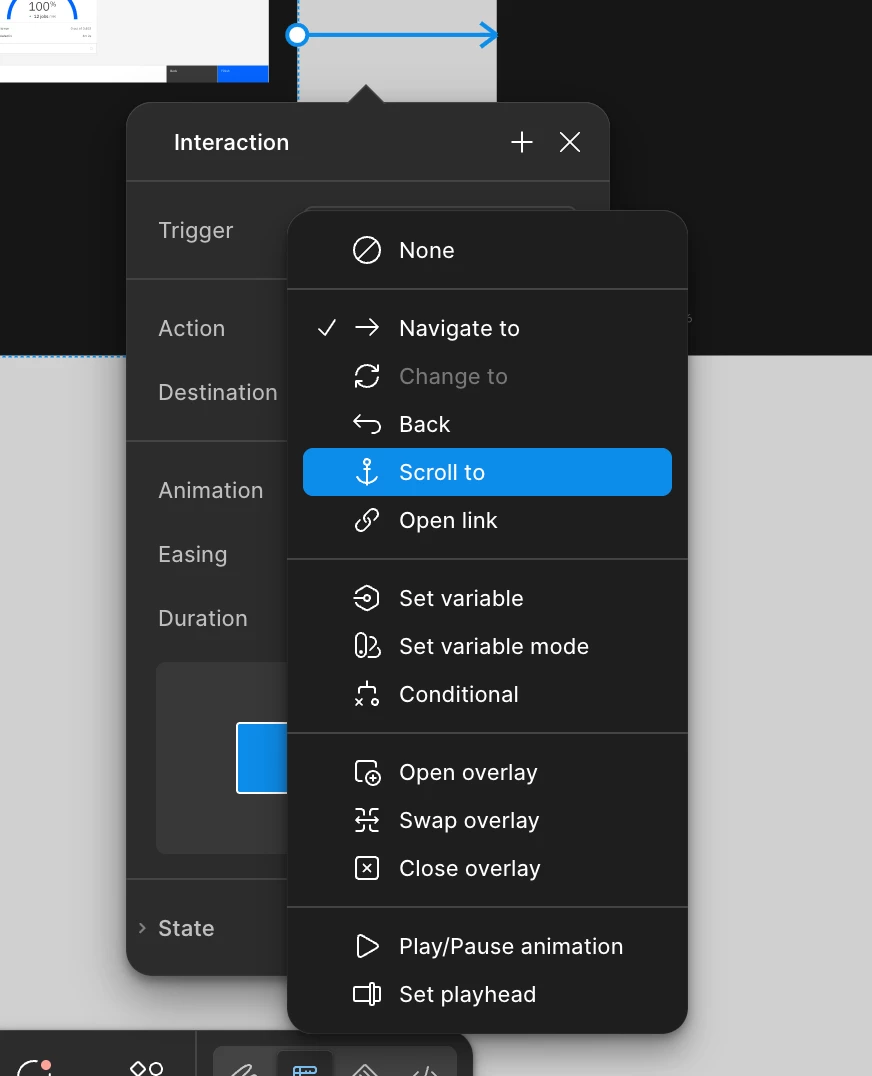
Easing menu in Interaction popup missing keyboard shortcuts – regression?
Hello!
It seems like this menu for Easing in the Interaction popup has slightly changed style – it now looks like its own window and can be dragged around etc.
However one regression I noticed compared to when it was a simple dropdown menu is that shortcuts from the keyboard no longer work.
Usually on these kinds of dropdown menus, you can type the first letter(s) of the menu item and it will automatically select it. Then you can hit [Enter] or [Space] on your keybaord and it will automatically select that option.
This behavior is seen on all dropdown menus in the style of the 2nd image (in this case, the Trigger menu)
Woudl love to be able to keep using my keyboard because its often faster to type the option then to use my trackpad/mouse, find the relevant item, and then click it
If you have any questions or need clarifications let me know.
thank you!