
Solved

Disconnecting Github Account

  • July 8, 2026
  • 2 replies
  • 39 views

Rubayat Ahmed

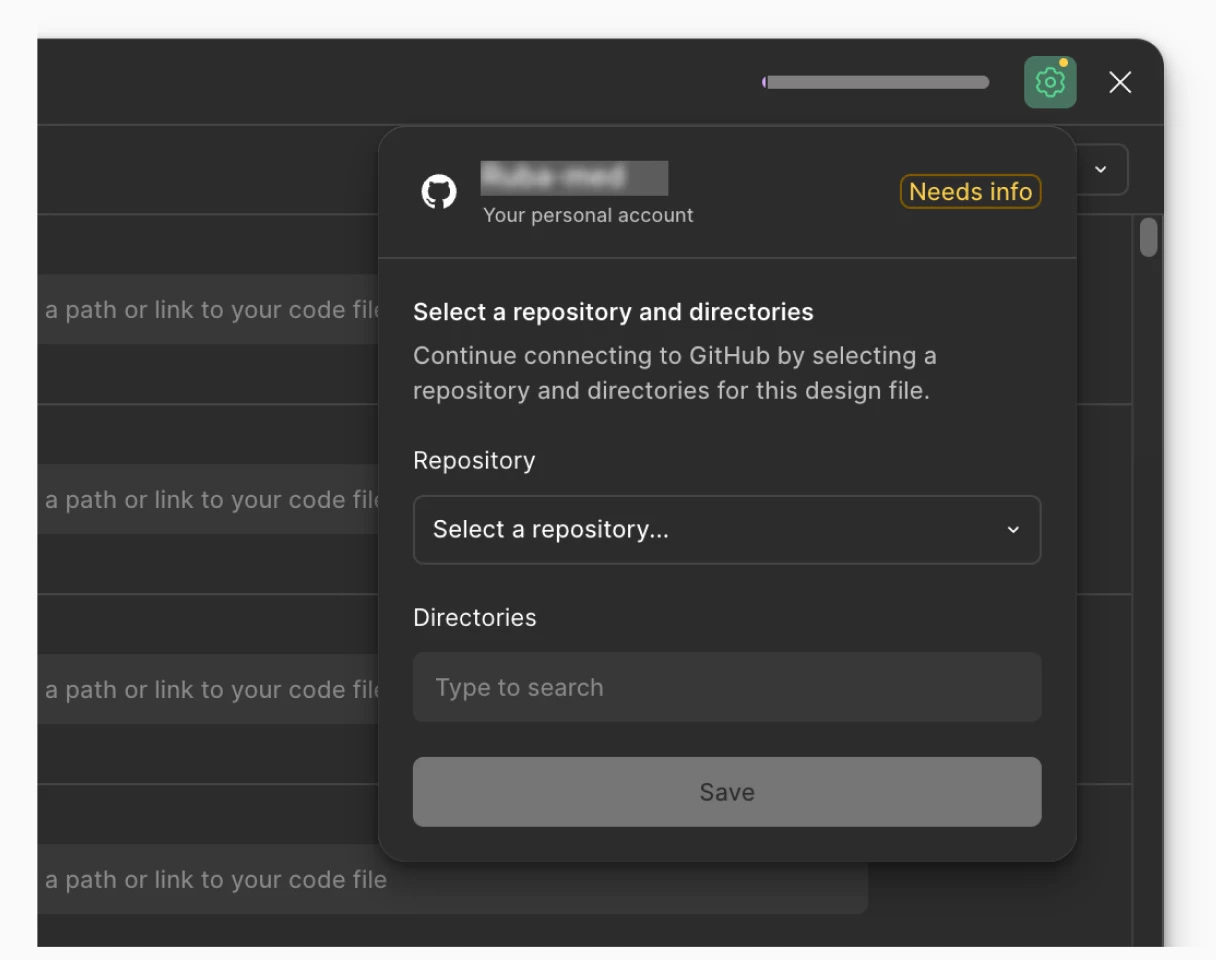
I did a mistake while connecting my enterprise github account. Now there is no option to remove this and try again. Any Ideas?


Best answer by Jaycee Lewis

Hey hey ​@Rubayat Ahmed 👋 Thanks for the screenshot. It’s super helpful. I wonder if we need to do this from the GitHub side.

From your personal GitHub account, can you try the following:

  • Go to GitHub → click your profile picture (top right) → Settings
  • Under "Integrations," click Applications → Installed GitHub Apps
  • Find Figma → click Configure → Uninstall
  • GitHub doc for these steps 

If this doesn’t resolve it, please let me know. — Jaycee

2 replies

Jaycee Lewis
Figmate
  • Figmate
  • Answer
  • July 8, 2026

Hey hey ​@Rubayat Ahmed 👋 Thanks for the screenshot. It’s super helpful. I wonder if we need to do this from the GitHub side.

From your personal GitHub account, can you try the following:

  • Go to GitHub → click your profile picture (top right) → Settings
  • Under "Integrations," click Applications → Installed GitHub Apps
  • Find Figma → click Configure → Uninstall
  • GitHub doc for these steps 

If this doesn’t resolve it, please let me know. — Jaycee


Rubayat Ahmed
  • Author
  • New Member
  • July 9, 2026

Hi Jaycee, it worked! Thanks.

