
JPL
New Member
Nov 12, 2026 2:46 PM UTC
Solved

Disable AI Ask Anything

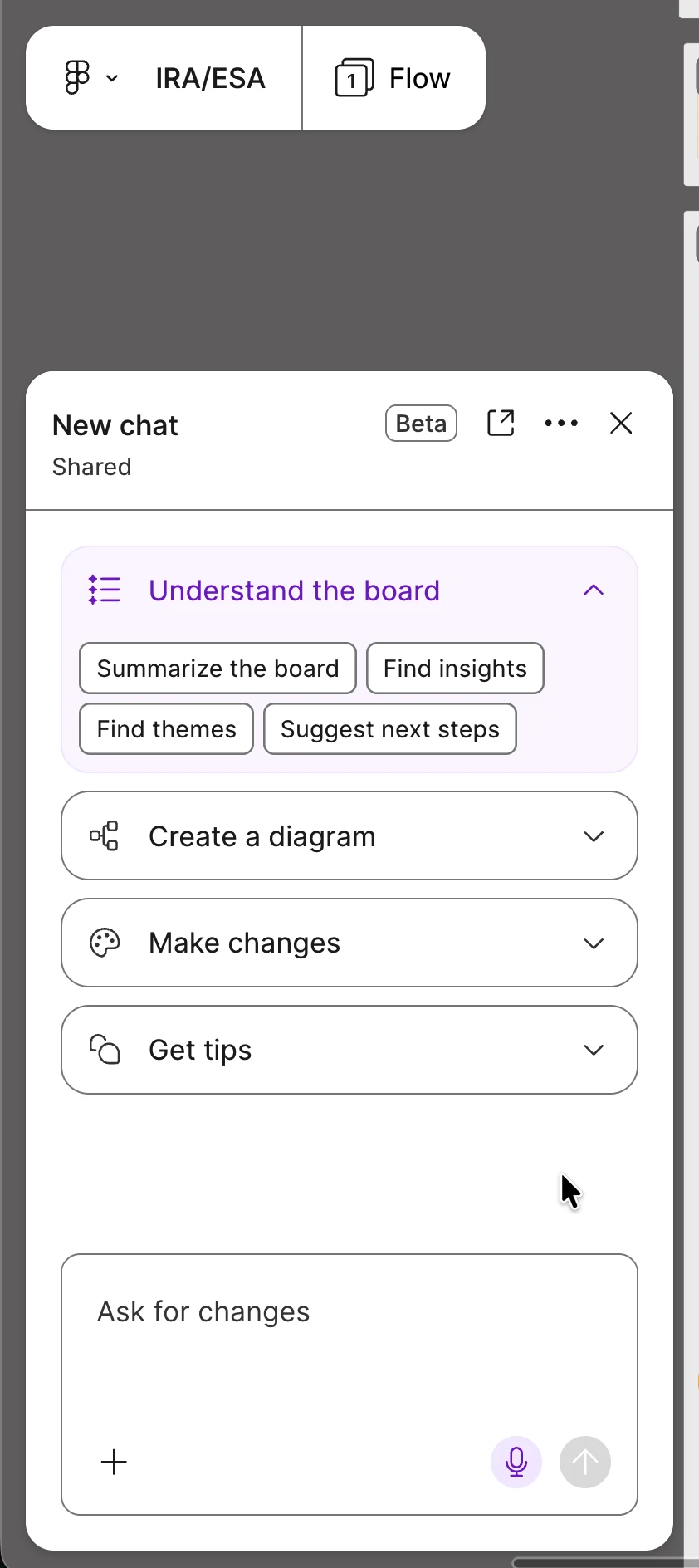
In FigJam, there’s now an Ask Anything AI chat bubble taking up space without any way to disable it. I don’t use FigmaMake or AI for my work. Please let me disable it.
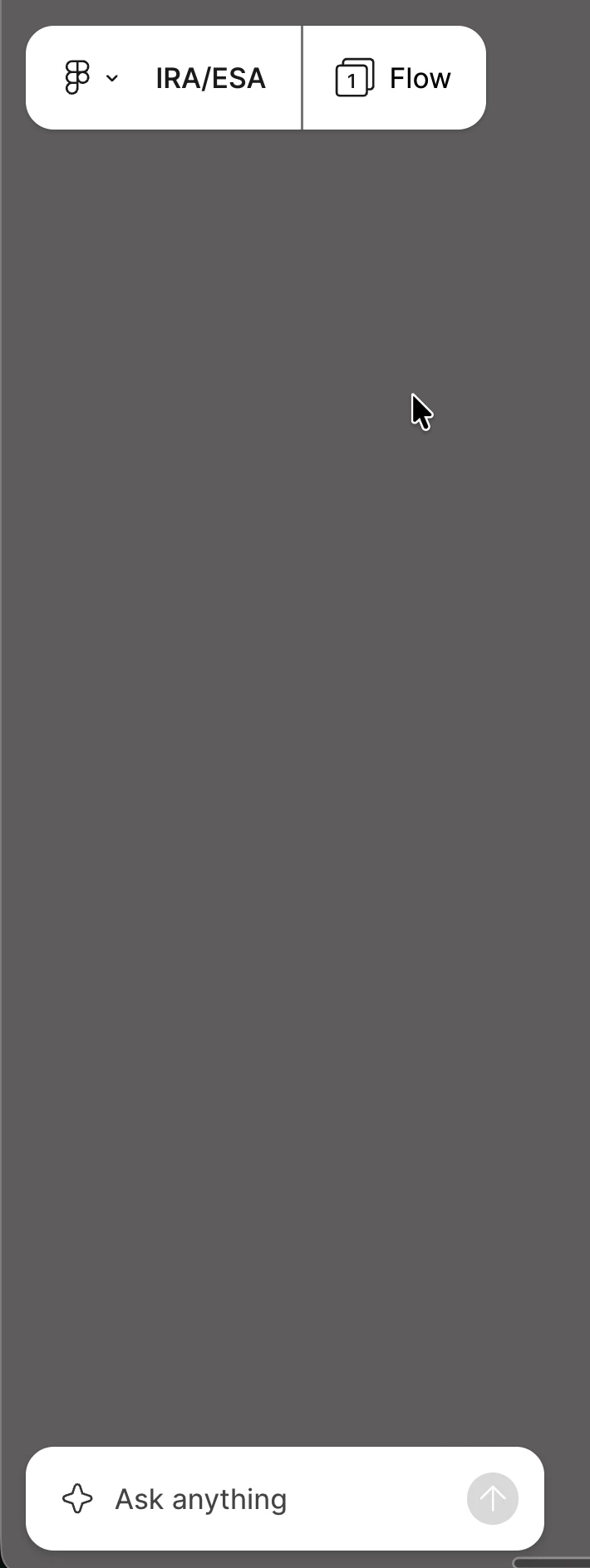
Ask Anything bubble 
Ask Anything chat


Gayani_S
Gayani_SSolution
Community Support
Nov 12, 2026 5:57 PM UTC

Hey ​@JPL, thanks for reaching out! 

Right now, there isn’t a setting that lets an individual person turn off the Ask anything chat in FigJam. But since you’re on the Enterprise plan, organization admins can turn off AI features for the whole organization or for specific workspaces. Workspace and team admins can’t change this setting. It turns off all AI features in that organization or workspace, including Figma Make, so it’s an all-or-nothing choice. Manage AI settings and content training for your team or organization has the steps.


If you’d like us to take a closer look at your organization’s setup, you can submit a request to our Customer Support team.


I’m also sharing your feedback about wanting a way to hide Ask anything with our team internally.

1 reply

Gayani_S
Figmate
Gayani_SSolution
Community Support
Nov 12, 2026 5:57 PM UTC

Hey ​@JPL, thanks for reaching out! 

Right now, there isn’t a setting that lets an individual person turn off the Ask anything chat in FigJam. But since you’re on the Enterprise plan, organization admins can turn off AI features for the whole organization or for specific workspaces. Workspace and team admins can’t change this setting. It turns off all AI features in that organization or workspace, including Figma Make, so it’s an all-or-nothing choice. Manage AI settings and content training for your team or organization has the steps.


If you’d like us to take a closer look at your organization’s setup, you can submit a request to our Customer Support team.


I’m also sharing your feedback about wanting a way to hide Ask anything with our team internally.