Question

Different result from the tutor

  • August 9, 2026
  • 7 replies
  • 42 views

Joshy

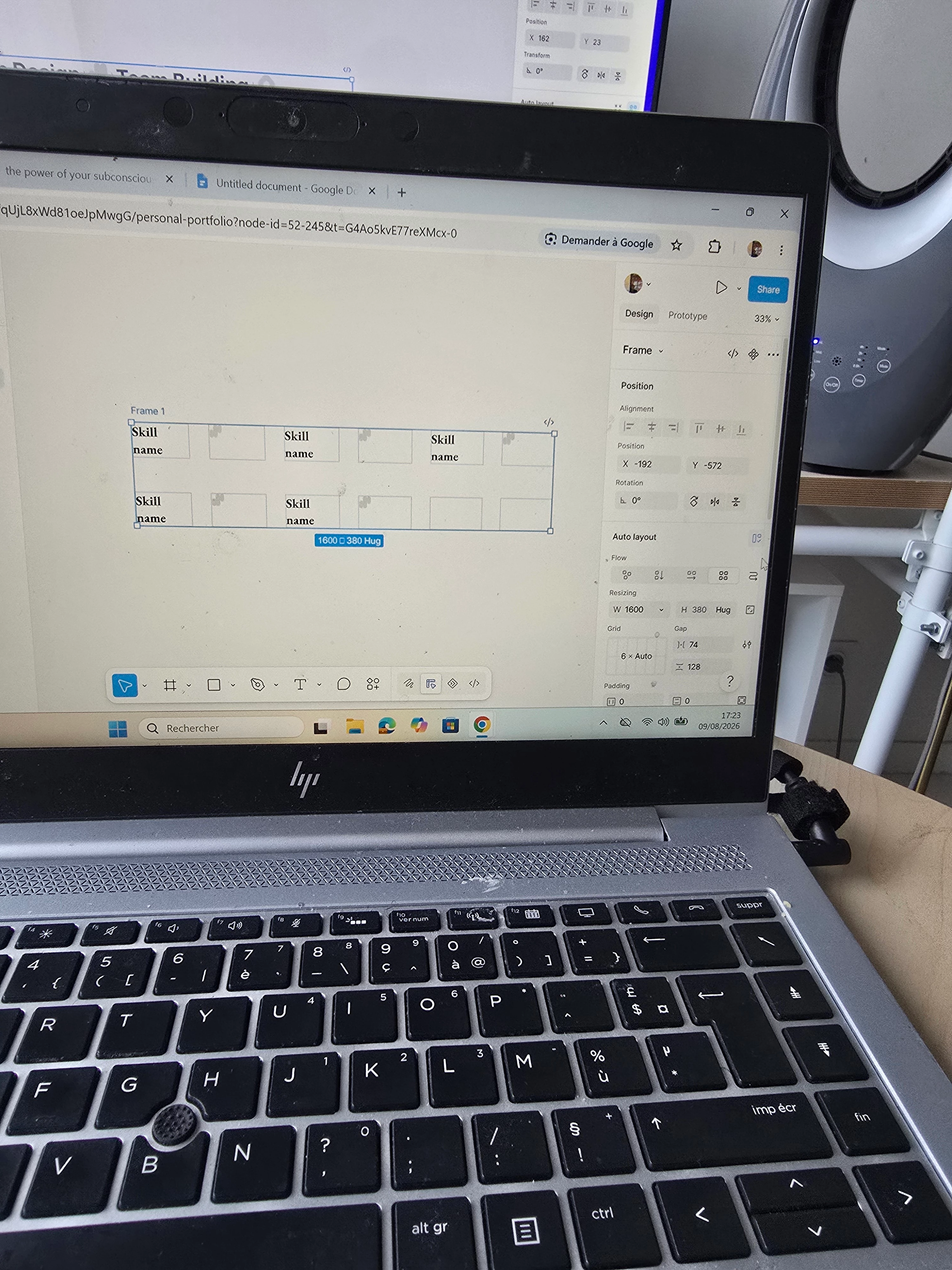
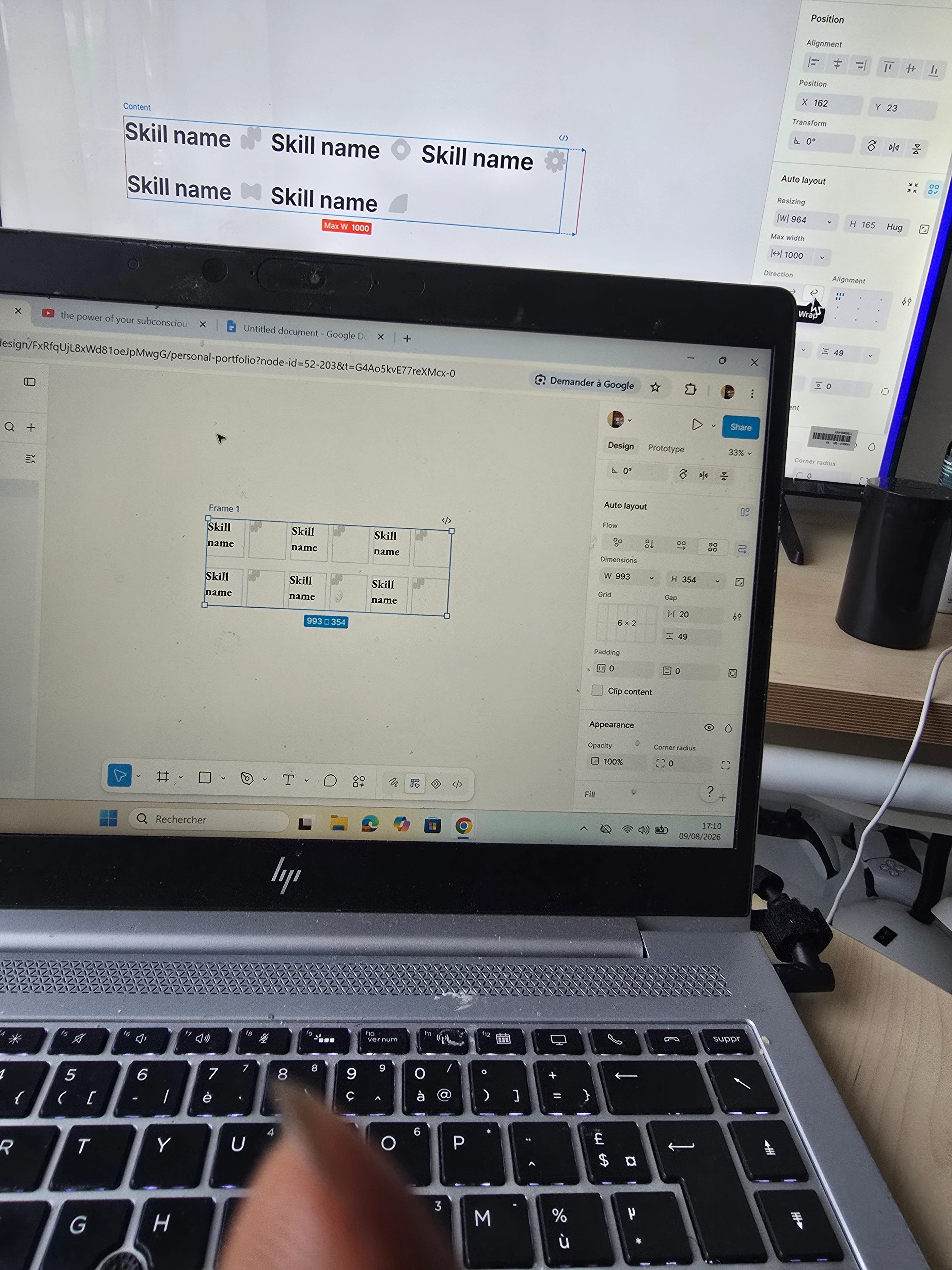
Hello in the lesson today using auto layout my resultbis different from that of the tutor.

How can i get this correctly 
 

7 replies

Nellya
  • Power Member
  • August 9, 2026

Hello. You need to use horizontal direction instead of a grid


Joshy
  • Author
  • New Member
  • August 9, 2026

Yes i converted to horizontal but is keeping a uniform frame of all object instead of different frame from each object


Nellya
  • Power Member
  • August 9, 2026

Yes i converted to horizontal but is keeping a uniform frame of all object instead of different frame from each object

Probably it’s because all your text have the same fixed width. Try to change it to Auto width and apply Hug


Joshy
  • Author
  • New Member
  • August 9, 2026

No they dont. It was a single text that was duplicated and when i use auto layout it widen the space each frame uniformly


Nellya
  • Power Member
  • August 10, 2026

No they dont. It was a single text that was duplicated and when i use auto layout it widen the space each frame uniformly


It's how Grid Auto Layout works.
You can manually apply horizontal Auto Layout instead of using Shift+A to avoid the grid being applied automatically.


Nellya
  • Power Member
  • August 10, 2026

Like this


Joshy
  • Author
  • New Member
  • August 10, 2026

Perfect! The text are now in a different frame size. Thank you so much. I am a beginner so is a bit hard going through it all alone. do you have any resources or information that would help in my learning process?