
Answer

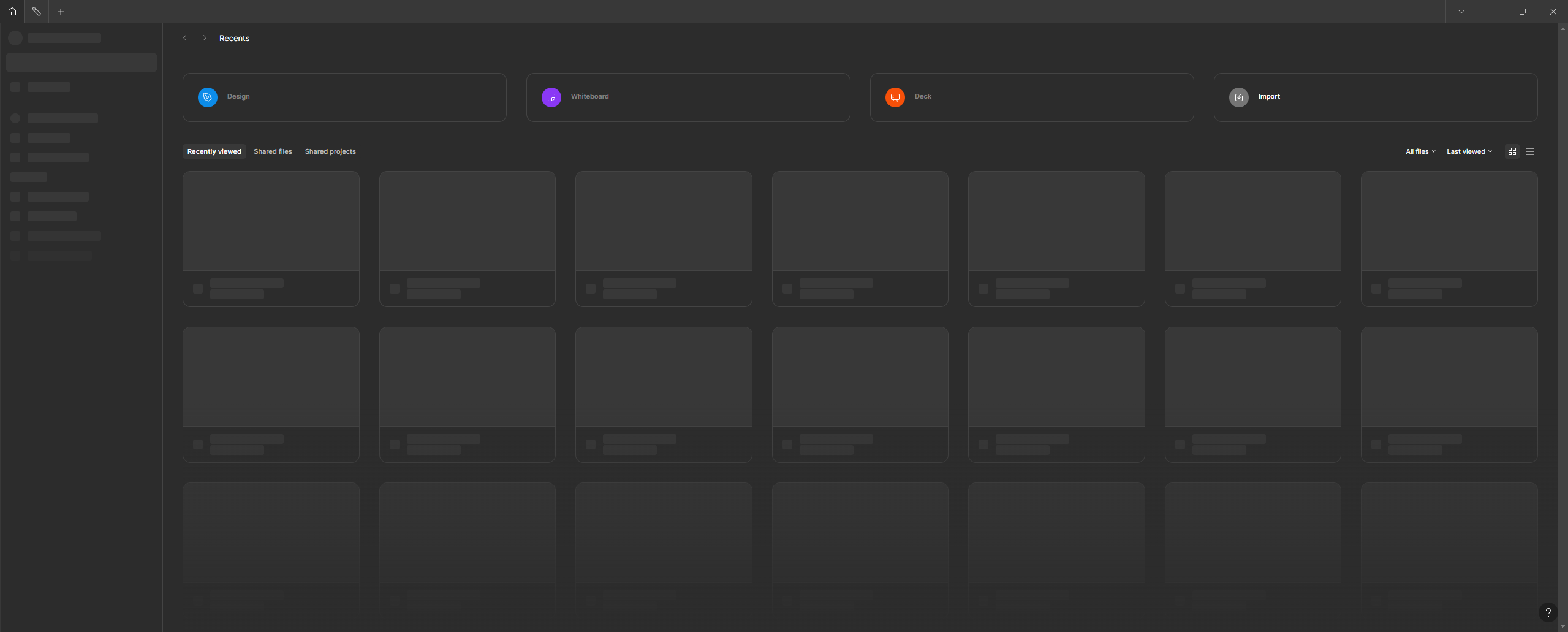
Desktop app loading issue

  • April 16, 2025
  • 3 replies
  • 170 views

Parul Vyas

I can’t use the desktop app. it’s completely disable view and Figma can’t loading.
 

Best answer by Celine_

@Parul Vyas , can you please try to clear out the cache and check if this resolves the issue? It resolved it for some users.

After investigation, the issue is happening in the browser for some users and the app for others. Here is the instructions to clear cache in the app: https://help.figma.com/hc/en-us/articles/22380853110551-Clear-the-Figma-desktop-app-cache . Let me know how it goes! Thank you

UPDATE: This incident has been resolved. See: https://status.figma.com/.
Please clear out the cache and refresh your tabs. And, let us know if you are still having issues after trying these steps. Thank you!

This topic has been closed for replies.

3 replies

Nellya
  • Power Member
  • April 16, 2025

Try clearing the cache


Celine_
Figmate
  • Community Support
  • April 16, 2025

Hey Parul,
Thank you for flagging this! We are aware of this issue. Our engineering team is currently investigating it. 

As soon as we have an update, we will let you know.

Thanks for your patience in the meantime!


Celine_
Figmate
  • Community Support
  • Answer
  • April 16, 2025

@Parul Vyas , can you please try to clear out the cache and check if this resolves the issue? It resolved it for some users.

After investigation, the issue is happening in the browser for some users and the app for others. Here is the instructions to clear cache in the app: https://help.figma.com/hc/en-us/articles/22380853110551-Clear-the-Figma-desktop-app-cache . Let me know how it goes! Thank you

UPDATE: This incident has been resolved. See: https://status.figma.com/.
Please clear out the cache and refresh your tabs. And, let us know if you are still having issues after trying these steps. Thank you!
