Solved
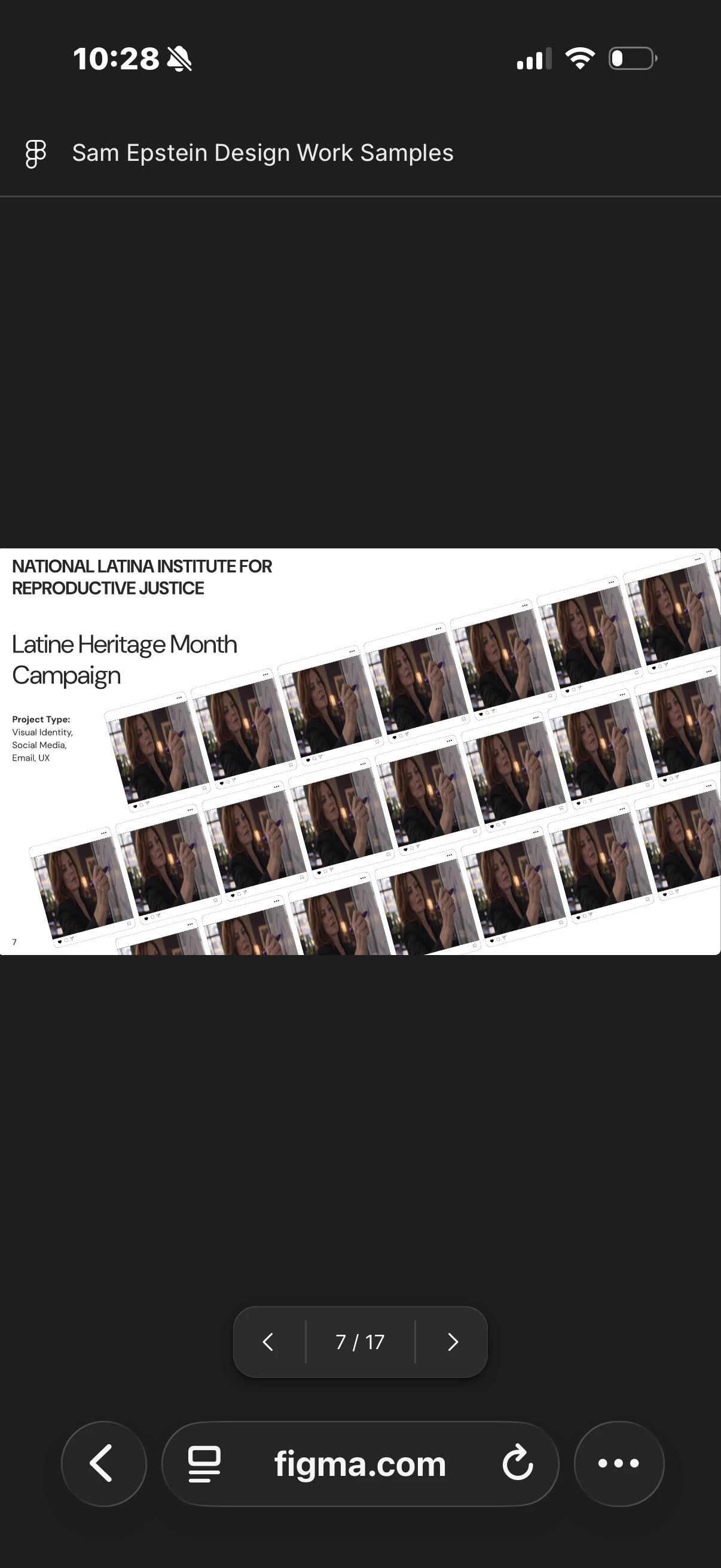
Deck Images Showing Up as Unknown Stock Image on Mobile Browser - Please Help!
Issue: When viewing a Figma Slides deck on a mobile browser (confirmed on both Safari and Chrome), all user-placed images are replaced by the same stock filler image — a woman writing on a whiteboard. The issue occurs immediately on every slide containing an image and does not happen on desktop browsers. The deck link is: https://www.figma.com/slides/p8zbguCVh5k0WDtI8qegGT
Troubleshooting already attempted:
- Disabled browser extensions / ad blockers
- Checked for iOS Lockdown Mode (not enabled)
- Ensured cookies are enabled in Safari
- Reset Safari zoom to 100%
- Cleared Safari website data for figma.com
- Confirmed images are high-resolution and display correctly on desktop
- Force quit and relaunched both browsers
- Issue persists across both Safari and Chrome on mobile
Deck link: https://www.figma.com/slides/p8zbguCVh5k0WDtI8qegGT
Screenshots attached: