

Question
Couldn’t connect, check your internet and try again” — requests stop working (Request ID: 5f060aff-a7cc-44b1-84e3-44cda63874f3)
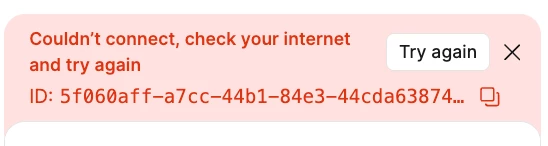
I’m having an issue with Figma where every time I submit a prompt using the AI/chat feature, the request fails and a red error banner appears saying:
“Couldn’t connect, check your internet and try again.”
My internet connection is working normally, and this issue happens consistently despite:
-
trying both the desktop app and browser version
-
switching Wi-Fi networks
-
using a mobile hotspot
-
restarting Figma/browser
The prompt does not generate a response and immediately returns the connection error. Other internet services work fine, so the issue seems specific to Figma’s AI/request system rather than my actual connection.
Has anyone found a fix for this or knows what causes it?