

Question

Copy & Paste frames are not working in Figma Make

  • August 8, 2026
  • 1 reply
  • 10 views

Rujen

I'm looking for help with an issue that has been affecting me for quite a while.

My workplace provides me with a Figma Professional plan, but I have been unable to directly copy and paste any frame into Figma Make. Every time I try, I receive the following error message:

"Something went wrong. Try different frame or try again."
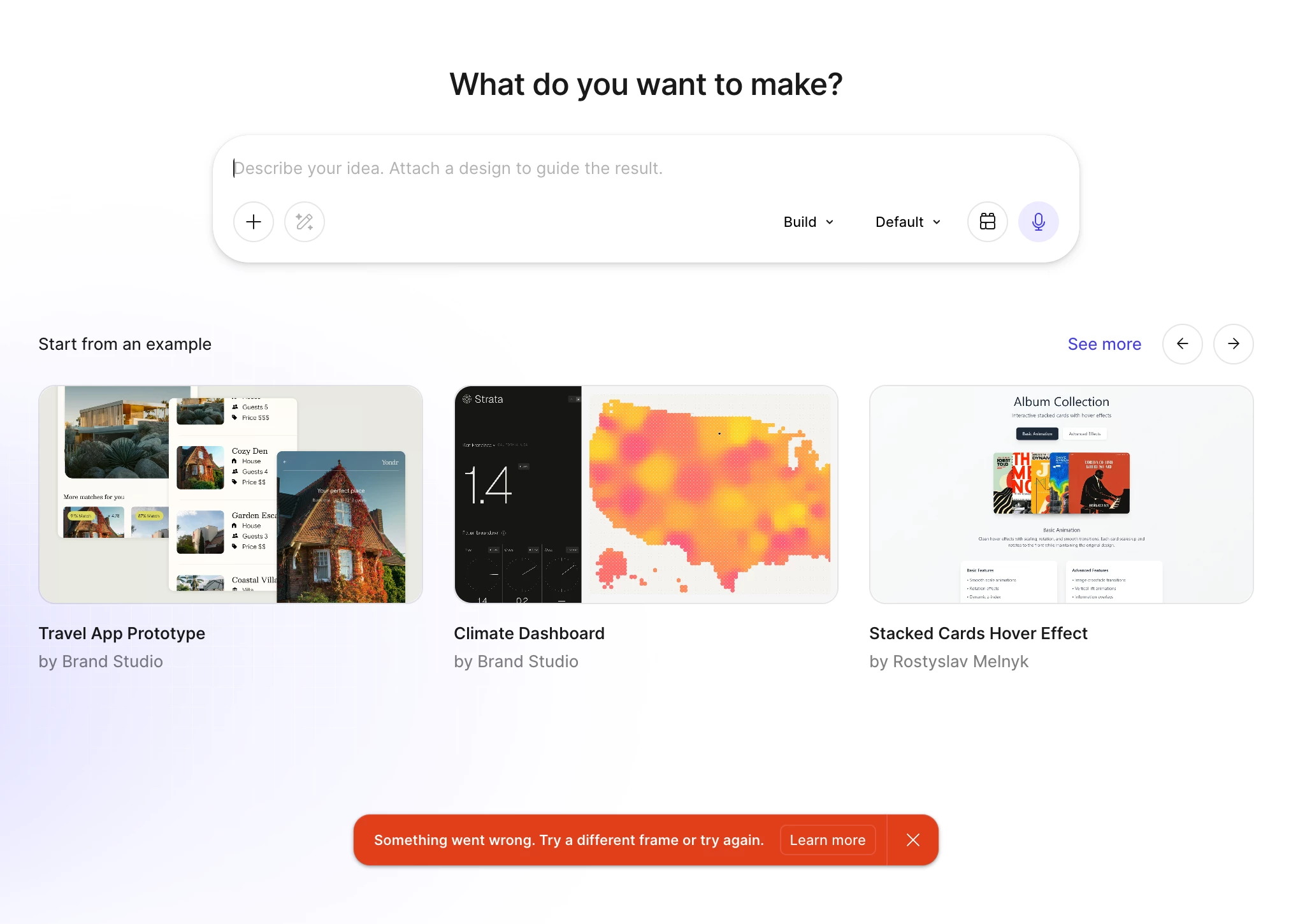


Issue details:

  • Number of frames attached: Even a single frame cannot be copied/pasted
  • Error message: "Something went wrong. Try different frame or try again.
  • Environment: Occurs in both the Figma Desktop App and web browser
  • Duration: This has been happening for a quite long time now
  • Scope: The issue is not limited to me. Several of my coworkers are experiencing the same problem

I've already tried refreshing and retrying multiple times, but the problem persists.

If anyone has encountered this issue before or has suggestions, workarounds, or insights into what might be causing it, I would greatly appreciate your help.

Thank you!
 

1 reply

Tom Reem
Figmate
  • Figmate
  • August 8, 2026

Hi ​@Rujen — welcome to Figma Forum, and thanks for laying this out so clearly.

I tried reproducing it just now: copied a frame from a Design file into a Make file, prompted it to change the color palette, and it worked as expected. I’d like to find out if what's happening is specific to your setup or your designs. I you’re up for it, please reply with some more details and I’ll keep chasing this down.

Could you walk me through your exact steps? Things that would help:

  • Where you're copying from, and how (Cmd/Ctrl+C on canvas, or right-click → Copy?)
  • Where you're pasting (the prompt box in a new Make file, or an existing one)?
  • What's in the frame (is it content-heavy, lots of images or vector illustrations, or does it use components from a shared library)?
  • Whether it's every source design file (or just certain ones)?
  • Also, I know you said it’s been a while, though do you and your team recall a more specific timeframe when it started?

With that, I can try to reproduce it on my end, then escalate. If I can't, the next step is a Customer Support request with a short screen recording and the file shared to support-share@figma.com with view access.

Thanks for your collaboration on this — looking forward to your reply.