Question
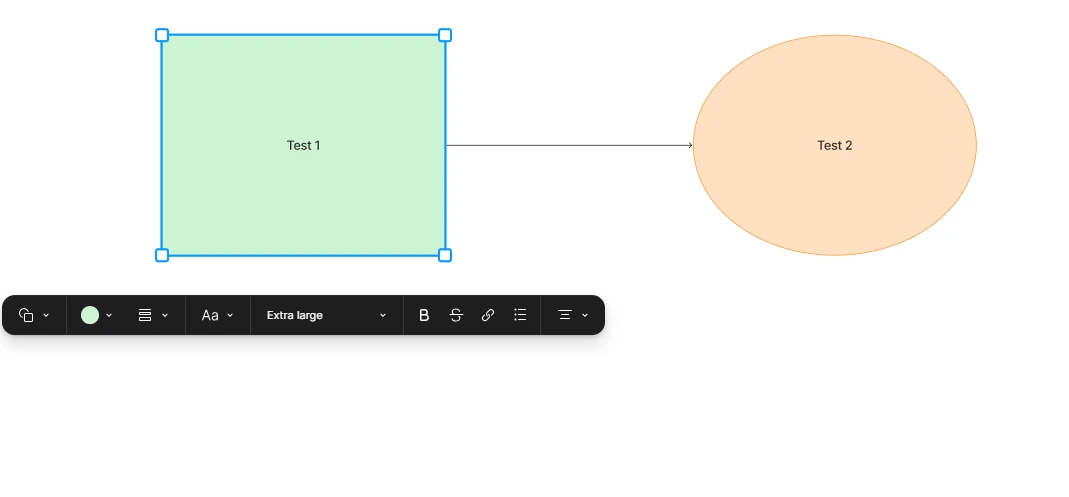
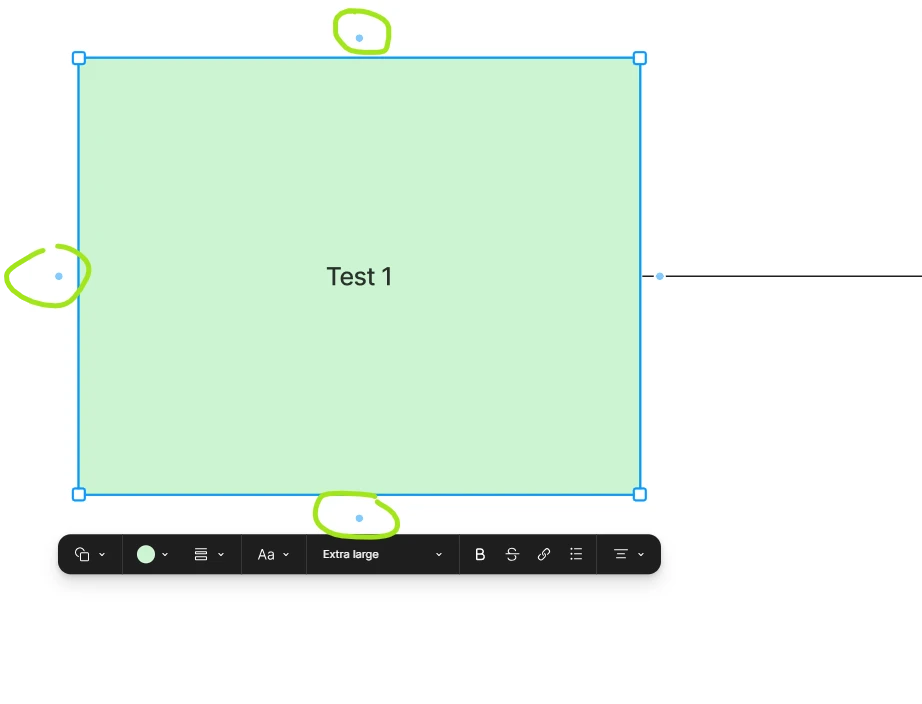
Connector's hover button doesn't show on diagram shapes
I have updated Figma desktop app this morning and started working on a diagram in FigJam. Very quickly noticed that usual hover button, that appears on the shape with a “+” icon, that creates connector between two shapes doesn’t show anymore. Also when I copy one of the connected shapes and drag it below it doesn’t duplicate the connector to the original shape, as it used to do before.
Now to connect the shapes I have to manually select the arrow on the bottom menu or hit X to activate it and manually set it between the shapes, which is not very convenient.
Is it possible that it’s a bug or there is a special menu to turn them back on?
P.s. Just tried it on web, and it’s there! So it’s def a bug on the desktop app!