Question

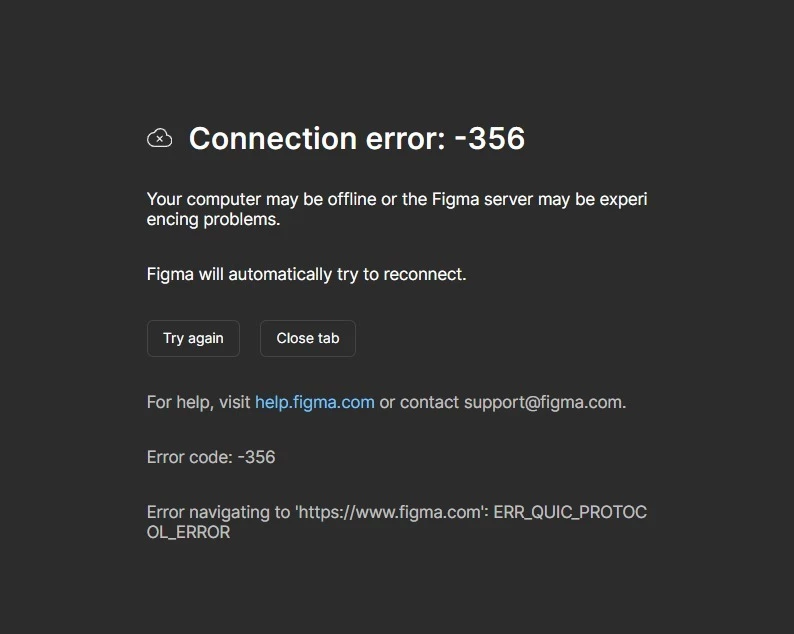
Connection error: -356

  • May 26, 2026
  • 1 reply
  • 30 views

Igor Andric

It says this in the app


Your computer may be offline or the Figma server may be experiencing problems.

Figma will automatically try to reconnect.


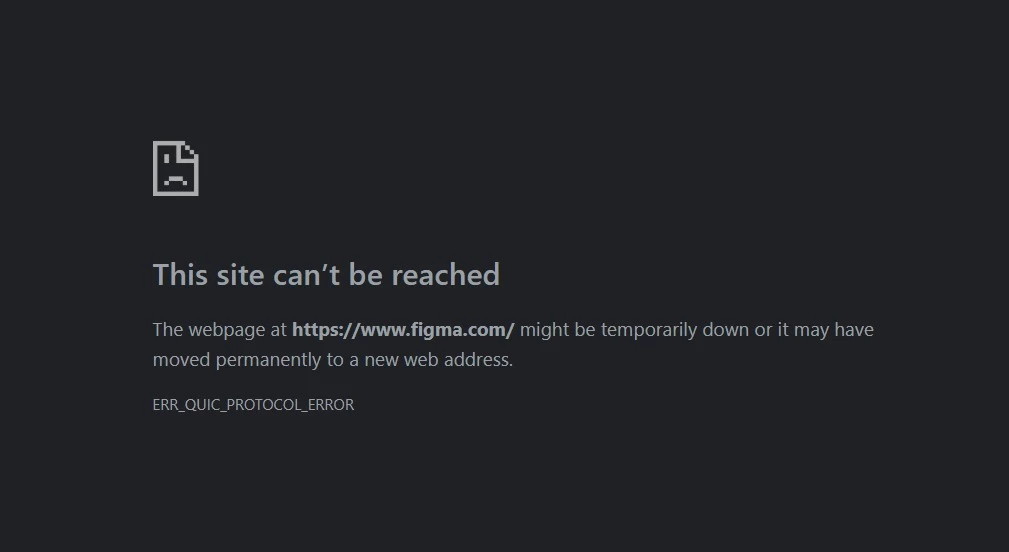
The website doesn't work in any browser chrome, Brave or edge. And I have no vpn on and disabled my firewall 
 

1 reply

djv
Figmate
  • Community Support
  • May 26, 2026

Hi ​@Igor Andric, thanks for reaching out! 

I think I replied to you recently on Reddit as well. Again, errors like these typically indicate a network setting is blocking Figma from connecting to essential resources. Since we already know that your issue isn’t related to a firewall or VPN, it may also help to check any other proxy or antivirus configurations. Please try the steps below to see if we can get this resolved:

  1. Network Configuration: Ensure that your network settings are not blocking Figma. Please add Figma to your computer’s firewall or proxy allowlist, and confirm that the following are included in your proxy, firewall, or antivirus allowlists:
  • *.figma.com 
    *.figma.site
    *.makeproxy-c.figma.site
    *.makeproxy-m.figma.site
    *awswaf.com
    esm.sh
    jsdelivr.net
    figma.app
  • Port 443 is unblocked. Please see our Adjust your network settings guide for more details.


2. Try a Different Network: If possible, try connecting your computer to a different network to see if the issue persists. This can help determine if the problem is specific to this network.


3. Check for Browser Extensions: Sometimes, browser extensions can interfere with network connections. Try disabling any extensions, especially ad blockers, to see if that resolves the issue.
 
4. Temporarily turn off any VPNantivirus, or firewall software
 
5. Flush your DNS and restart your browser
 
6. Clear the cache: Try clearing the cache for the Figma desktop app and your browsers. You can find instructions on how to clear the cache for the Figma desktop app here .
 
If these do not help, please let me know. I can help connect you with our support team to continue investigating. I’m going to close the loop on Reddit, so we can focus here. Looking forward to helping you get this resolved!