
ae185
New Member
Nov 10, 2026 1:11 PM UTC
Question

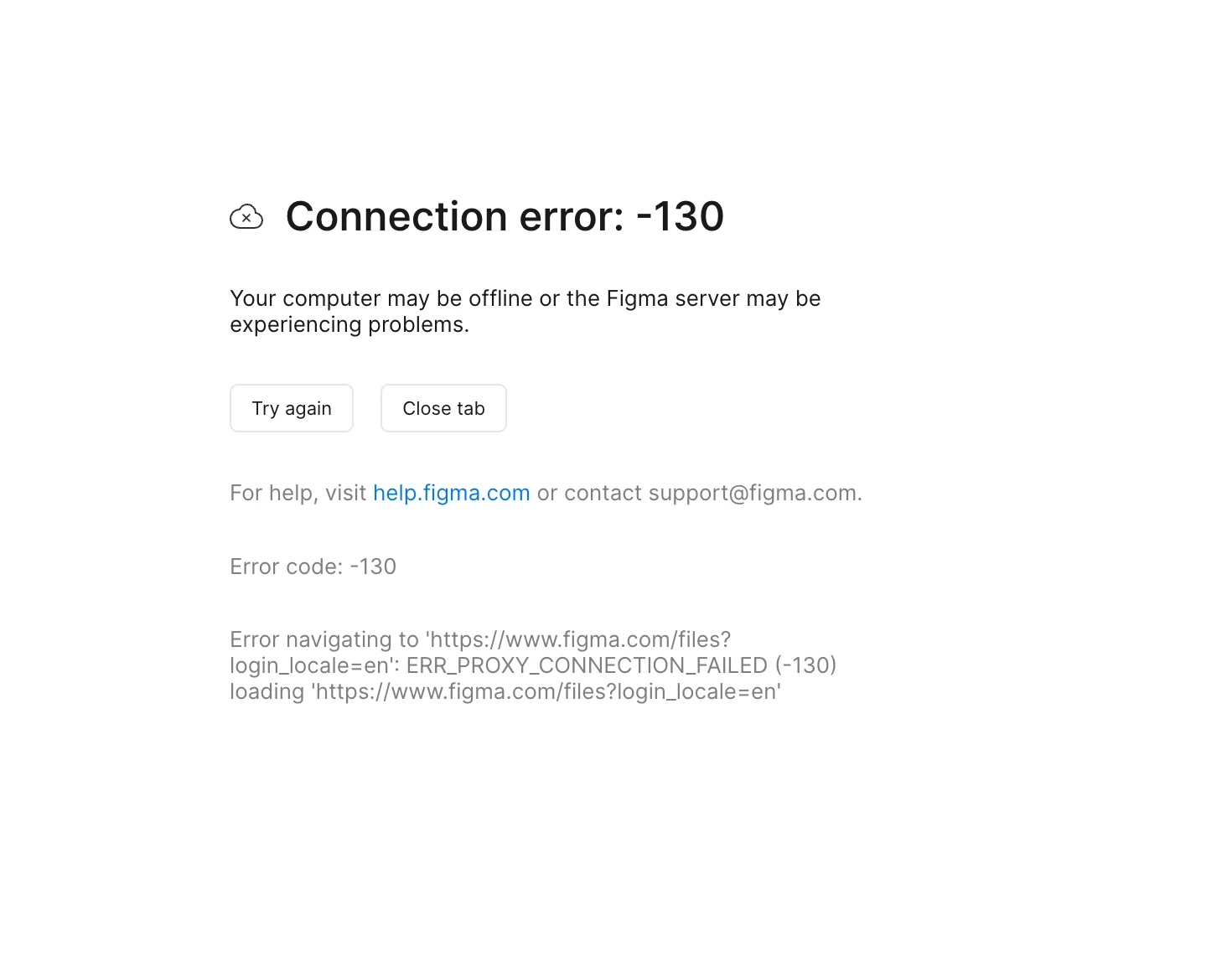
Connection error: -130

When I try to open the Figma desktop application for Mac, I’m consistently just getting Connection error: -130. I’m unsure what is happening and why,

 

    3 replies

    New Member
    Nov 10, 2026 2:17 PM UTC

    clear cache and then try again and then let me know if it’s resolved or not

    Gayani_S
    Figmate
    Community Support
    Nov 10, 2026 2:34 PM UTC

    Hey ​@ae185, thanks for reaching out! And thanks ​@mazikeenharry  for suggesting to clear the cache.

    A -130 connection error on the Figma desktop app for Mac usually means the app can’t reach our servers through a proxy, VPN or security tool on your Mac or network. 

    Clearing the cache is a good place to start, so let’s begin there and then look at the network side.

    1. Reset the desktop app. Go to Help > Troubleshooting > Reset Figma and Restart. If you can’t reach the menu, Clear the Figma desktop app cache has the Terminal steps. Please check that any recent changes have synced first, for example by opening your file in the browser.
    2. Check your proxy settings. On your Mac, open System Settings, select Network, choose your active connection, then select Details and Proxies. Add .figma.com under Bypass proxy settings, apply the changes and restart the Figma desktop app. If you’re on a work or school Mac, your IT team may manage these settings, so it’s worth checking with them. Adjust your network settings has more detail.
    3. Try a different network and pause any VPN or security software. A mobile hotspot works well for this. Then reopen the desktop app.


    Does Figma load for you in a browser (Chrome, Safari, Firefox or Edge) on the same Mac and network? That will help me work out whether this is specific to the desktop app or your network setup.


    Let me know how it goes and we’ll work out next steps from there.

    ae185
    ae185Author
    New Member
    Nov 10, 2026 3:00 PM UTC

    It does load for me in any of the browsers just not the actual desktop app.


    #1 didn’t work for me.

    I did #2 but nothing on my proxy settings was turned on.

    #3 didn’t work for me.


    It’s working for other designers at my company so I’m not sure why it’s not working for me.