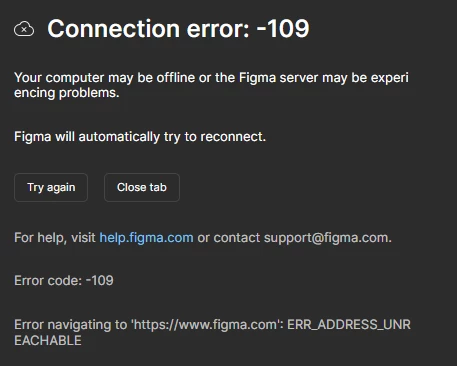
Hey @Sabith Fariq , sorry to hear you're running into this!
A -109 error usually points to something in your network blocking access to Figma (like a proxy, VPN, firewall, or antivirus).
If you're on a school/work network: We'd recommend looping in your IT department or systems administrator. They can unblock Port 443 and safelist Figma's required domains. All the details are here: Adjust your network settings
Also worth checking if your proxy isn't blocking WASM, WebGL, or WebSockets.
A few quick things you can also try on your side:
Check your internet connection and restart your route
Switch networks (e.g. hotspot) to confirm if it’s network-related
Flush your DNS cache
Try a different browser, or clear your browser cache and cookies
Disable any browser extensions, VPNs or antivirus temporarily to test
If none of the above helps, it would be great if your IT admins could check the Network tab of the Developer Console, this should show exactly what's being blocked so they can address it.