

Denise_Hagenow
New Participant
April 22, 2024
Question

Component are not showing by using Modes and Variables

  • April 22, 2024
  • 14 replies
  • 1006 views

Hello! We recreated our Component Library with Modes and Variables. Unfortunately when I wanna use my components in working file (Libraries are added to File) some components aren’t appearing by switching the modes. It seems to have issues with nested components and changing properties with modes when a component variant is “reloaded/lazy loaded”. Works only fine for the first mode. It’s a massive issue now since we aren’t able to work properly.

First I thought it has to do with hidden component (we are using _parts oftentimes) but even after publishing the part component it doesn’t work.

Are there anybody with the same issue and a solution? Seems like a bug for me
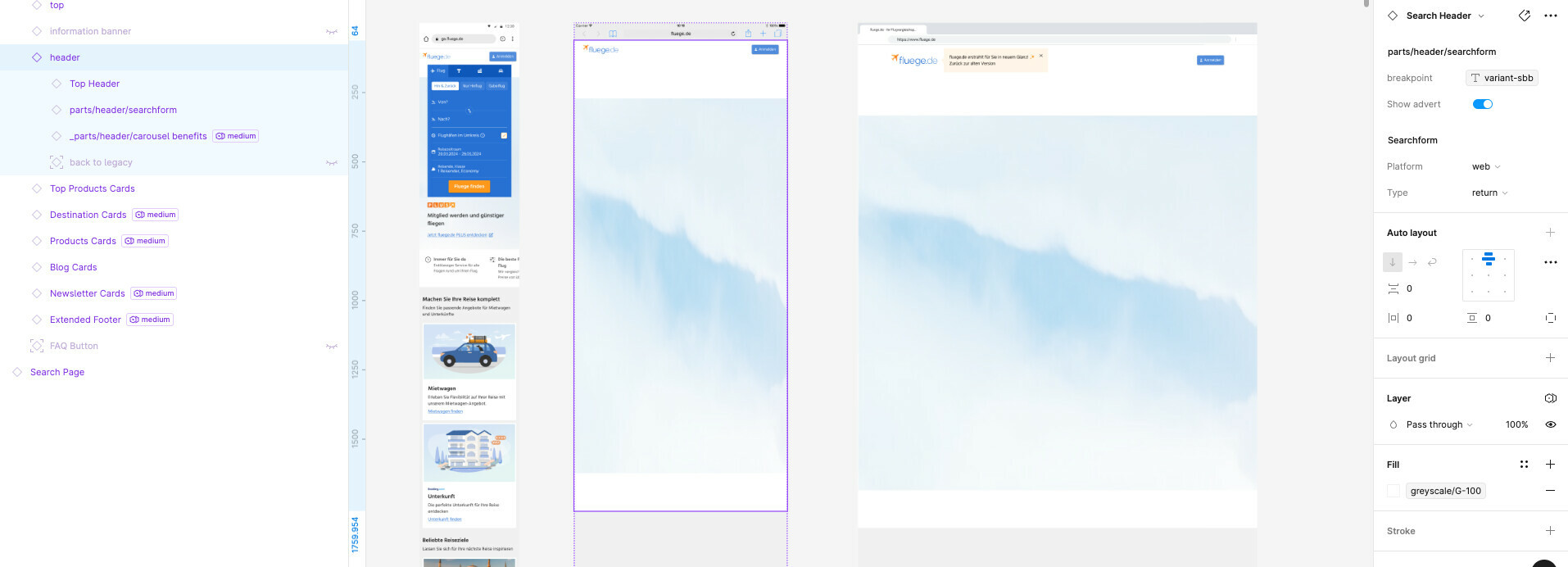
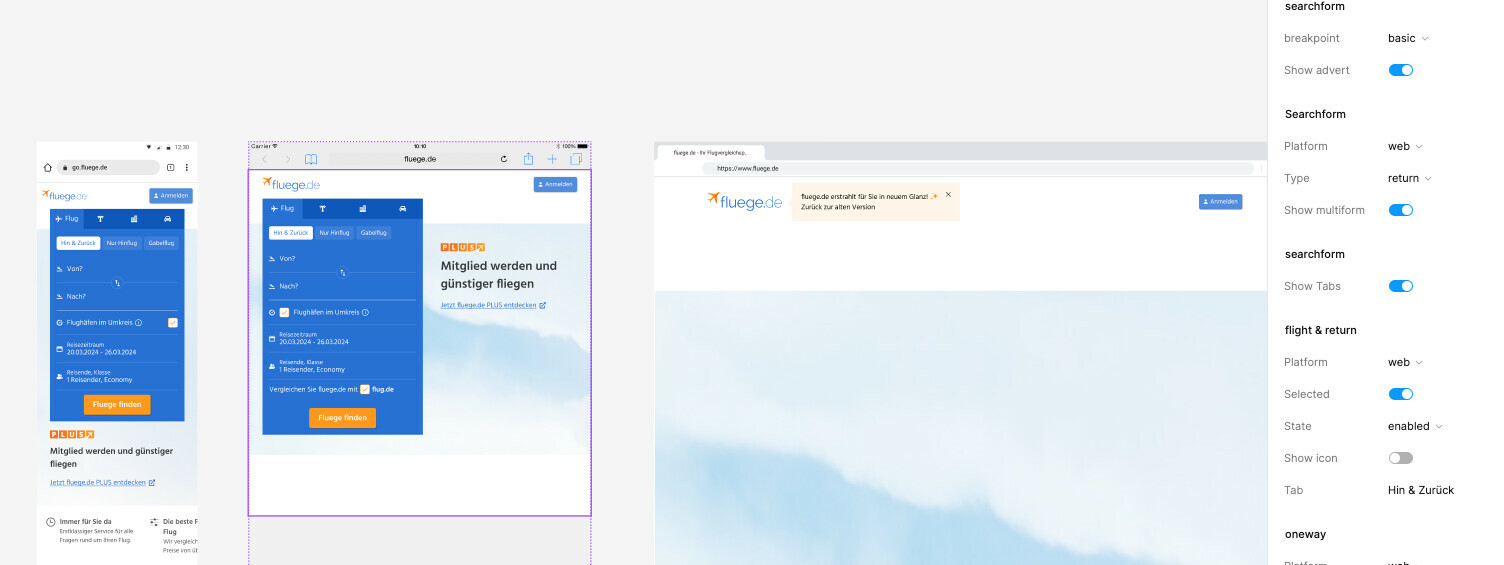
Edit: I detached the breakpoint property and set it manually on “basic” now it’s showing. So I assume it has to do with the property variable
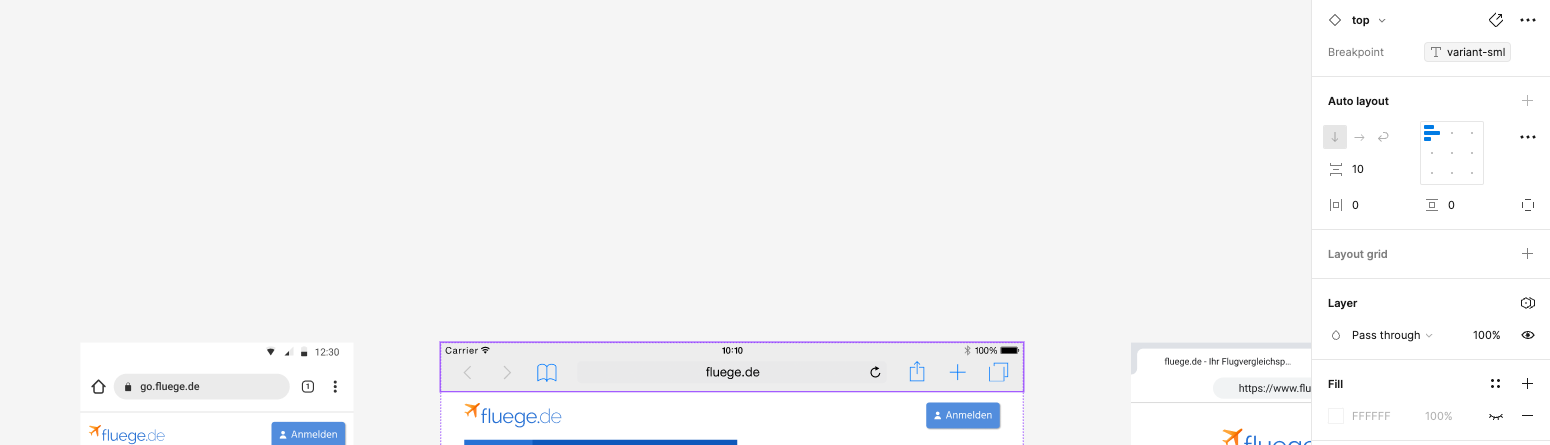
Edit2: It works with the browser bar. the difference: theres no nested component
This topic has been closed for replies.

14 replies

Hana_D
October 29, 2024

Following. Our team is experiencing the same issue : elements are not displayed in a template when switching between variables modes when our component is called first and our user-segment variable modified second.

PS : It seems to be mostly the first mode that is buggy (out of three user-segments) in our file and don’t display the header component inside the template that is bound to multiple modes also.

Chairu
October 30, 2024

Hello, I have the same problem. Is there any solution?

Miller_Cristina
New Participant
November 4, 2024

Our team is also experiencing the same issue. Any updates? @Junko3

  1. I have the main component: Button Group.
  2. I have a Desktop variant and a Mobile variant. I can switch between desktop and mobile and it retains the text value.
  3. I want to use Button Group in a Status Message component.
  4. I added it to the Status Message component.
  5. I created a text string variable for button group (breakpoints/buttons/button group) for button group to switch to the mobile variant if a mobile mode is being used. I.e. When mobile size semantics are used, switch to “mobile” variant for button group.
  6. I attached the new variable to the button group instance.
  7. Now when I add “mobile” semantics to the section, I try and drag the component over, however it does not retain the text string value.

Figmate
November 14, 2024

Hello there, I regret to inform you that there are no updates to share at this time.

Thank you for providing the details. In this case, by sharing the relevant file with our technical quality team, they will be able to take a closer look at your file(s). You can do so by submitting a bug report via this link: https://help.figma.com/hc/en-us/requests/new?ticket_form_id=360001744374
When submitting, please remember to include the following details:

  • Your Figma account email
  • Recordings or screenshots of the issue, capturing the full Figma screen with the left and right-hand panels
  • The URLs of the affected file and any related library files; add support-share@figma.com as an editor of those files (this will not affect your billing)

I truly appreciate your assistance and understanding!