
tallneil
Active Member
Jun 30, 2025 7:35 PM UTC
Question

Comments scatter when I turn a frame into a section

Here is a frame, with 3 comments on the frame:
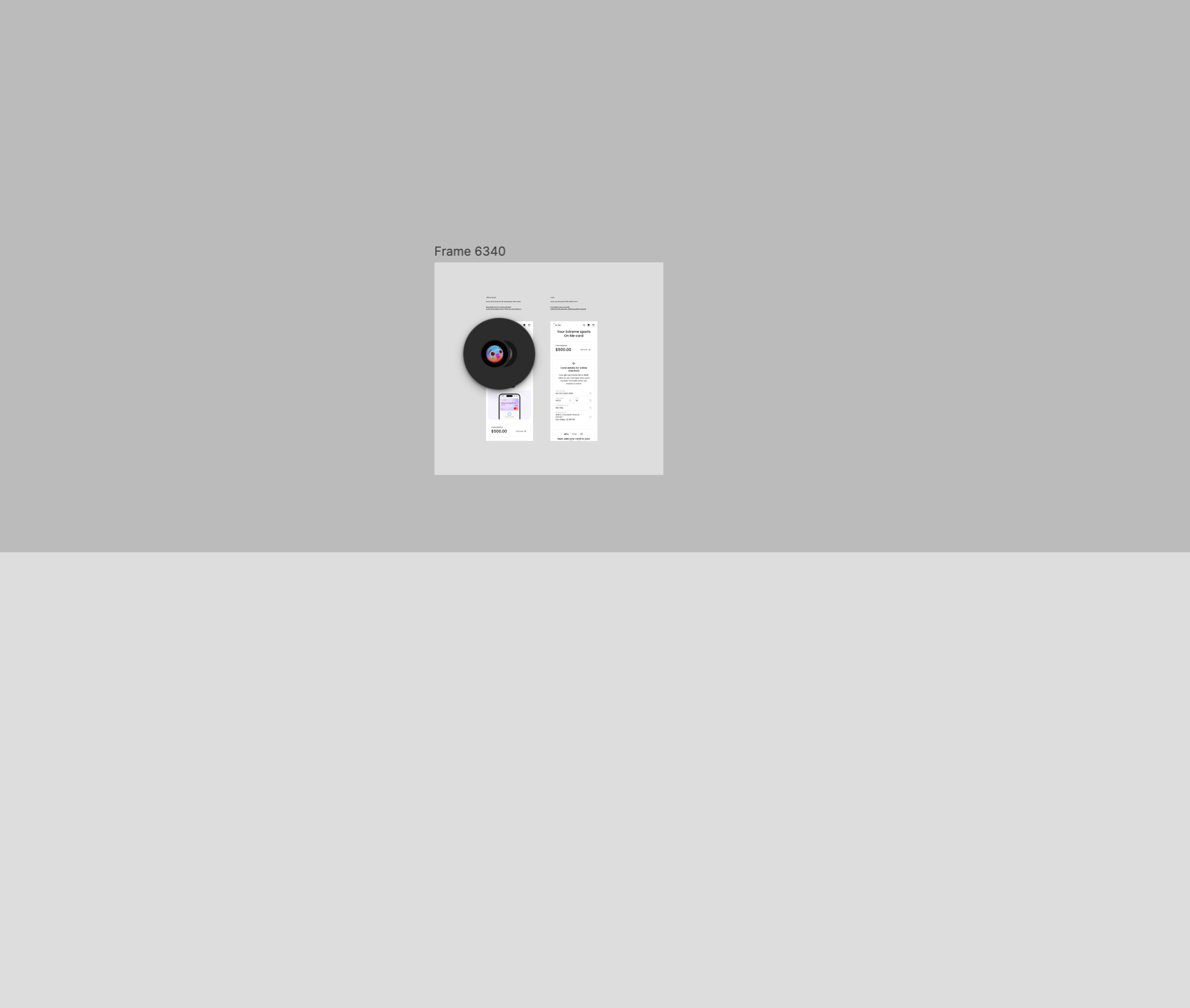
 

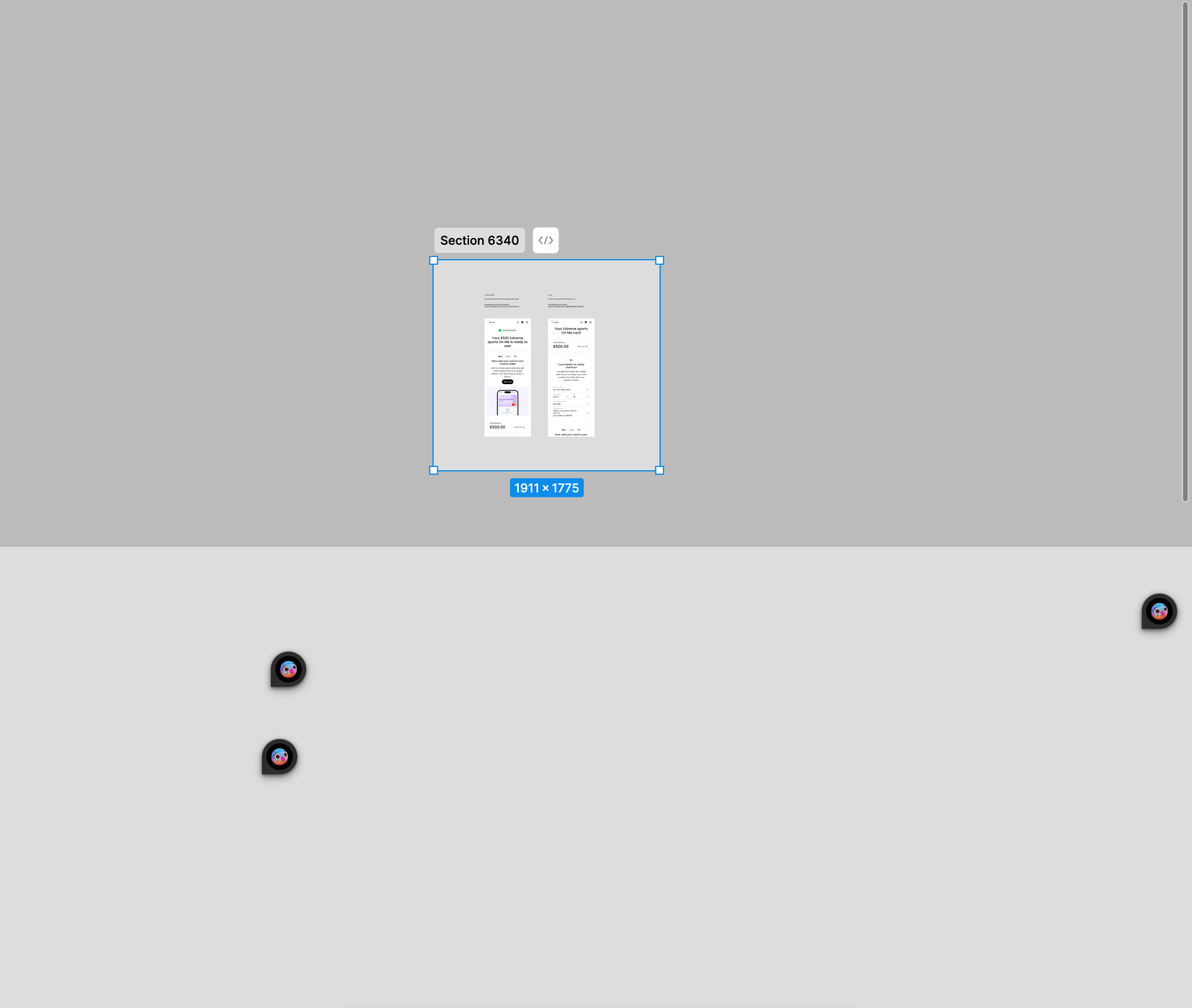
As soon as I turn the frame into a section, the comments scatter. Why does this happen? 
 

This topic has been closed for replies.

4 replies

Figmate
Jul 1, 2025 3:02 AM UTC

Hi ​@tallneil, 


I understand you're seeing your comments scatter as soon as you turn a frame into a section, even though the comments were originally on the frame.


Our help article, "Add comments to files," mentions that  “Figma will attach your comment to frames when you pin a comment or select a region inside a top-level frame, component, or group….Comments won't attach to any nested frames, components, groups, or other layers.”

Given this, this could be happening because when your frame turns into a section, the comment attachment changes.


But I just tested it on my end and couldn't make it happen, so it's hard to say for sure. I'd like to get our team to take a closer look at this for you.

To help us really understand what's happening and how you're seeing it, could you create a screen recording that shows this behavior? Please make sure to include your whole Figma window in the recording.

We use these videos to try and reproduce the issue in our own files and so showing all steps and windows would be extremely helpful!


Thanks,

tallneil
tallneilAuthor
Active Member
Jul 1, 2025 7:18 AM UTC

Here is a video demonstrating the bug: 


Steps to reproduce: 

  1. Create a section
  2. Create a frame within the section
  3. Add 1 or more comments within the frame
  4. Move the frame outside the section
  5. Turn the frame into a section
  6. Observe that the comments jump back into the original section
Figmate
Sep 9, 2025 7:32 AM UTC

Hi ​@tallneil ,


Apologies for the delayed response, and thank you so much for sharing the video.

I was able to reproduce this behavior on my end and have passed it along to our team for further review.
I’ll make sure to keep you updated if there are any updates.


Thanks,

Figmate
Oct 10, 2025 6:33 AM UTC

This behavior has been recognized as a bug, and our team is continuing to investigate it.
While we can’t guarantee when or if this will be fixed, we really appreciate you bringing it to our attention and helping provide information.
