

Question

Captch Error

  • March 5, 2026
  • 1 reply
  • 42 views

Kapilg

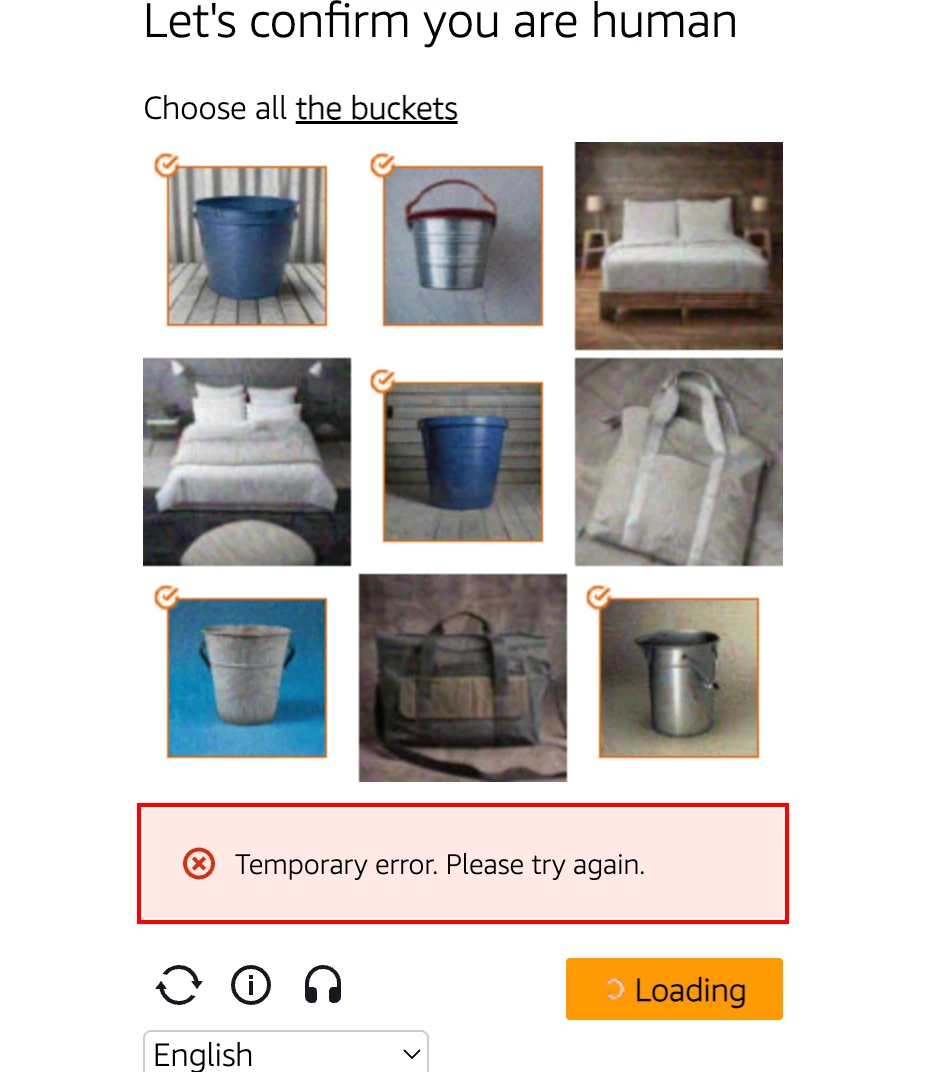
Hi I am trying to download some of my work as an offline copy, and figma is blocking it saying that it needs to verify that i am not a bot. When i try to verify using captcha, it says Temporary Error, please try again. i restarting browser and log out and log in, it has not worked. 

please see the screenshot


1 reply

Gayani_S
Figmate
  • Community Support
  • March 6, 2026

Hey ​@Kapilg, thanks for flagging this! 

The CAPTCHA verification you’re seeing is part of a site-wide security measure, but the “Temporary error, please try again” message isn’t something you should get stuck on. It’s usually caused by a short-lived issue with the verification service, network hiccups, or a browser-related glitch.

Since you’ve already tried restarting and logging out/in, a couple more things worth trying:

  • Try a different browser (Chrome, Safari, Edge, Firefox)

  • Try an incognito/private window

  • Disable any VPN or strict ad-blockers temporarily

  • Check if the same thing happens in the desktop app instead of the browser (if you’re currently in browser)


If it’s still failing after that, this likely needs a closer look from the support team. I’m happy to help get this escalate this and get you connected to our support team. 


Thank you, 

Gayani