

Question

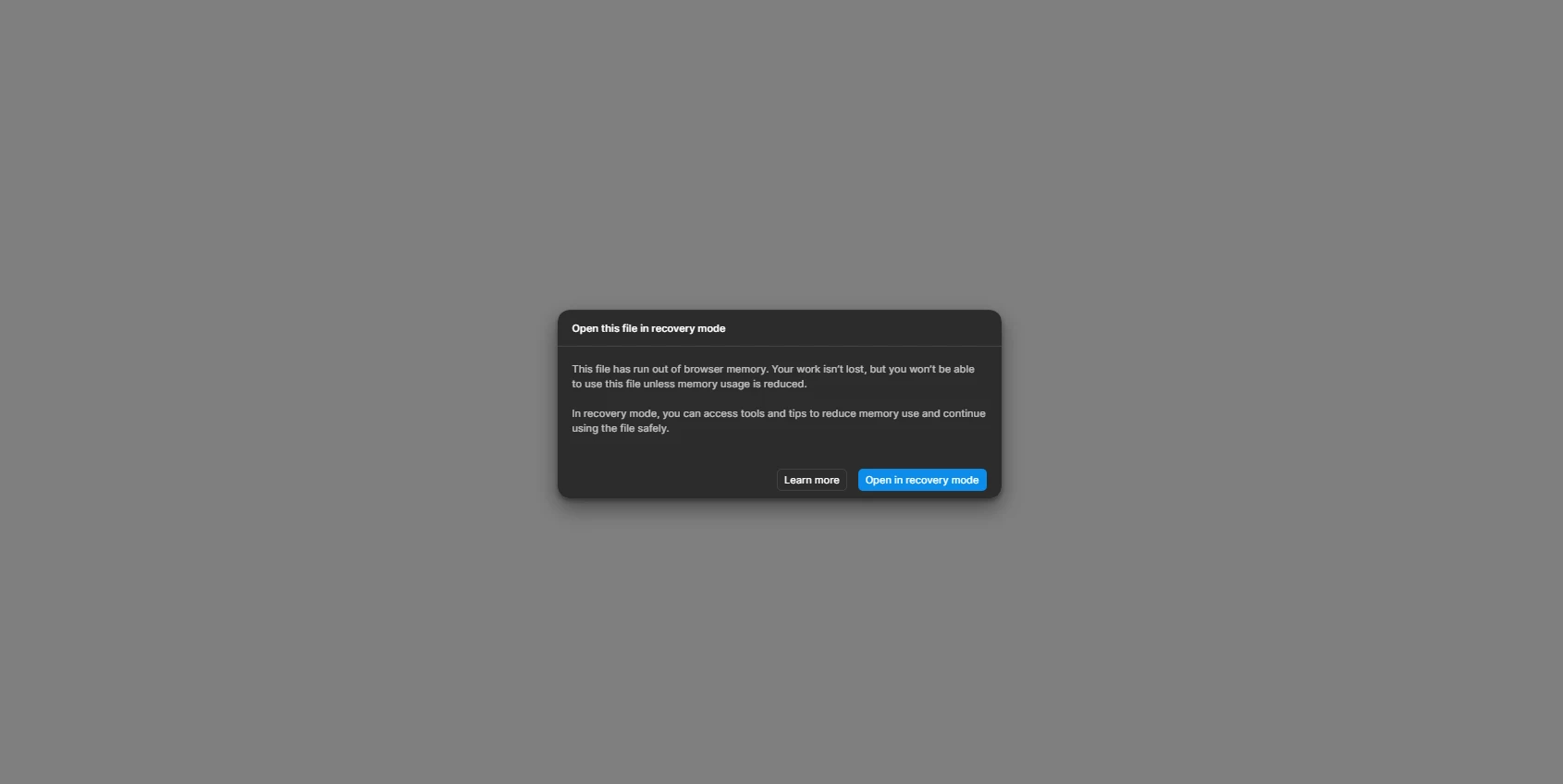
Cannot recover from the out of memory error (Figma Make)
  • December 26, 2025
  • 2 replies
  • 20 views

Kirillko

I’ve encountered a following problem: I’ve created a basic prototype and then began to stack up more functionality on top of it. After a while I’ve noticed that every time I enter that figma make prototype document, I see this out of memory screen..  I tried to roll back to the old version, but when I click on the “Open in Recovery Mode” button in order to access the recovery panel (that is inside of the figma make file), I see that out of memory screen again. I’ve also tried to “Open with preview disabled” - but still same thing... Any tips on what to do? I can no longer open the file and a bit unsure how to recover it at this point.. Thanks

2 replies

  • Figmate
  • December 29, 2025

Hi ​@Kirillko


I understand that you’re running into an out-of-memory message and are having trouble recovering your Figma Make file.


Thanks for letting us know that you’ve already tried “Open in Recovery Mode” and “Open with preview disabled,” but the issue persists.

I looked into whether there are any additional self-service troubleshooting steps you could try, but at this point, I’m not aware of any.


I see that you’ve already contacted our support team by submitting a ticket (#1656989). I’ll go ahead and add a note to the ticket so our specialist can better understand the situation and provide the most appropriate assistance.


Thanks,


Kirillko
  • Author
  • New Member
  • December 29, 2025

thanks