Question
Cannot load Figma Make prototype
I am trying to share a link to a Figma Make prototype with colleagues for the purpose of usability testing. Every single person has not been able to open the link in either the Figma desktop app or in Chrome or Safari - the error they keep getting is:
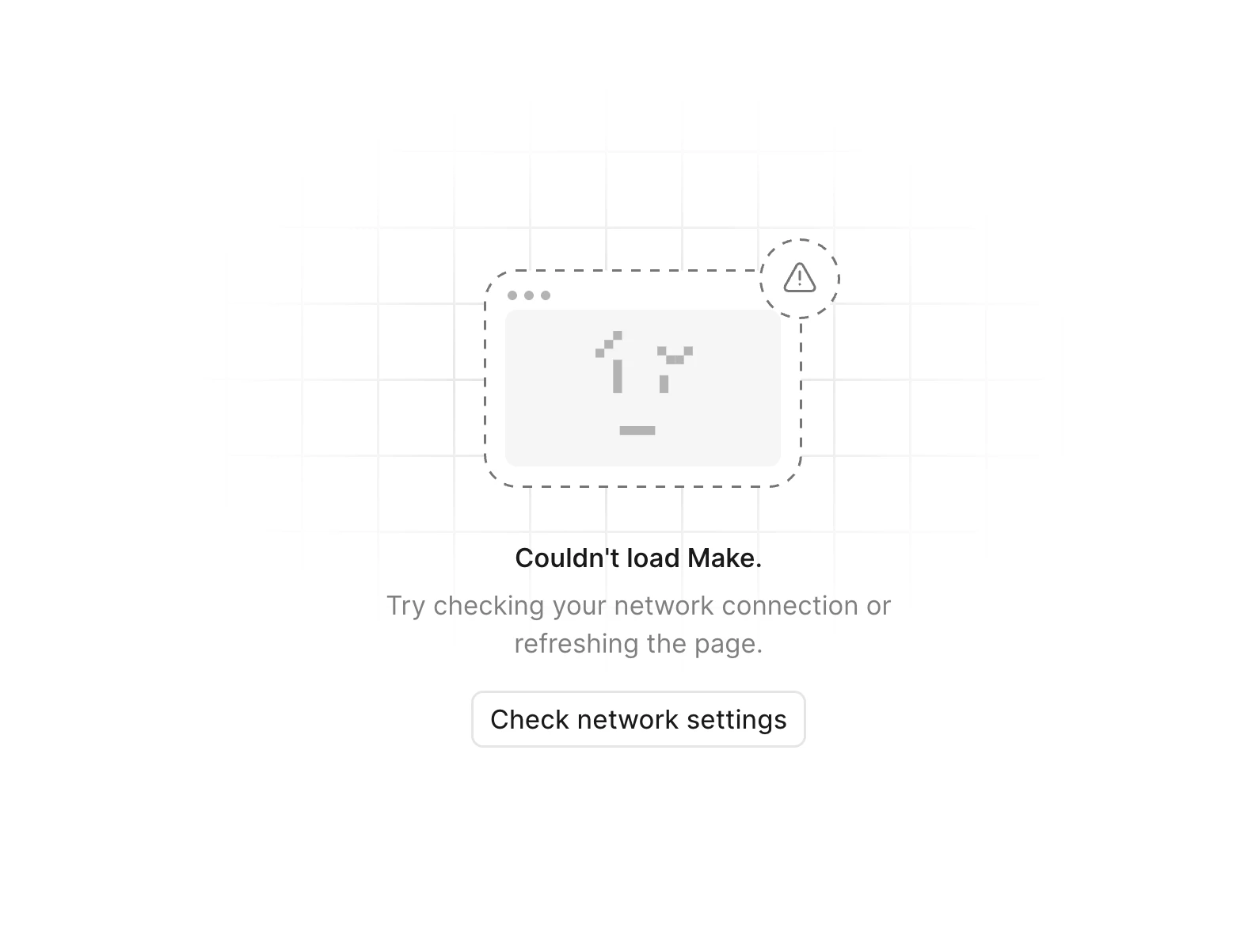
"Couldn't load Make. Try checking your network connection or refreshing the page."
We’ve tried turning off VPN, using incognito mode, and using personal hotspot. I’ve also tried checking Figma network settings and those have been fine.
Can you please advise? It is very important that we are able to share prototypes with other designers within our Figma team and also those who do not have Figma accounts.