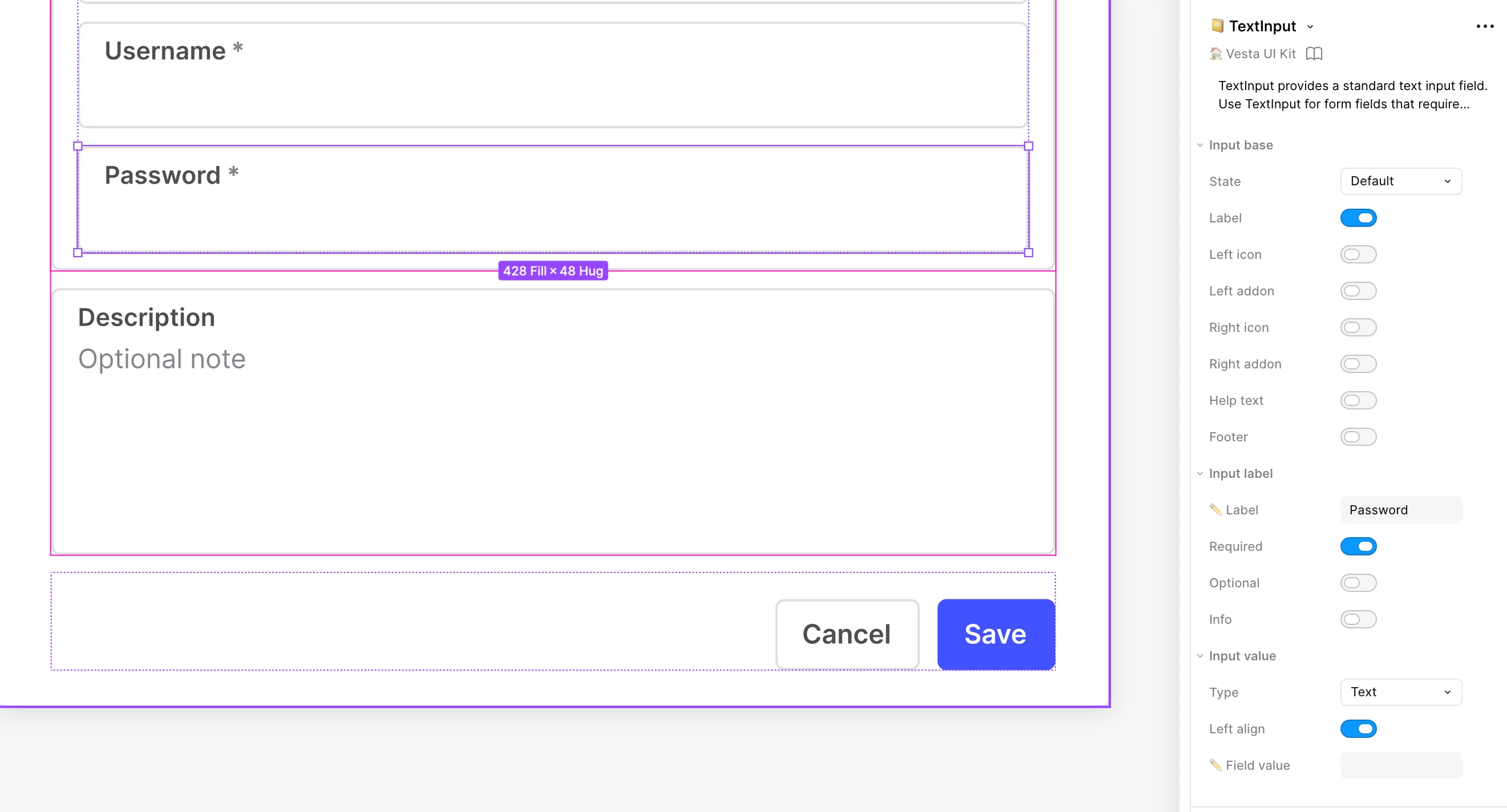
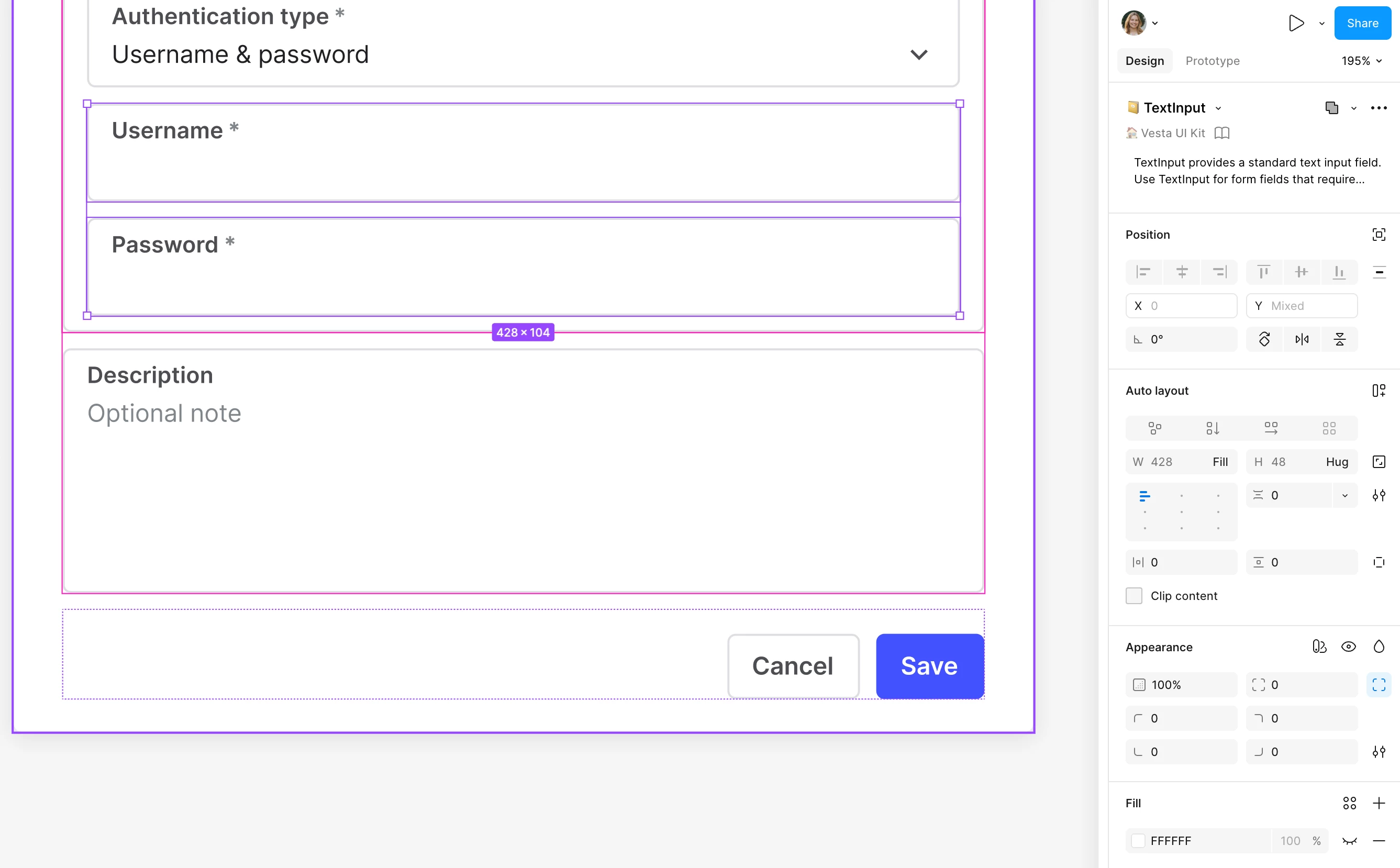
I have two of the exact same components selected, but I cannot edit any of the component properties, when more than one is selected. For example, making input fields required now can only be done one by one. This is insanely inefficient.
one component selected - variables editabletwo of the same components - nothing is editable
I understand you're looking for a way to configure component properties when multiple instances of the same component are selected.
I tested this on my end by selecting two instances to see if I could modify their properties.
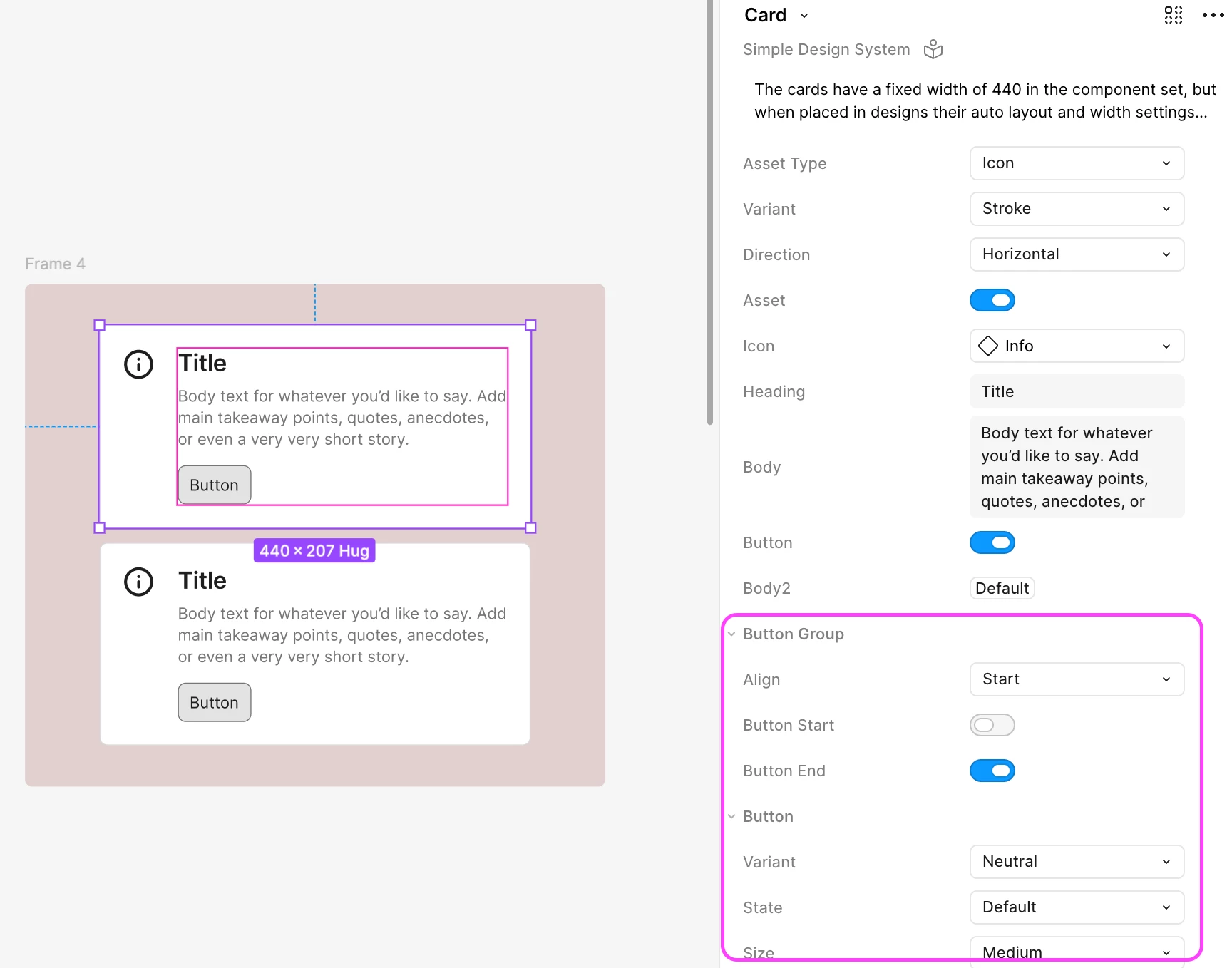
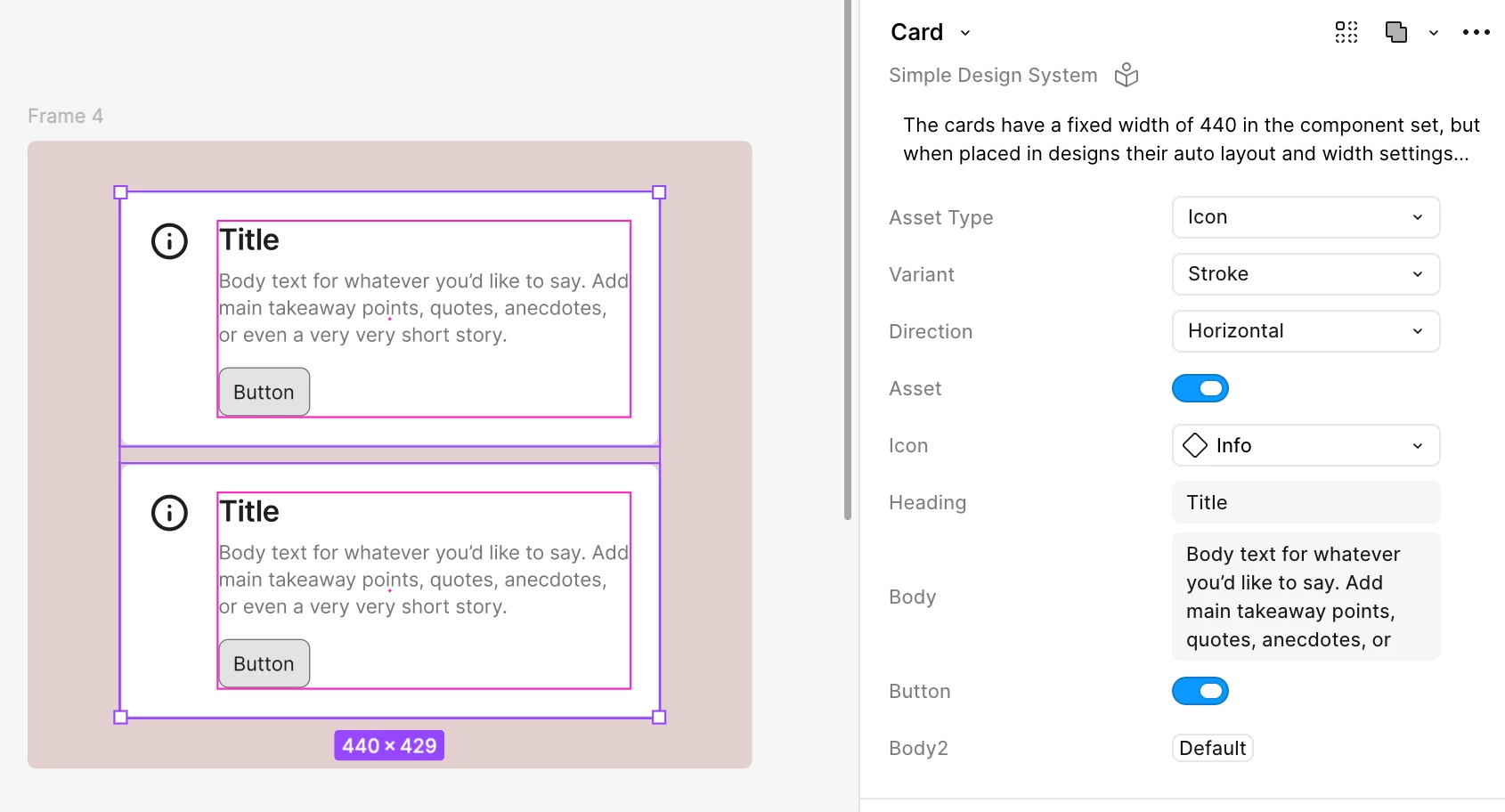
What I observed is that while the parent instance properties can still be modified, the nested instance properties don't appear in the right panel when multiple instances are selected.
To give a bit more context — when you select a single instance, the properties from nested instances appear below the parent instance properties and can be expanded or collapsed. You can find more details here: Expose nested instances
Looking at your screenshot, the properties shown appear to be from nested instances, which is likely why they aren't editable when multiple instances are selected.
This does seem to be a current limitation, as the article below mentions bulk editing but does not specifically cover instance properties: Edit objects on the canvas in bulk
I completely understand how helpful it would be to update nested instance properties in bulk. While I can't make any promises on whether this will be implemented, I'll go ahead and create an internal report to track your feedback.
If I hear anything back from our team through the report, I'll make sure to update this thread.
Thanks for sharing this — it's genuinely valuable input!
I understand you're looking for a way to configure component properties when multiple instances of the same component are selected.
I tested this on my end by selecting two instances to see if I could modify their properties.
What I observed is that while the parent instance properties can still be modified, the nested instance properties don't appear in the right panel when multiple instances are selected.
To give a bit more context — when you select a single instance, the properties from nested instances appear below the parent instance properties and can be expanded or collapsed. You can find more details here: Expose nested instances
Looking at your screenshot, the properties shown appear to be from nested instances, which is likely why they aren't editable when multiple instances are selected.
This does seem to be a current limitation, as the article below mentions bulk editing but does not specifically cover instance properties: Edit objects on the canvas in bulk
I completely understand how helpful it would be to update nested instance properties in bulk. While I can't make any promises on whether this will be implemented, I'll go ahead and create an internal report to track your feedback.
If I hear anything back from our team through the report, I'll make sure to update this thread.
Thanks for sharing this — it's genuinely valuable input!