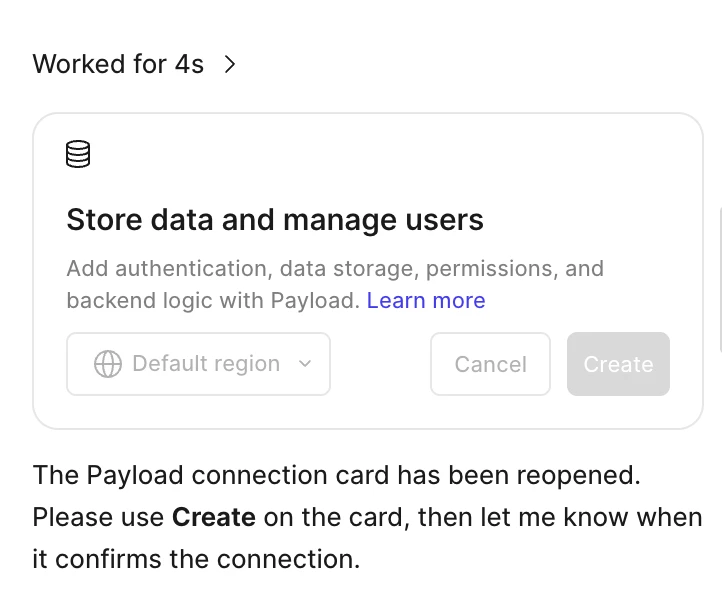
Hey @tamanthaaa, thanks for ruling out your VPN and browser extensions and refreshing the page.
I’ve opened a support ticket on your behalf (Ticket #2225263) so our team can follow up with you directly.
In the meantime, here are a few things to try.
- Leave the card open for a minute or two, then check whether Create becomes clickable.
- Start a fresh Figma Make file and prompt it with something like “Build a booking site with a Payload CMS backend.” When the new card appears, click Create.
- Try the Figma desktop app, or a different browser if you’re on the web.
- Check that you’re on a Full seat, since Figma Make is available to Full seats. You can find the details in Compare and manage seats in Figma.
You can find the full steps in Add a backend to a functional prototype or web app.
If it’s still grayed out after that, could you reply on the ticket with the link to the Figma Make file where it’s happening? That’ll help the team to investigate this further.