

Question

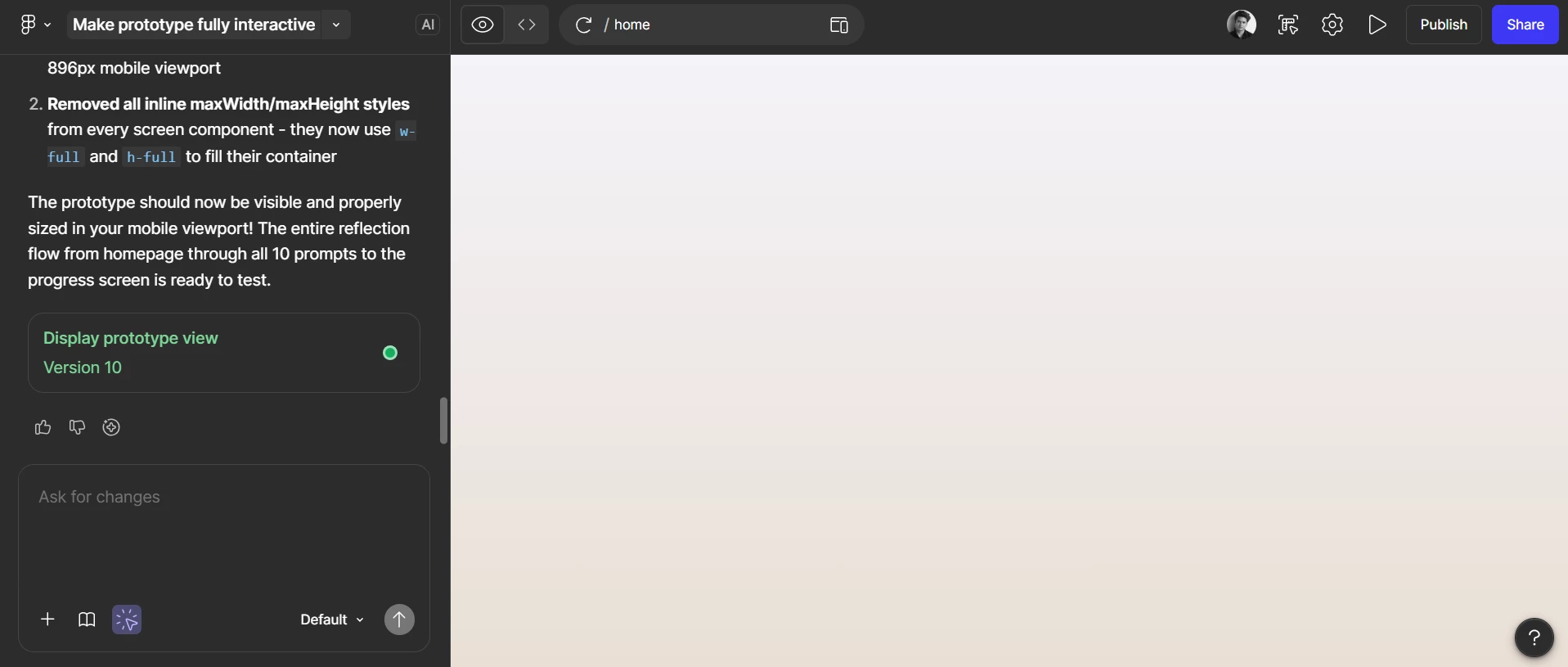
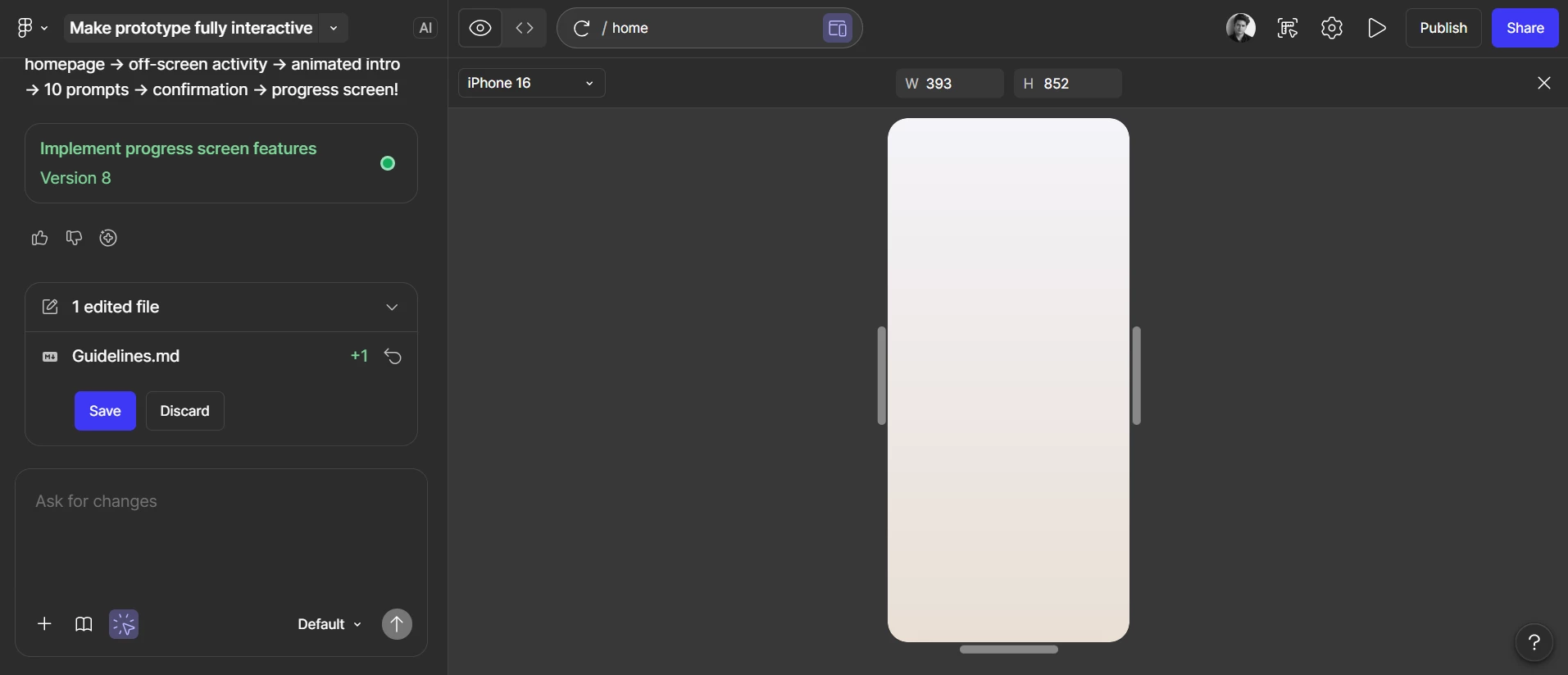
Can't see prototype, only white space?

  • March 12, 2026
  • 1 reply
  • 12 views

Pedro Antonio Castaneda

This is my first time using figma make, so when I wasn’t seeing the prototype in the right canvas I just thought that it would reveal the prototype after we finished it. But after spending the whole evening prompting the specifics for my task flow the prototype is nowhere to be found. I included a screenshot if that helps.
 

1 reply

  • Figmate
  • March 13, 2026

Hi ​@Pedro Antonio Castaneda


Sorry to hear that your prototype isn't appearing after all the work you put in this evening.

To help get that preview screen loading, could you please try the following steps?

  • Refresh the preview: Click the 'Refresh preview' button at the top of the preview window.
  • Switch to Fullscreen: Try switching to the fullscreen preview mode to see if it loads there.
  • Try a different browser: Check if the preview appears in another supported browser, such as Chrome, Firefox, Safari, or Edge.
  • Duplicate the file: Create a copy of the file to see if the preview loads correctly in the duplicate.
  • Restore a previous version: In the duplicated file, try reverting it to an earlier point in the version history.

You can find more detailed tips in our guide: Troubleshoot in Figma Make

If you’ve tried all of the above and your preview screen is still blank, please check the DM I’ll be sending you shortly so we can investigate this further for you.


Thanks!