Question

Can’t search for paths in Code Connect UI
  • October 13, 2025
  • 7 replies
  • 156 views

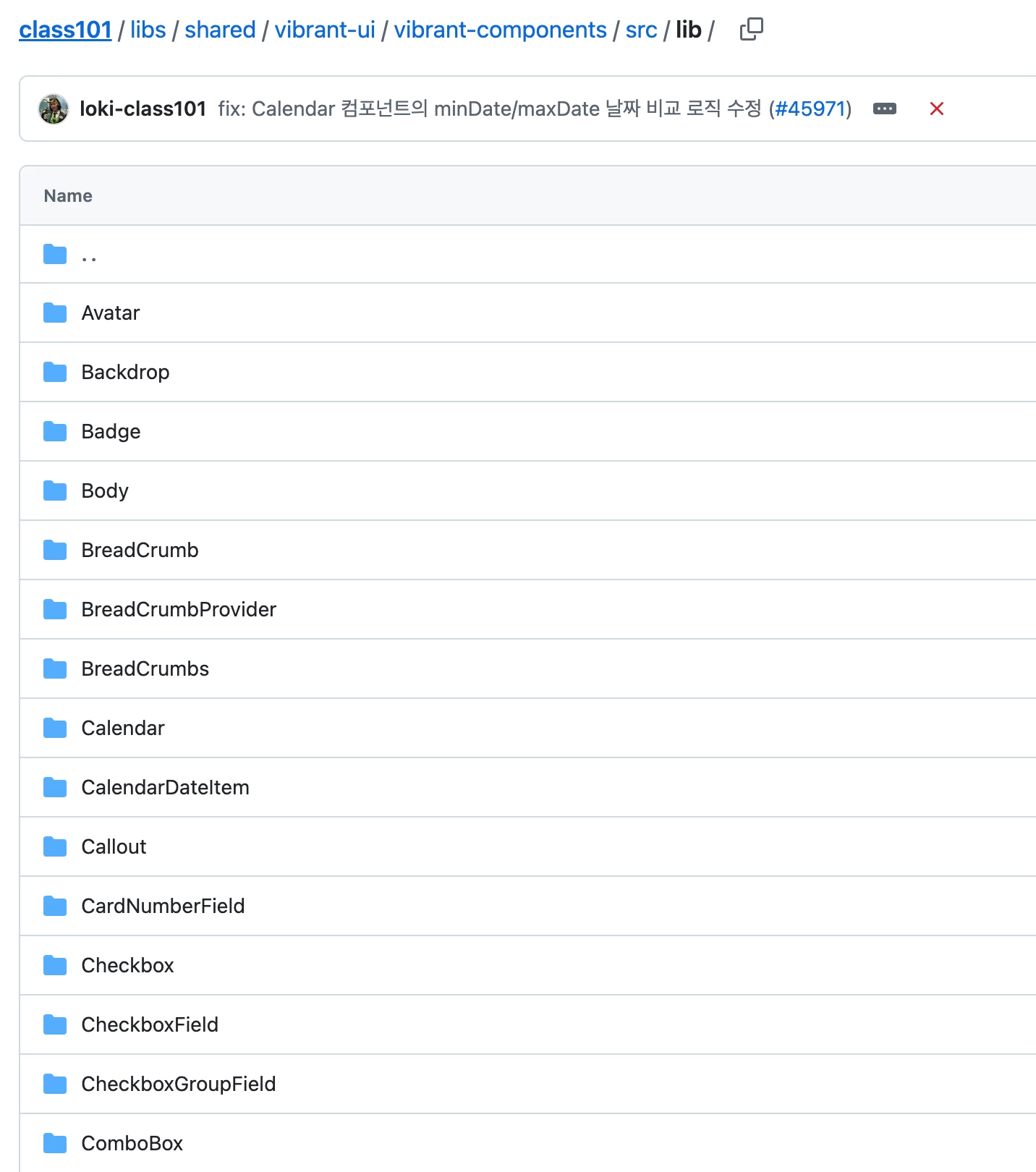
This is what I want to connect path
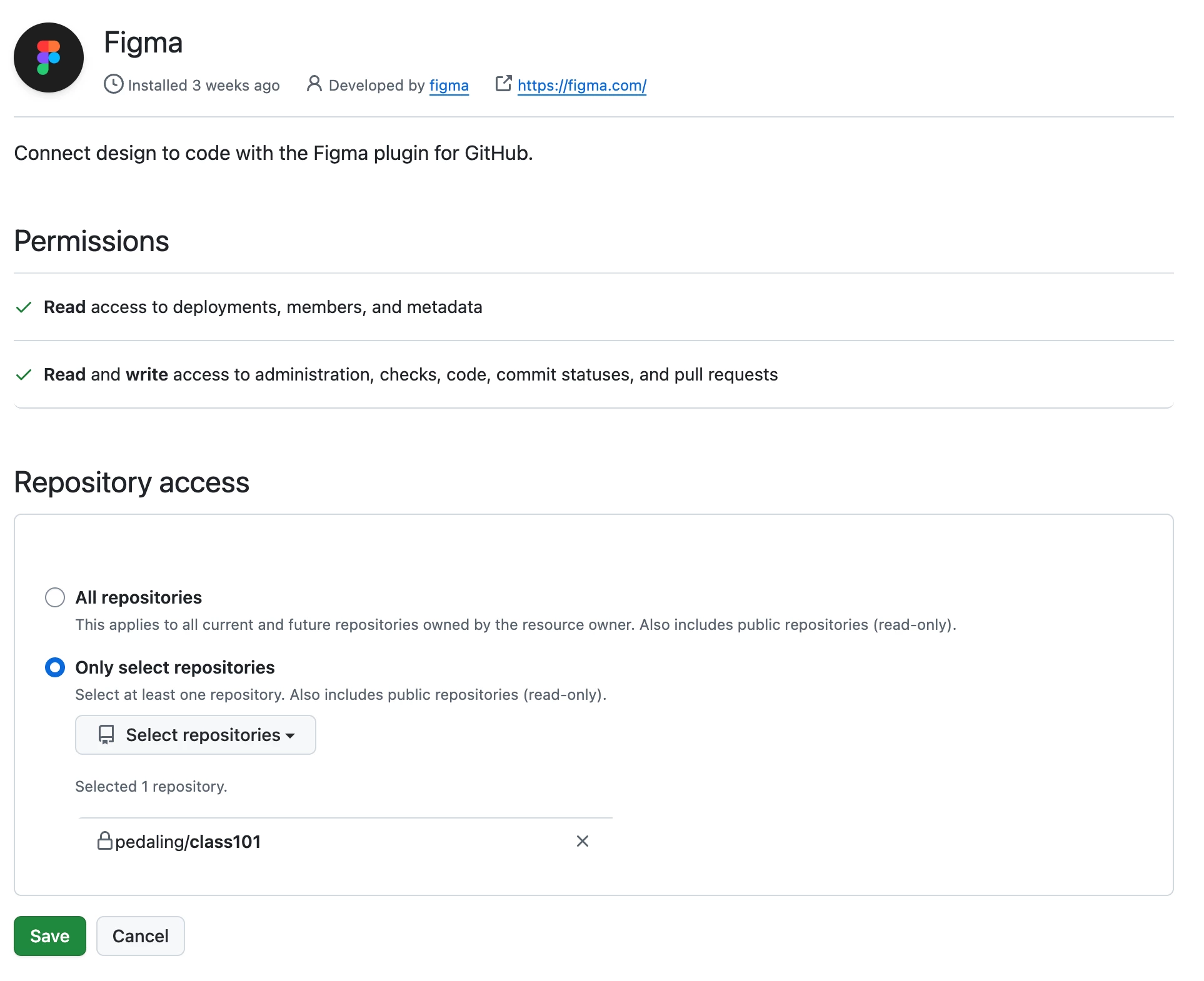
The permissions look right

Hi Figma community,


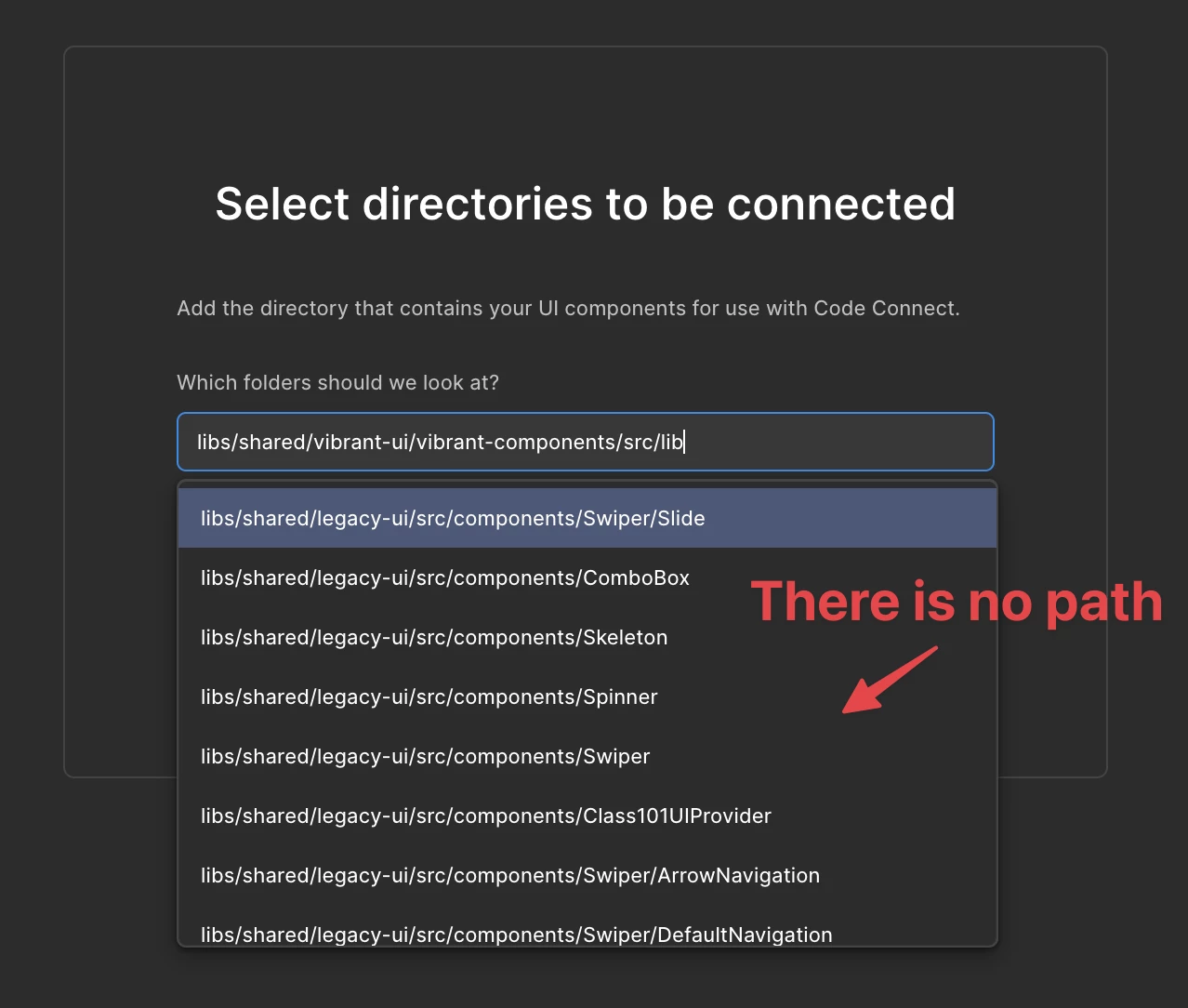
I’m trying to use the newly released Code Connect UI and link it to a GitHub repository in our org. The GitHub App appears to be installed and authorized correctly (see attached screenshots). However, when I reach the “Select directory / path” step, the search field doesn’t return any directories. Typing known folders (e.g., src, packages, app) shows “No results.”


Expected

Being able to search/filter directories in the repo and select one.


Actual

The path/directory search returns no results and the list stays empty.


What we’ve checked/tried

  • GitHub App permissions look correct (org + repo installed; read access where required)

  • Tried both Figma web and desktop (macOS), including a private/incognito session

  • Disconnected/reconnected Code Connect, reinstalled the GitHub App, refreshed the repo list

  • Reproduces on a monorepo (/packages/*) and a simpler single-package repo


Questions

  • Is path/directory search gated by an indexing delay, specific branches, or a required config file?

  • Is there a known issue we can clear?


7 replies

Penny Papadima

Did you find any solutions? I am having the same issue


kwalker
  • New Participant
  • November 4, 2025

Similar issues here. I’m seeing some path options pop up that aren’t part of our connected directory at all, and then none of the paths from the intended directory. 


jaehyun.han
  • New Member
  • November 18, 2025

Don’t look it up in the select box—try typing the address instead.


kwalker
  • New Participant
  • November 18, 2025

@jaehyun.han that doesn’t work unfortunately.


djv
Figmate
  • Community Support
  • November 18, 2025

Hey All, thanks for flagging this and apologies for the delayed reply! 

Our team has confirmed that this is a bug, and they’re now proactively investigating this issue. As a first troubleshooting step, check you please go through the authorization flow again and check your network tab and filter for source_files ? 

The team is interested to know, if that has an error or is returning an empty array. Please also try going back to repository selection (even if you only have one repository) and navigate to the next step (directory selection).


kwalker
  • New Participant
  • December 1, 2025

Hi there, I tried the auth flow again, but `source_files` was never present during any part of the flow. 

To add to the confusion, the app now shows an individual teammate’s Github as connected (which wasn’t there previously, but may be the underlying issue).


When I click “disconnect,” it brings me to a flow that never mentions that account (although the account remains listed as the only one connected), and instead shows these options, with the middle being the one we’ve already configured (despite it still saying “configure”). There seems to be no way for me to disconnect the account listed in the previous screenshot, if that’s causing the issue.


Proof of configuration on Github’s side:


kwalker
  • New Participant
  • December 1, 2025

Update that we fixed it for ours!

Since Figma now shows which account is connected (I don’t think it did previously), we were able to track down who connected their account via that handle and ask them to uninstall it for us. 

We then also had to uninstall and reinstall Figma from the actual intended github account, and it finally recognized the authorization and is now showing us the correct paths.