

Can't paste images (directly within Figma) anywhere in any page or frame anymore
Hello.
I was recently running into a problem today when I was trying to paste an image into my frame a while ago:
Files failed to import…
File format not recognized or failed to convert [filename].png
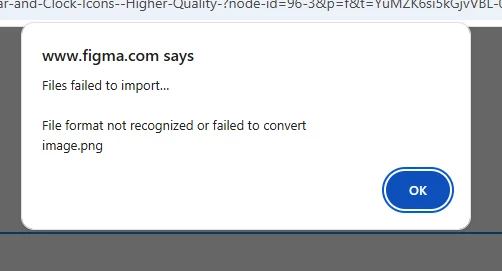
Whenever I paste an image into a frame, Figma tells me that the image format is allegedly not recognized or failed to convert.
A popup message in red also appears as well:
Image file [filename].png import failed
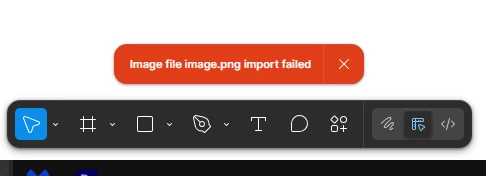
This doesn’t just happen on one of my files, but to all of my files on my drafts as well, but this only happens when I copy an image from another page or frame using Ctrl+Shift+C (because I use a Windows device).
However, pasting images from the Internet and other sources outside of Figma Design worked fine for me.
How do I fix or prevent this error from happening again?
Any help would be appreciated.
Thanks.