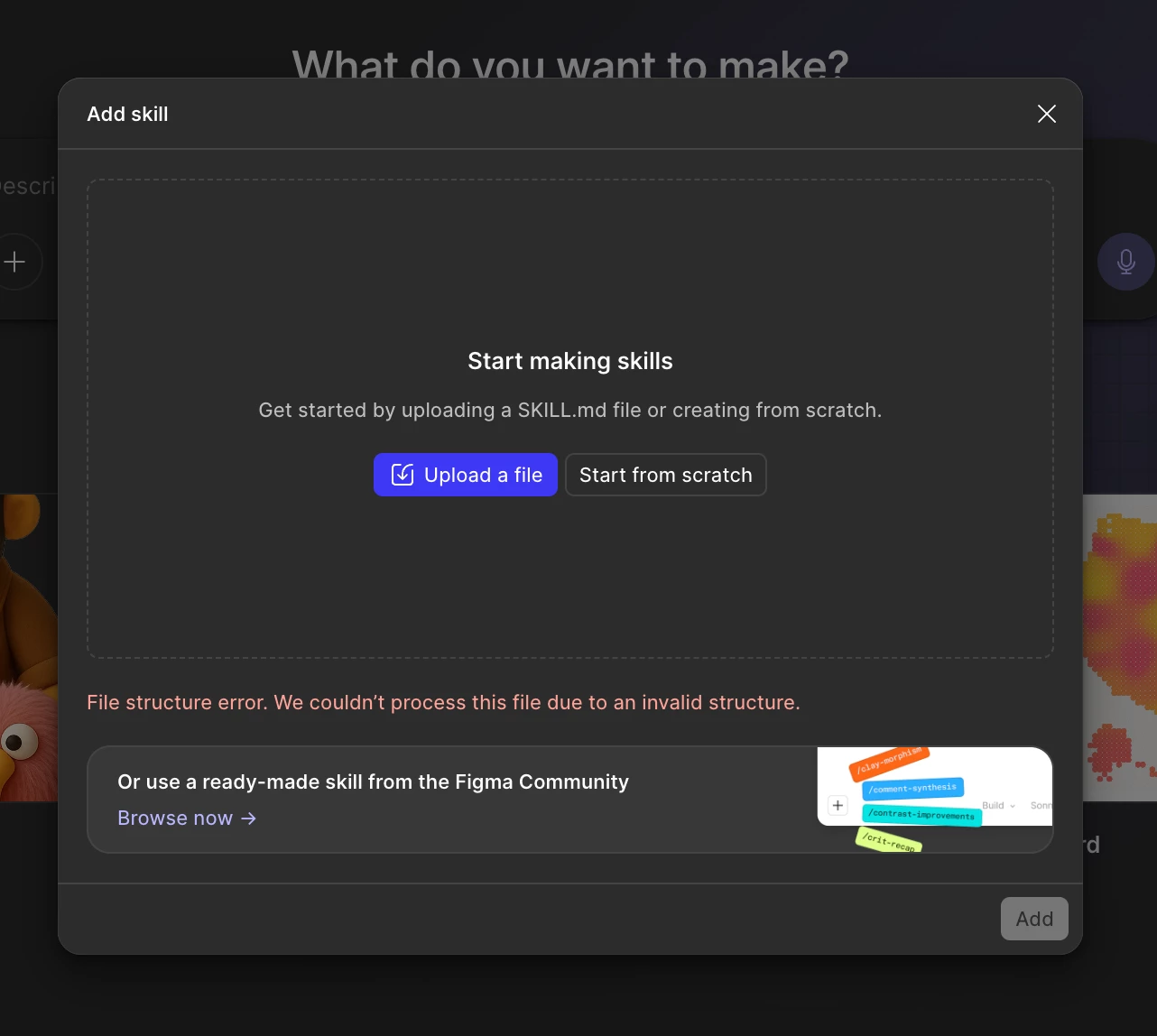
Hello ! I’ve been working hard to create a skill thad teach agents to work with some of the most importants UI guidelines at my company. I’ve zipped it as a .skill file as it’s usually done to share and install skills.
Figma seems to not accept this format. Any way to fix that ?
Hey hey @Hugo-M 🤩 Great question. Thanks for including your screenshot.
Custom skills need to be uploaded as a single Markdown (.md) file. Zipped bundles, including .skill files, aren't supported.
So you shouldn't need to rewrite anything:
Unzip your .skill file. There's already a YOUR_COOL_SKILL.md inside it
In the chat prompt box, click +, then Skills, then Add skill
Use the Upload a file button and select that YOUR_COOL_SKILL.md You can also try dragging the file in, as a second test
One thing to check before you upload: if your instructions point to anything in a scripts/, references/, or assets/ folder, those directories aren't supported either. You'll need to add it into the SKILL.md itself, or trim it out.
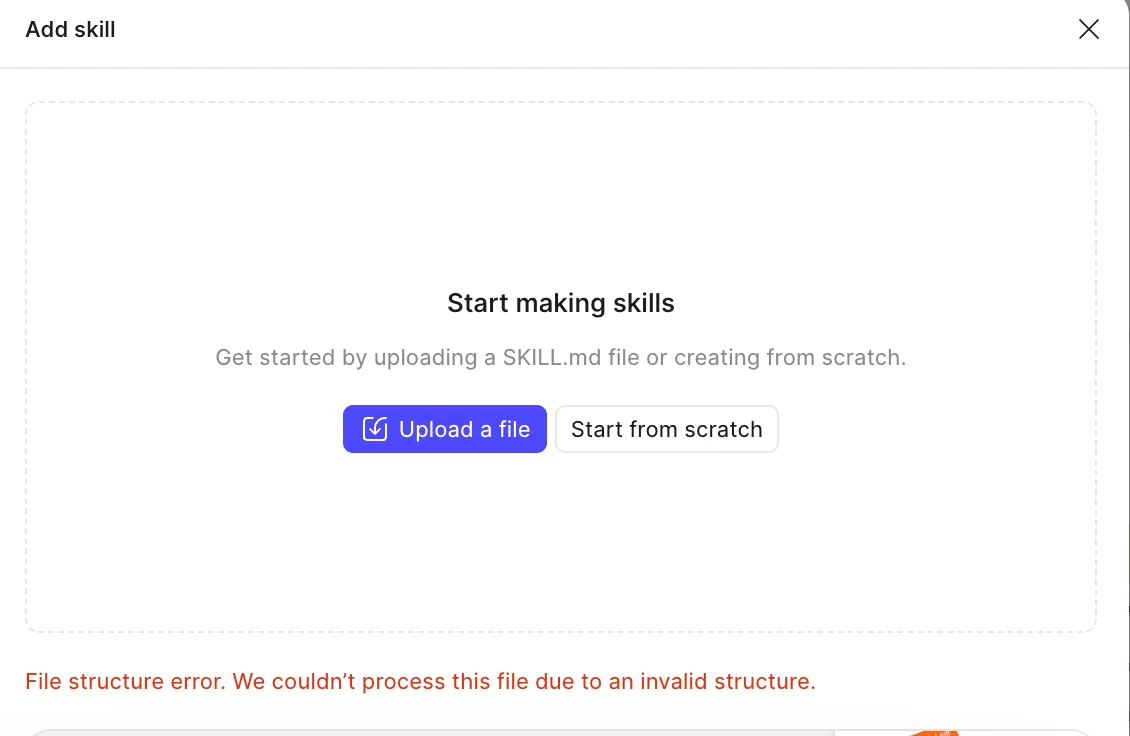
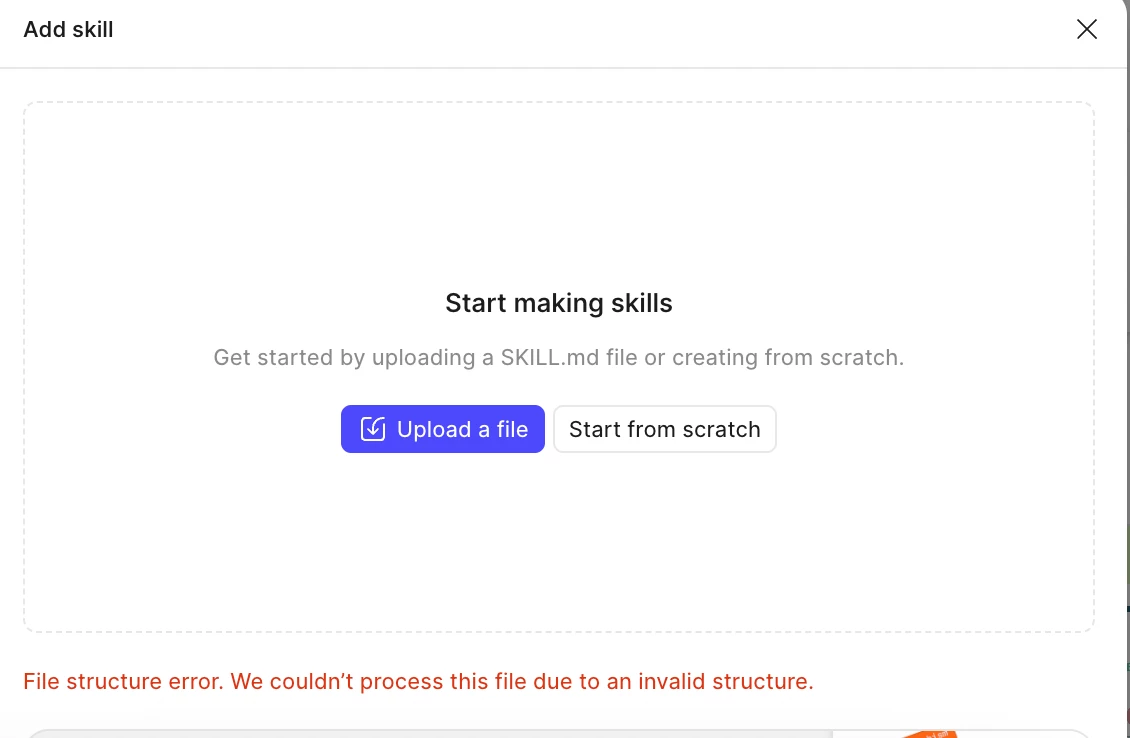
Question — is this error happening when you are dragging files into the upload area? In my quick tests, this is how I triggered the same warning.
Dragging in a .zip
Dragging in a .skill:
Let me know if you are able to get your non-zipped .md file to upload. Have fun prompting! — Jaycee
Hey hey @Hugo-M 🤩 Great question. Thanks for including your screenshot.
Custom skills need to be uploaded as a single Markdown (.md) file. Zipped bundles, including .skill files, aren't supported.
So you shouldn't need to rewrite anything:
Unzip your .skill file. There's already a YOUR_COOL_SKILL.md inside it
In the chat prompt box, click +, then Skills, then Add skill
Use the Upload a file button and select that YOUR_COOL_SKILL.md You can also try dragging the file in, as a second test
One thing to check before you upload: if your instructions point to anything in a scripts/, references/, or assets/ folder, those directories aren't supported either. You'll need to add it into the SKILL.md itself, or trim it out.
Question — is this error happening when you are dragging files into the upload area? In my quick tests, this is how I triggered the same warning.
Dragging in a .zip
Dragging in a .skill:
Let me know if you are able to get your non-zipped .md file to upload. Have fun prompting! — Jaycee
Unfortunately, the whole point of that skill (at least what I was trying to achieve) was to leverage progressive disclosure to reference a huge references folder. Including everything in a single .md file doesn't make sense as a skill anymore…
Anyway, I now know Figma's limitations, so I can try working with simpler .md files instead.