

Question

Can't flip icon in instance swap

  • March 3, 2025
  • 4 replies
  • 40 views

Angela Liu

Hi everyone, I created this arrow icon for a dropdown field and noticed I couldn’t flip it (to indicate the dropdown is being expanded).
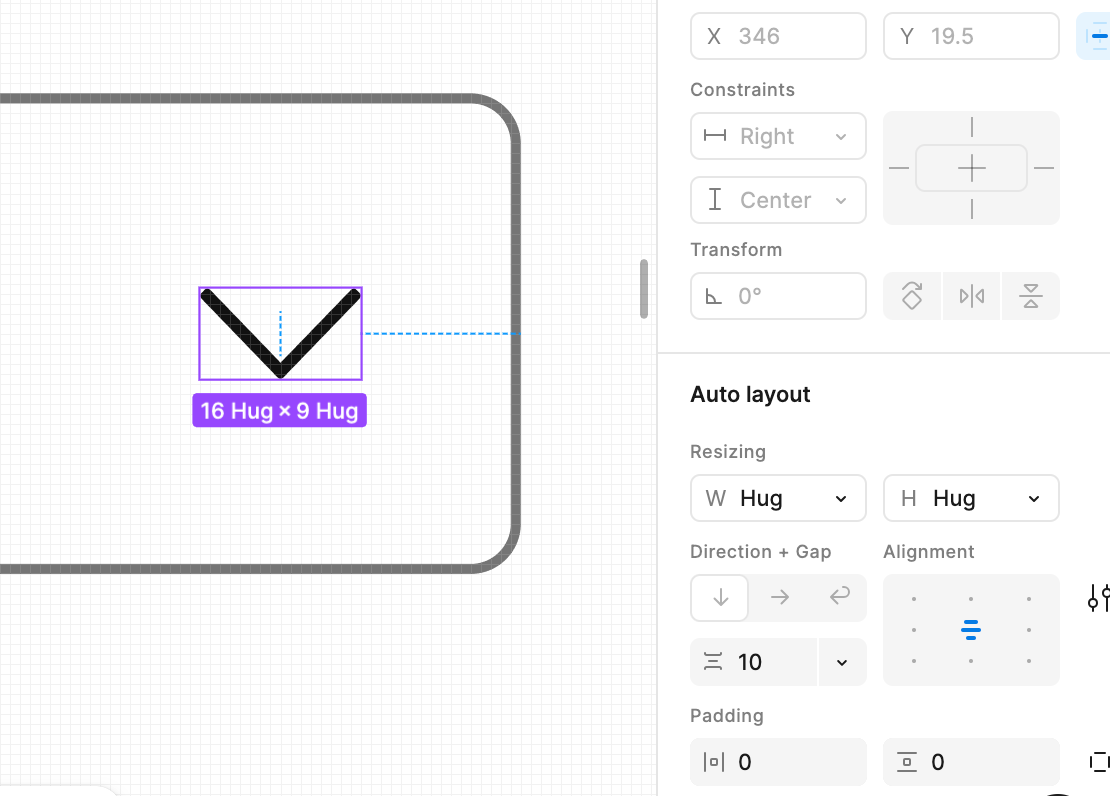
 

So then I just took the down-arrow, flipped it (I tried transforming by 180 degrees, and also clicking the “flip vertical” button), and created a new component. 
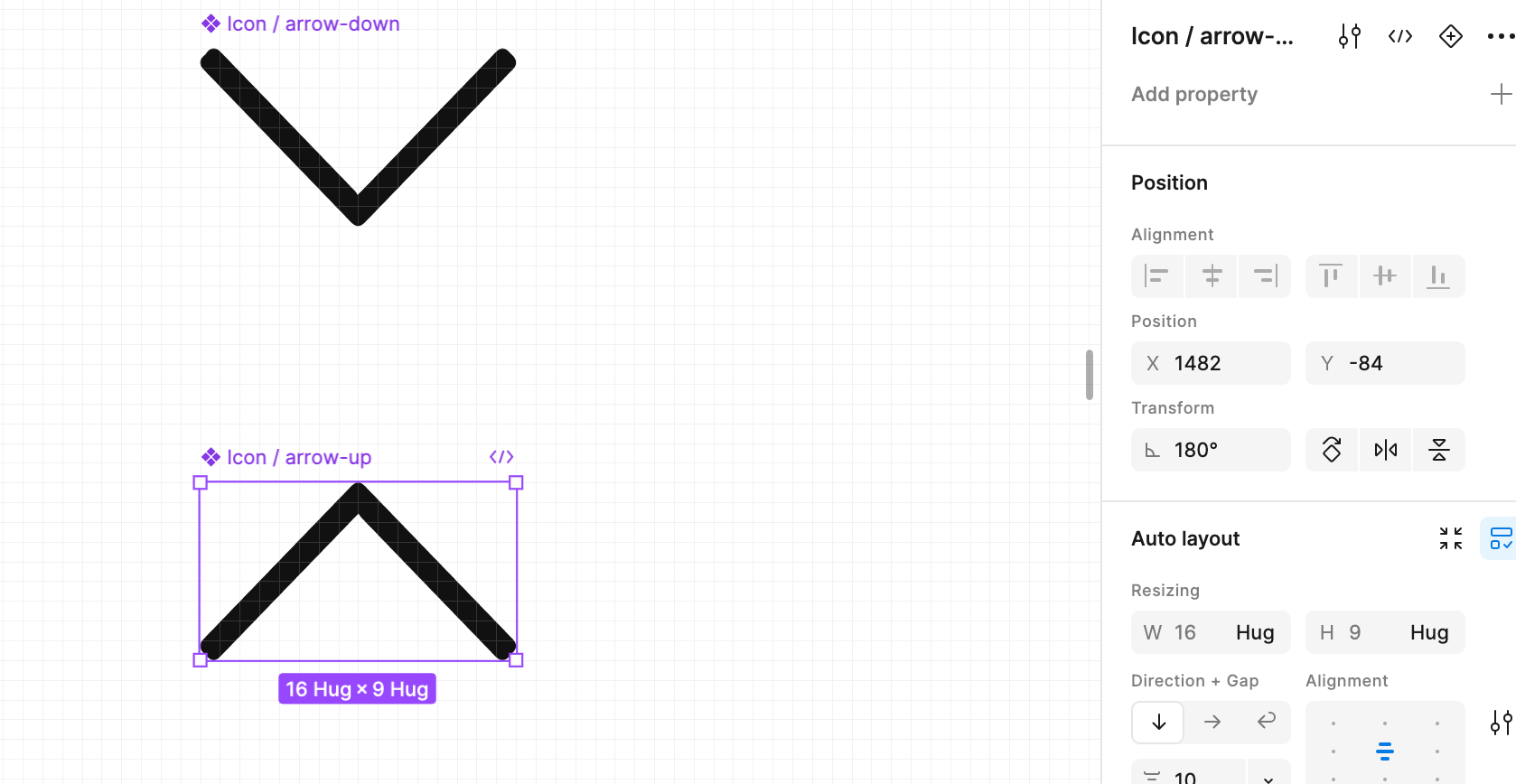
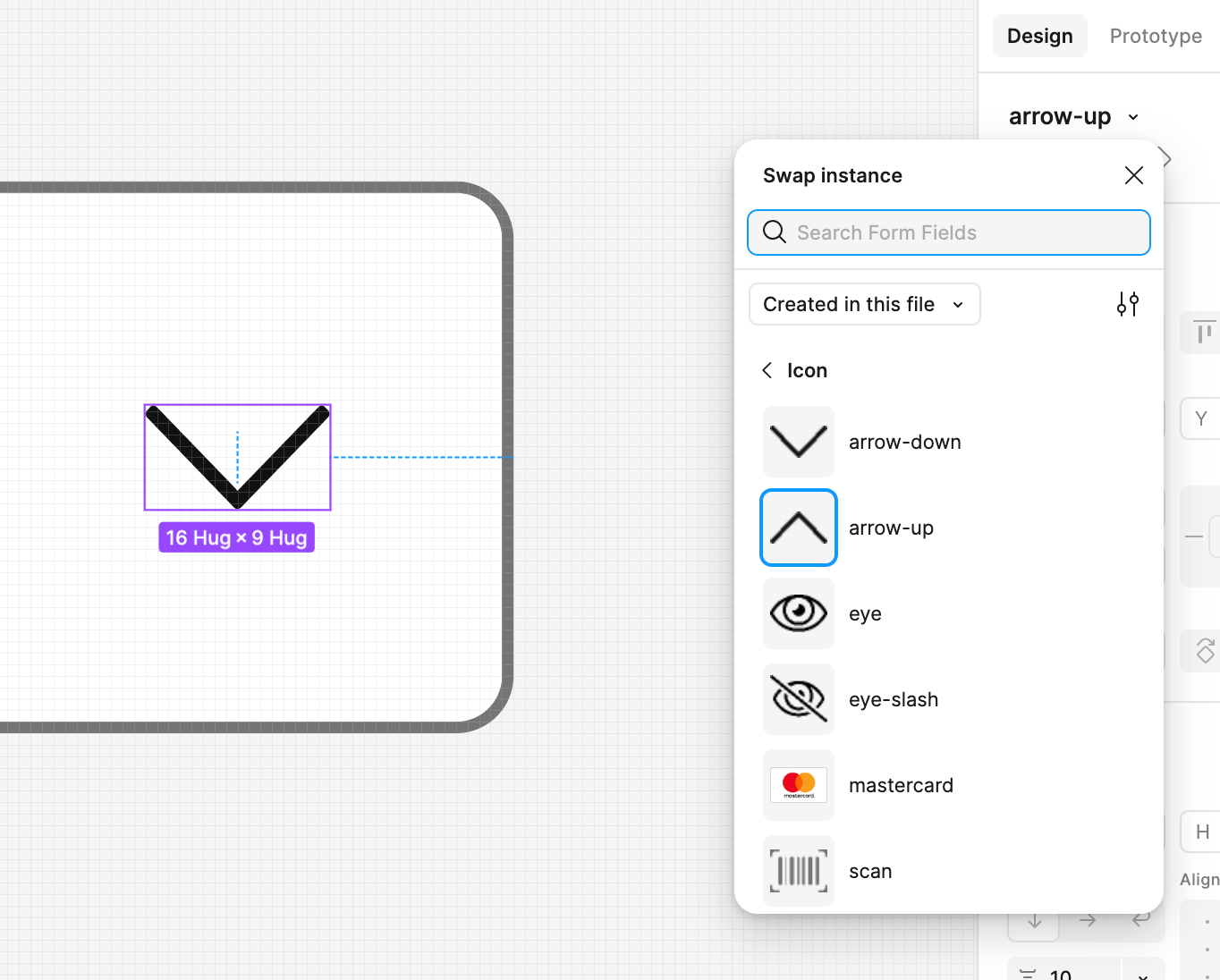
The up-arrow shows in my icon library, but it keeps displaying as a down-arrow in my instances. Would anyone here know what the issue is and how I could fix it? Thank you!
 

This topic has been closed for replies.

4 replies

tank666
  • March 3, 2025

Set the main component to 0° and rotate or flip the nested vector layer inside that component.


Angela Liu
  • Author
  • New Participant
  • March 3, 2025

@tank666 yeah that was the first thing i tried doing, but the transform section was disabled (see 1st pic) which is why i made the separate icon


tank666
  • March 3, 2025

​yeah that was the first thing i tried doing, but the transform section was disabled (see 1st pic) which is why i made the separate icon

The first screenshot shows a component instance, so you can't change some properties. Now look at your second screenshot and do what I wrote above.


Angela Liu
  • Author
  • New Participant
  • March 3, 2025

@tank666 ohhhhhh ok i understand now - that worked, thanks!