
Question

Can't access my figma file

  • July 2, 2026
  • 1 reply
  • 13 views

aykcho

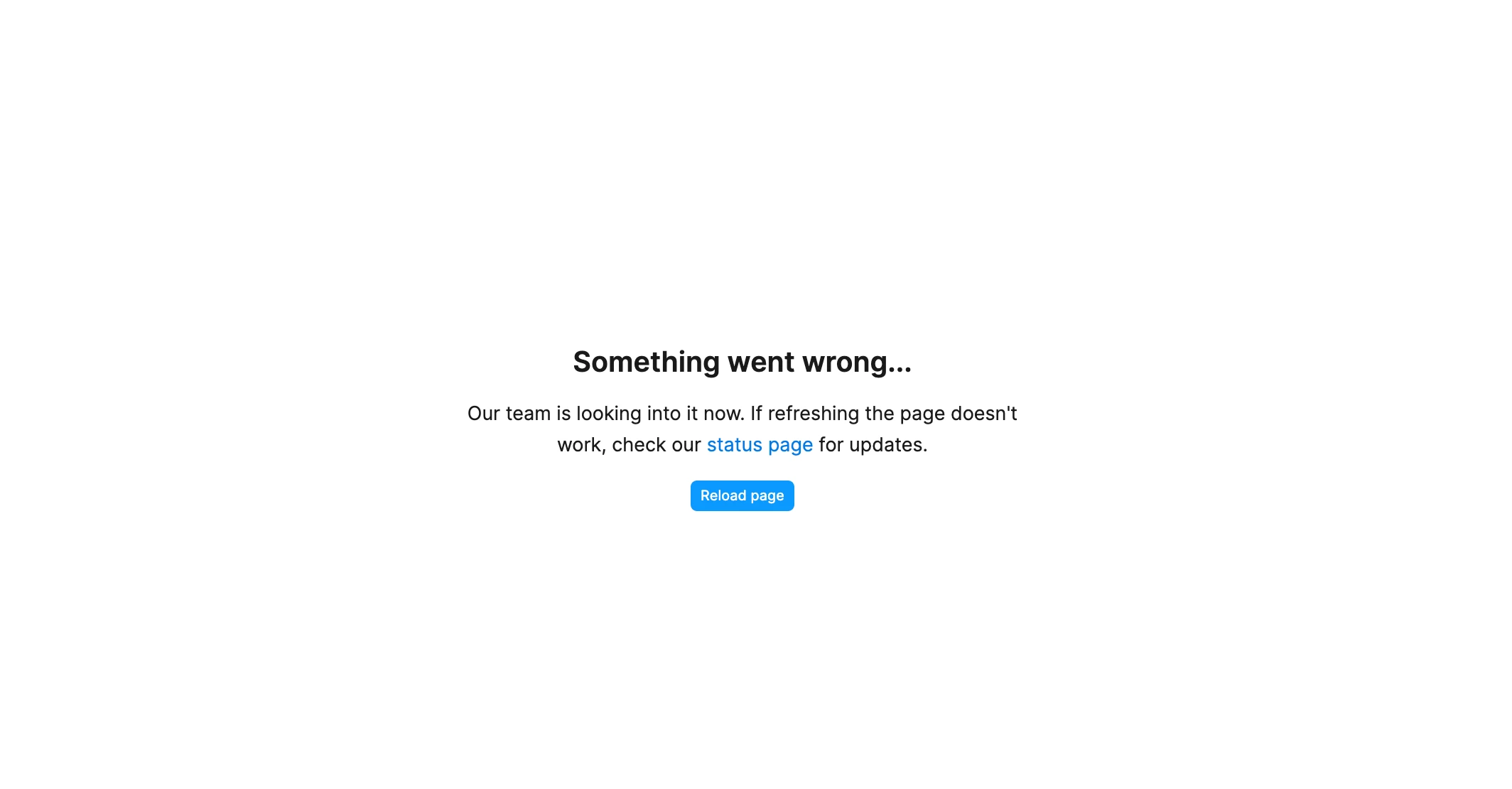
For days, I keep getting this screen when trying to access one of my figma files. The page doesn’t reload. I tried logging out and logging in, deleting unsused files, etc. nothing works.



1 reply

Gayani_S
Figmate
  • Community Support
  • July 2, 2026

Hey ​@aykcho, thanks for reaching out and sorry to hear you've been stuck on this for days! 

To help narrow this down, could you let me know a few things:

  1. Does this happen with just this one file, or are other files affected too?
  2. Are you seeing it in the browser, the desktop app, or both? If browser, which one?
  3. Does the error show an error ID (usually a string of letters and numbers under the message)?
  4. Does the file load at all before the error appears, or does it fail right away?

If you're able to identify the specific file, the quickest path forward is to share it directly with our support team at support-share@figma.com with "Can view" access, then submit a request through the Support Hub referencing that you've shared it. That'll let us dig into the file directly rather than guessing from the outside.

In the meantime, it's also worth checking your browser's console log for errors, here's how to export a console log if you want to include it in your report.


Let me know what you find and we'll go from there!