
I have a student plan through Figma but can not access draw mode on the tool bar even though I have access to the file. I am not sure how to get draw mode.
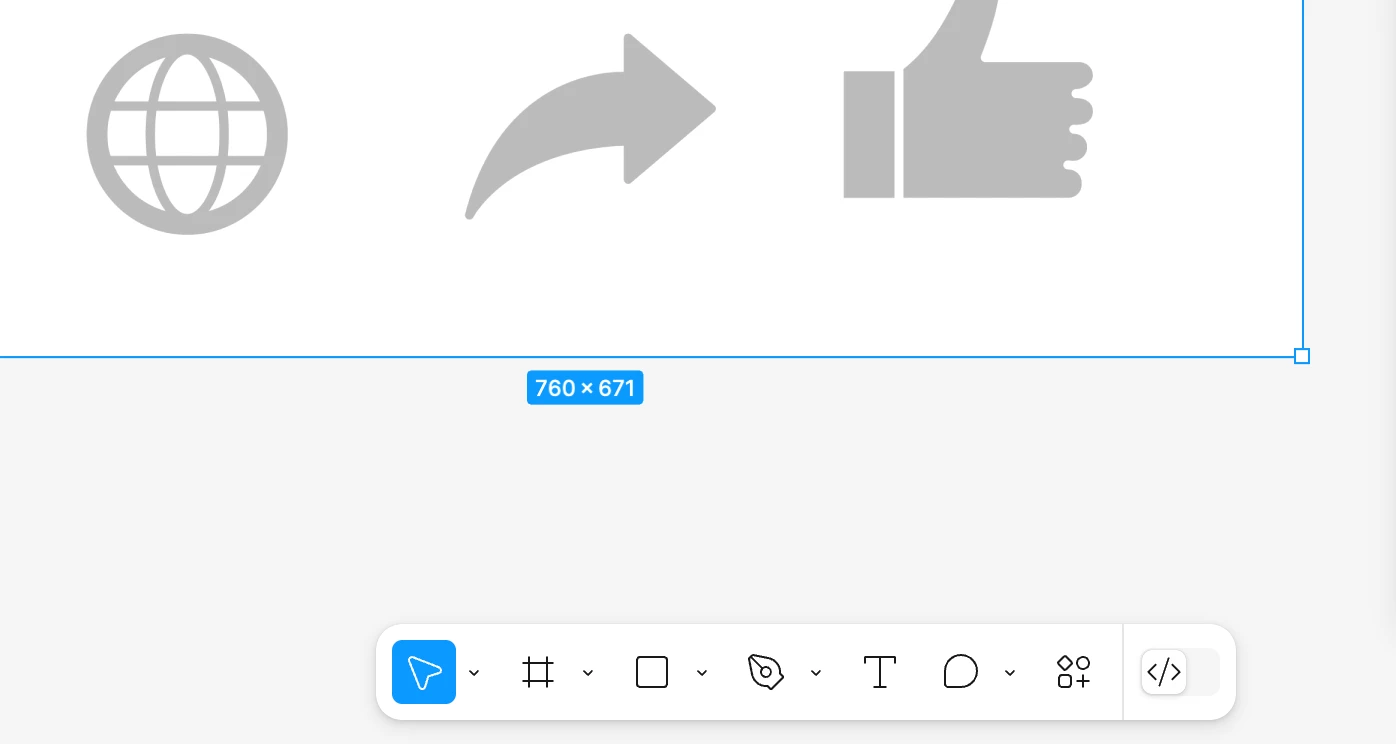

I have a student plan through Figma but can not access draw mode on the tool bar even though I have access to the file. I am not sure how to get draw mode.

Best answer by Junko3
Hi
I understand you’re having trouble accessing Figma Draw.
I checked our records and see you’re a verified student with access to several student teams.
However, it looks like your seat on those teams is a View or Dev seat, which could explain why the Draw option isn’t available. Figma Draw requires a Full seat.
Please check the details here: Explore Figma Draw
A team admin can manage your seat type from the file browser > Admin. If you’re an admin, follow this guide to change your seat:
Manage seats in Figma
Thanks,
Enter your E-mail address. We'll send you an e-mail with instructions to reset your password.